13
|
ENG
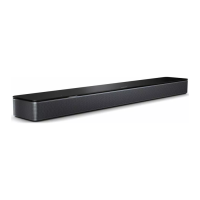
SET UP THE SOUNDBAR
CONNECT THE SOUNDBAR TO POWER
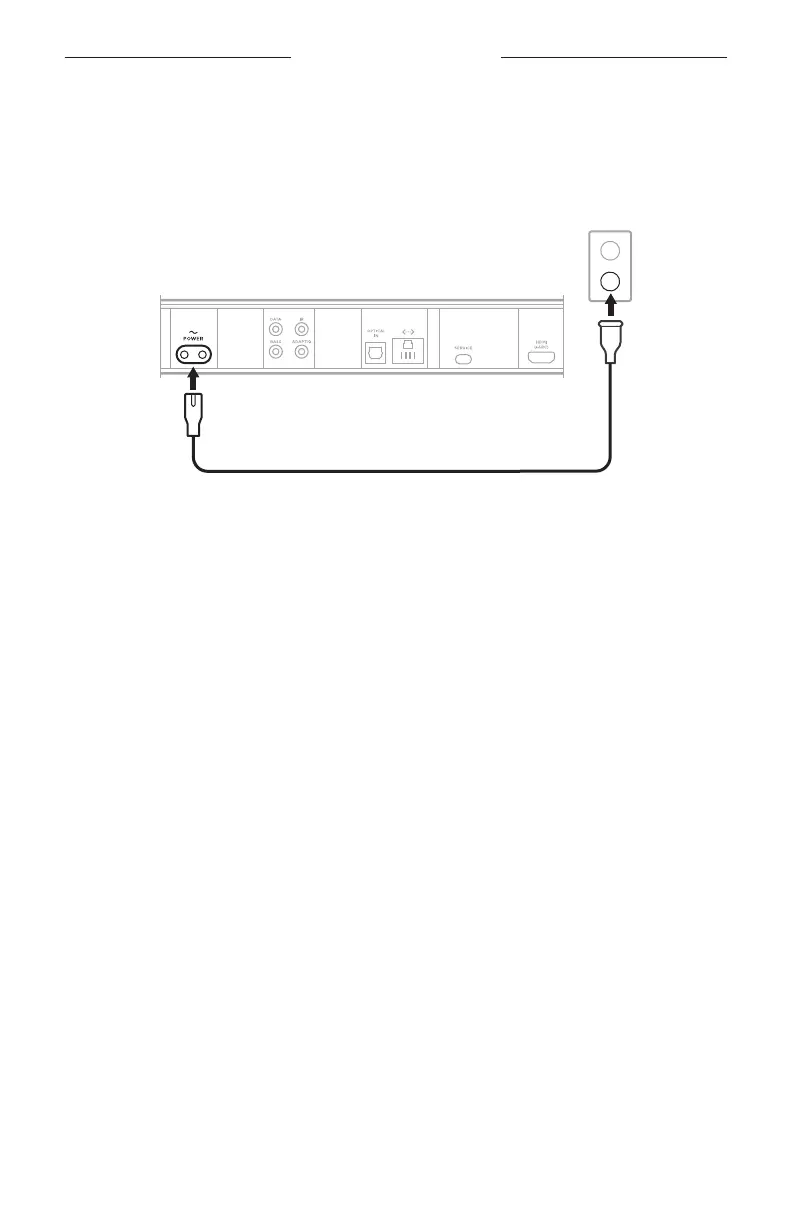
1. Connect the power cord to the b port on the back of the soundbar.
2. Plug the other end of the power cord into an AC (mains) power outlet.
The soundbar powers on, and the light bar glows solid amber.
3. Download and use the Bose app to connect the soundbar to your TV.
NETWORK STANDBY
The soundbar transitions to network standby when audio has stopped for 20 minutes.
To wake the soundbar from network standby:
• On the remote, press the Power buon I, a source buon (see page 19), or the
Play/Pause buon F (see page 17).
• Play or resume audio using your mobile device or using the Bose app.
NOTE: You can disable the standby timer using the Bose app. You can access this
option from the Seings menu.



 To Next Page