15
|
ENG
ADD THE SOUNDBAR TO AN EXISTING ACCOUNT
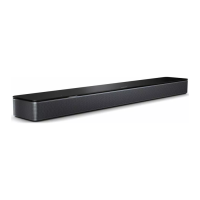
To add your Bose Ultra Soundbar, open the Bose app and add
your soundbar.
CONNECT TO A DIFFERENT WI-FI NETWORK
Connect to a dierent network if your network name or password has changed, or if
you want to change or add another network.
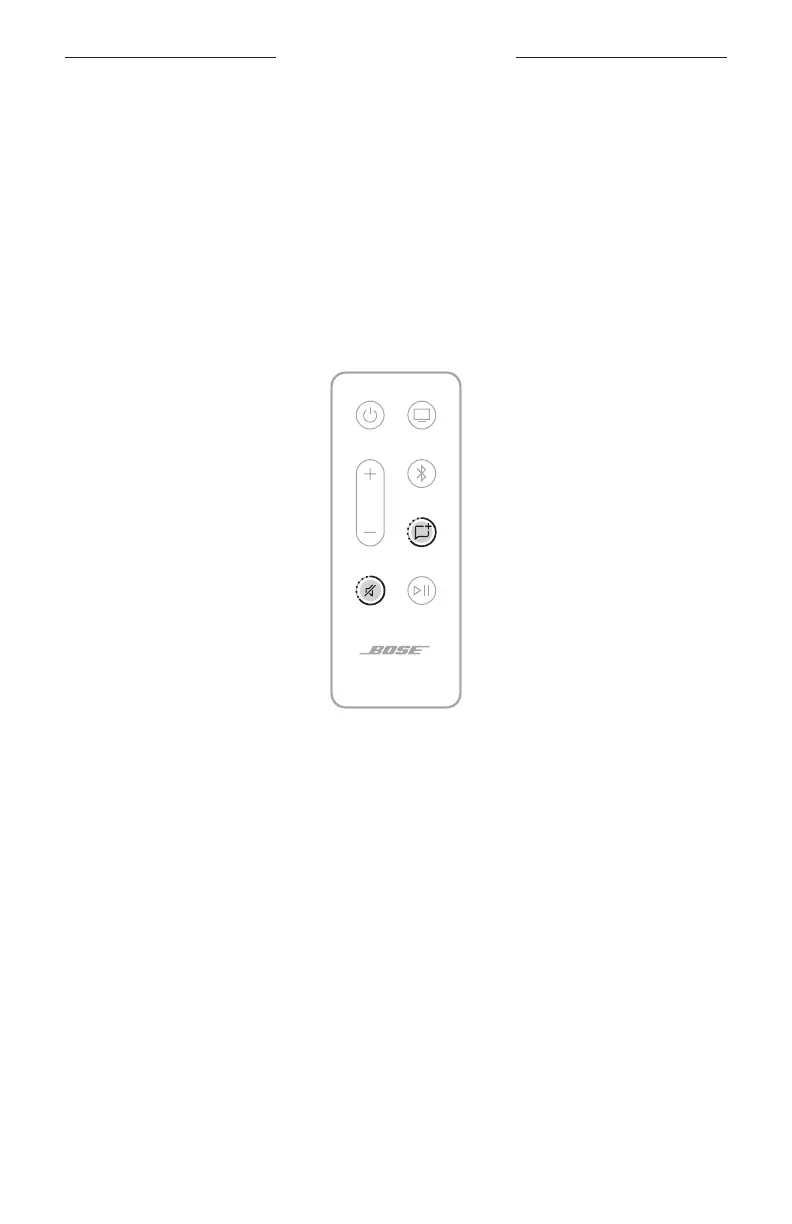
1. On the remote, press and hold the Mute buon A and AI Dialogue Mode buon
5 until the light bar glows amber.
2. On your mobile device, open your Wi-Fi seings.
3. Select Bose Ultra Soundbar.
4. Open the Bose app and follow the app instructions.
NOTE: If the app doesn’t prompt you for setup, go to the main screen and add
the soundbar.
EXISTING BOSE APP USERS



 To Next Page