34
|
ENG
CONNECT BOSE PRODUCTS
Connect using the product controls
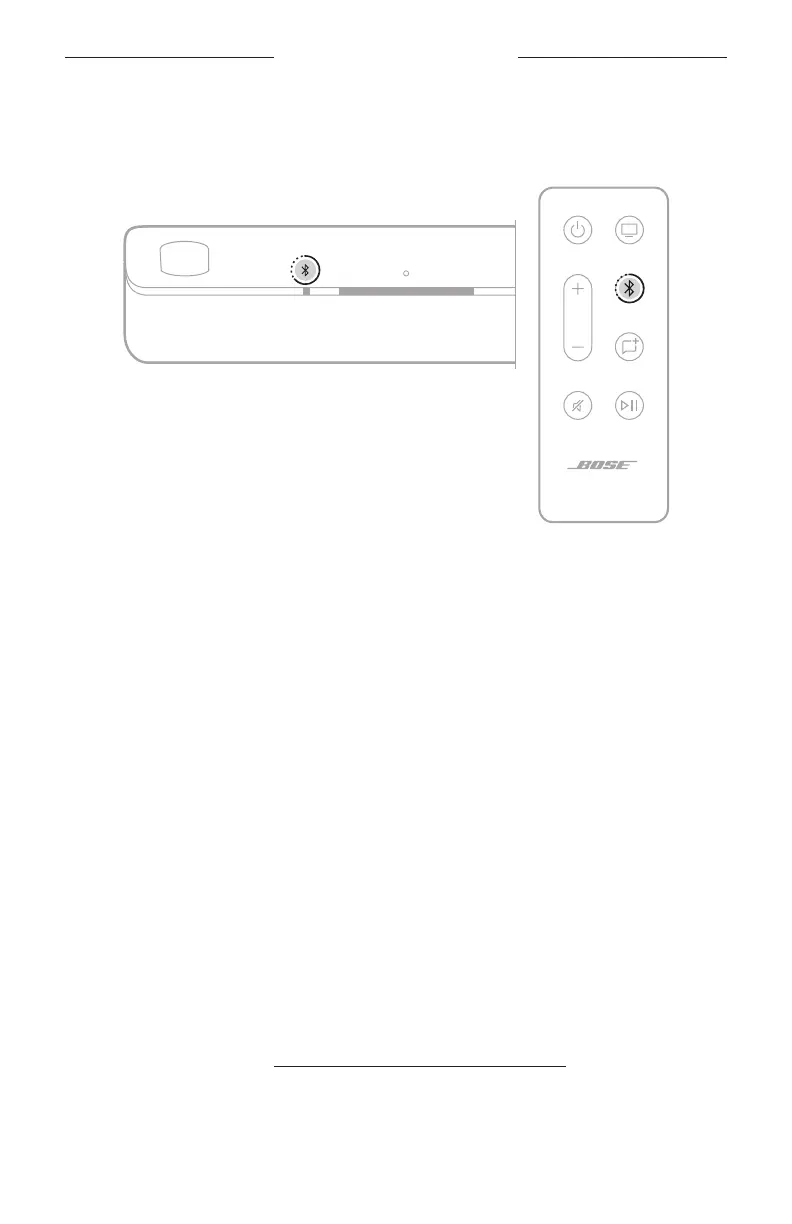
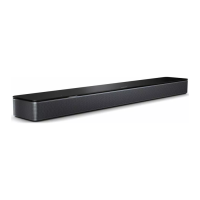
1. On the soundbar or remote, press and hold the Bluetooth buon l until the light
bar pulses blue.
2. Put your speaker or headphones in Bluetooth pairing mode. Depending on your
product, this could involve pressing and holding the Bluetooth buon or sliding
and holding the Power/Bluetooth switch to the right until the status light blinks
blue, for example.
NOTE: For specific instructions, refer to your speaker or headphones
owner’s guide.
The soundbar connects to your speaker or headphones, and you hear the same
audio through both devices.
NOTES:
• It could take up to 30 seconds to connect.
• Make sure that the product you’re connecting is powered on, within 30 ft (9 m) of
the soundbar, and ready to connect to another device. For more information, refer
to your product owner’s guide.
• You can connect only one product at a time to the soundbar.
RECONNECT A BOSE SOUNDLINK BLUETOOTH SPEAKER OR
BOSE HEADPHONES
Use the Bose app to reconnect the soundbar to a previously-connected compatible
Bose product.
For more information, visit: support.Bose.com/UltraSBCGroupingsupport.Bose.com/UltraSBCGrouping
NOTE: The soundbar must be within range (30 ft or 9 m) and powered on.



 To Next Page