20
|
ENG
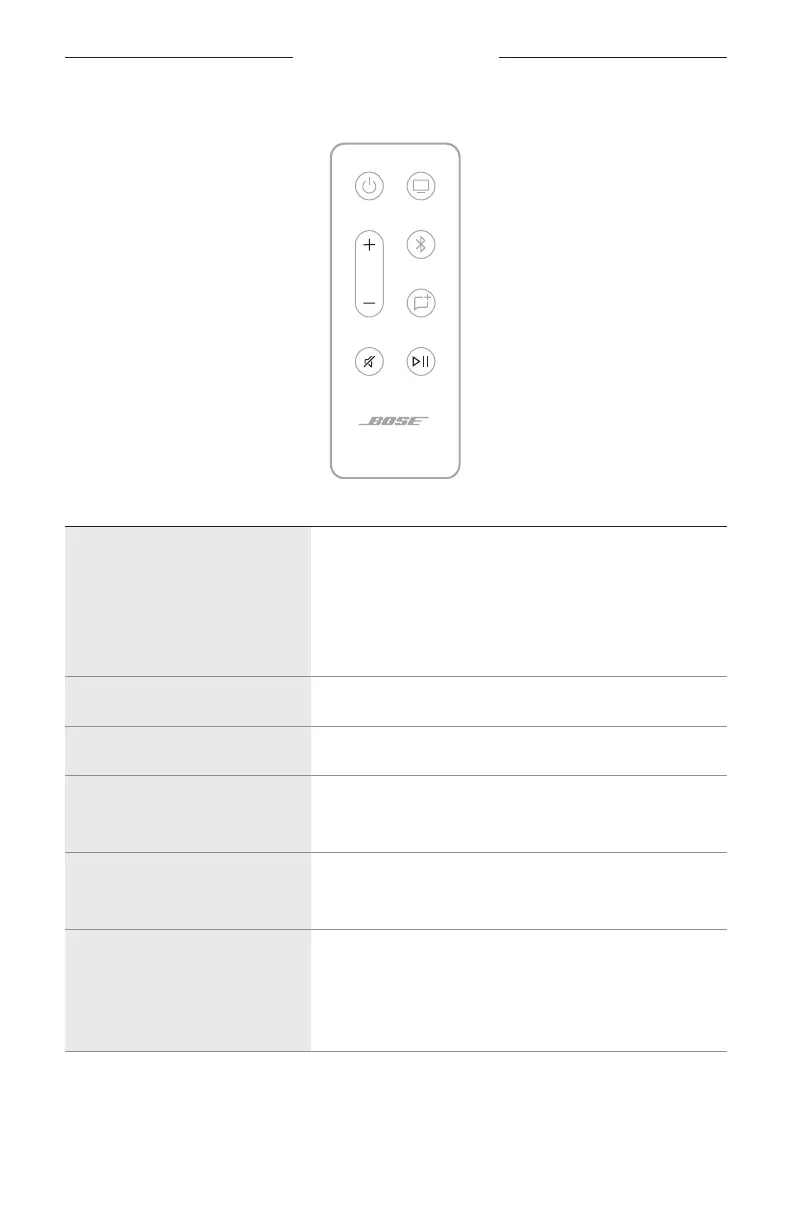
Media playback and volume
FUNCTION WHAT TO DO
Play/Pause
Press F .
NOTES:
• When audio is paused, two lights in the center of the
light bar glow solid white until audio resumes.
• You can’t play/pause audio on a TV source.
Skip forward Double-press F .
Skip backward Triple-press F .
Volume up
Press H.
NOTE: To quickly increase the volume, press and hold H.
Volume down
Press z.
NOTE: To quickly decrease the volume, press and hold z.
Mute/Unmute
Press A.
When audio is muted, the left end of the light bar glows
solid white until audio resumes.
TIP: You can also press H to unmute audio.
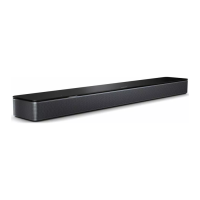
SOUNDBAR CONTROLS



 To Next Page