22
|
ENG
BOSE APP SETUP
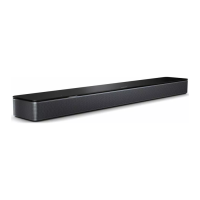
SOUNDBAR CONTROL FUNCTIONS
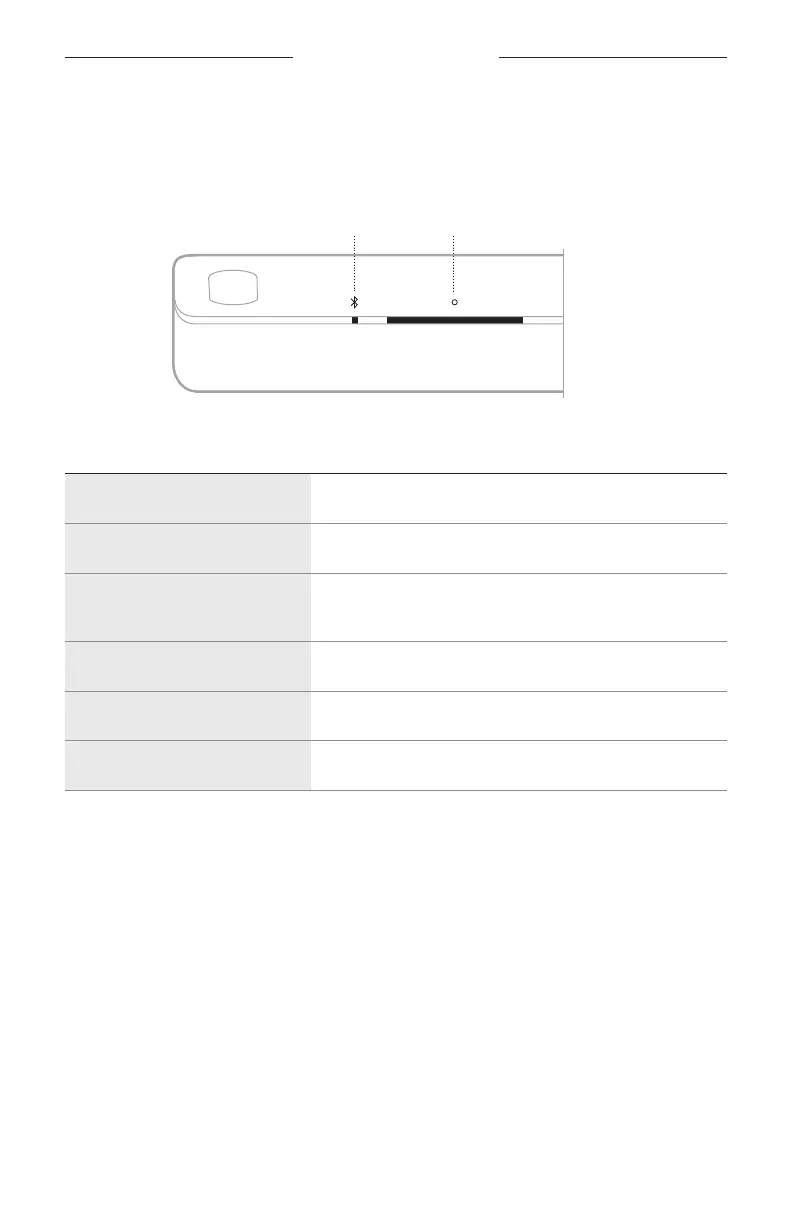
You can use the Multi-function buon b to control media playback. You use the
Bluetooth buon l to manage Bluetooth connections.
Multi-function buonBluetooth buon
FUNCTION WHAT TO DO
Select Bluetooth source Press l.
Connect a mobile device Press and hold l until the light bar pulses blue.
Clear soundbar device list
Press and hold l for 10 seconds until the light bar pulses
white twice then fades to black .
Play/Pause Press b.
Skip forward Double-press b.
Skip back Triple-press b.
ADJUST THE AUDIO
To adjust the bass, treble, center channel, height channel, and surround channels, use
the Bose app. You can access these options from the Seings menu.
SOUNDBAR CONTROLS



 To Next Page