29
|
ENG
CONNECT BOSE PRODUCTS
CONNECT ACCESSORIES OPTIONAL
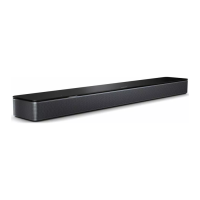
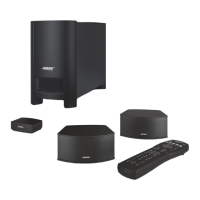
You can connect any of these accessories to your soundbar. For more information,
refer to your accessory owner’s guide.
• Bose Bass Module 700: Bose.com/BM700Bose.com/BM700
• Bose Bass Module 500: Bose.com/BM500Bose.com/BM500
• Bose Surround Speakers 700: Bose.com/SS700Bose.com/SS700
• Bose Surround Speakers: Bose.com/SSBose.com/SS
NOTES:
• The preferred option is to connect your accessory using the Bose app.
• You can connect up to two bass modules. To connect, both must be the same
model and connected wirelessly.
Connect using the Bose app (preferred)
1. Connect your accessory to power. For more information, refer to your accessory
owner’s guide.
2. In the Bose app, select your soundbar.
3. Go to the Seings menu to add your accessory.
NOTE: If the soundbar doesn’t connect with the bass module or surround speakers,
see page 42.



 To Next Page