30
|
ENG
CONNECT BOSE PRODUCTS
Connect using the remote
1. Connect your accessory to power. For more information, refer to your accessory
owner’s guide.
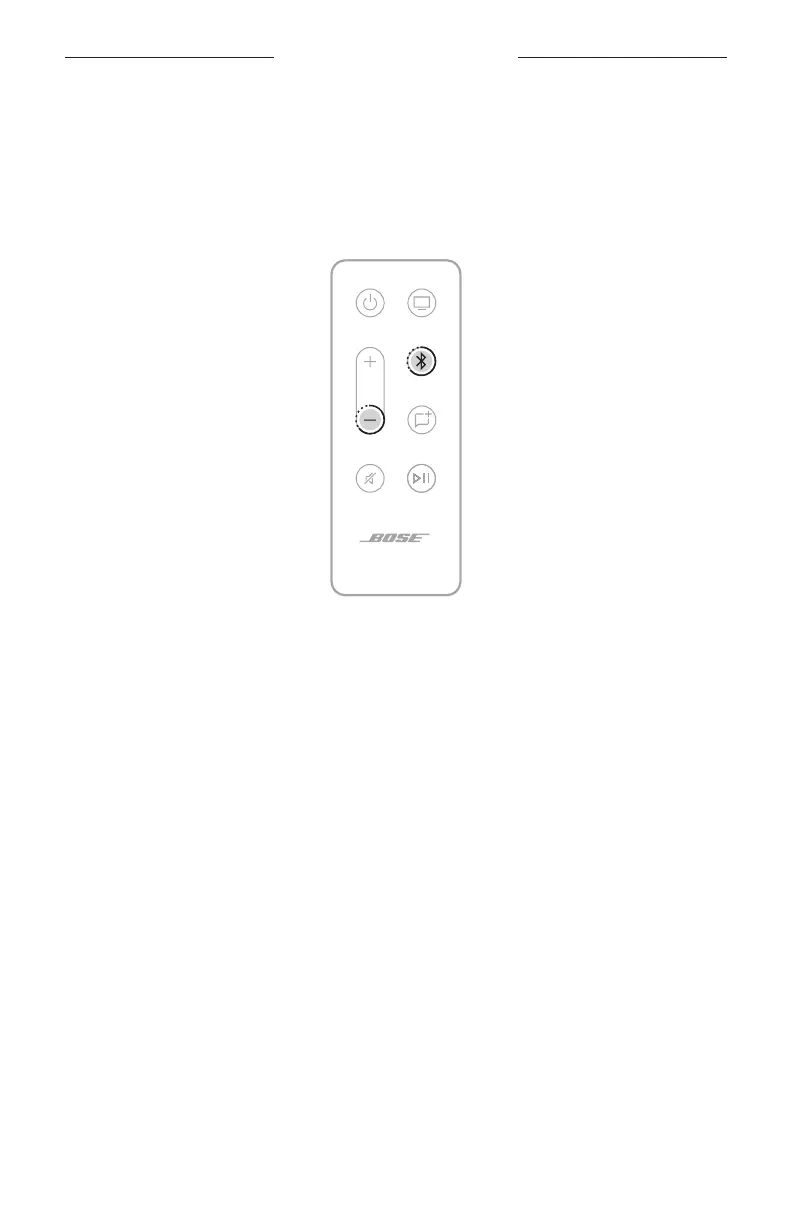
2. On the remote, press and hold the Bluetooth buon l and Volume down z
buon for 3 seconds until the light bar pulses white.
Once connected, you hear a tone from the accessory, and the light bar fades
to black.
NOTE: If the soundbar doesn’t connect with the bass module or surround speakers,
see “Soundbar doesn’t connect to bass module or surround speakers” on
page 42.



 To Next Page