18
|
ENG
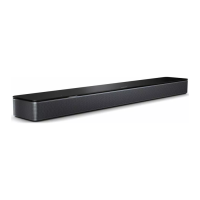
SOUNDBAR CONTROLS
Power on/off
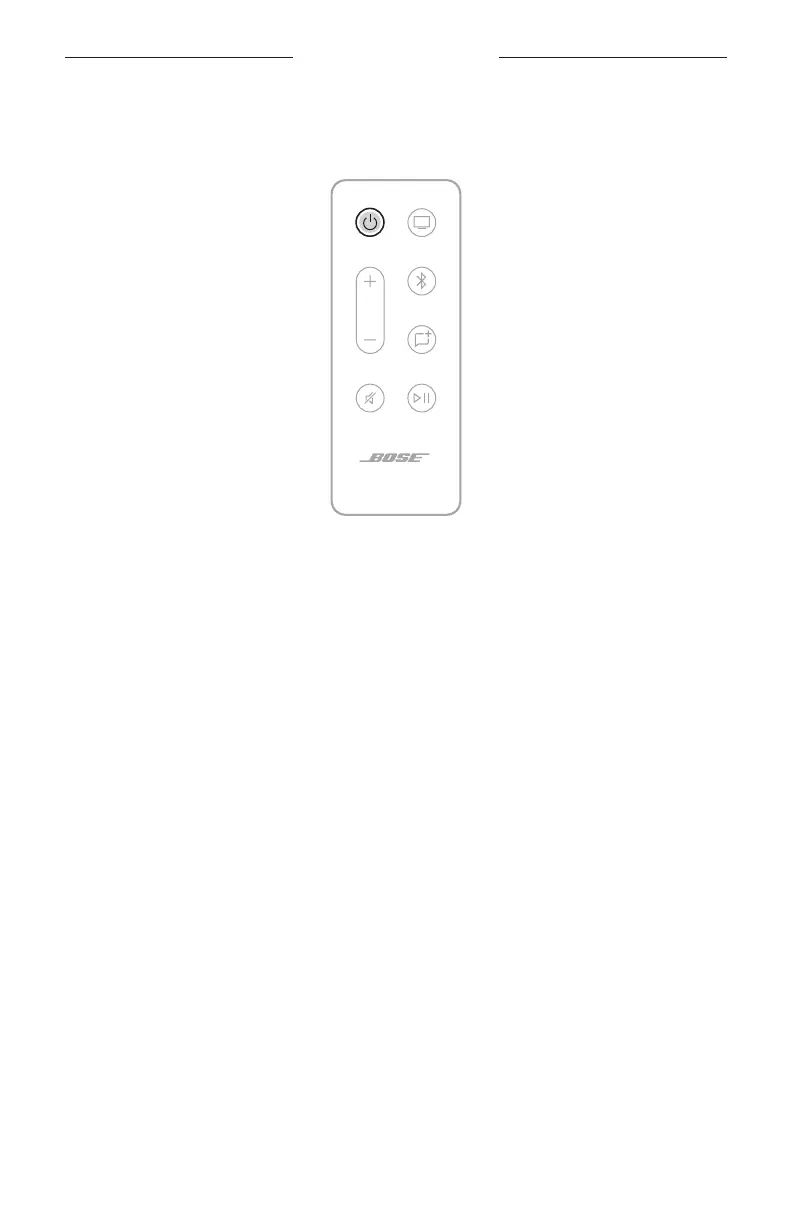
On the remote, press the Power buon I to power the soundbar on/o.
NOTE: When you plug the soundbar into an AC (mains) outlet, the soundbar
automatically powers on.
Auto-wake (optical connection only)
You can set the soundbar to power on whenever a sound signal is received.
To toggle between auto-wake and default power seings, press and hold I for 5 – 10
seconds until you hear a tone and the light bar pulses white twice.
TIP: You can also control auto-wake using the Bose app. You can access this option
from the Seings menu.



 To Next Page