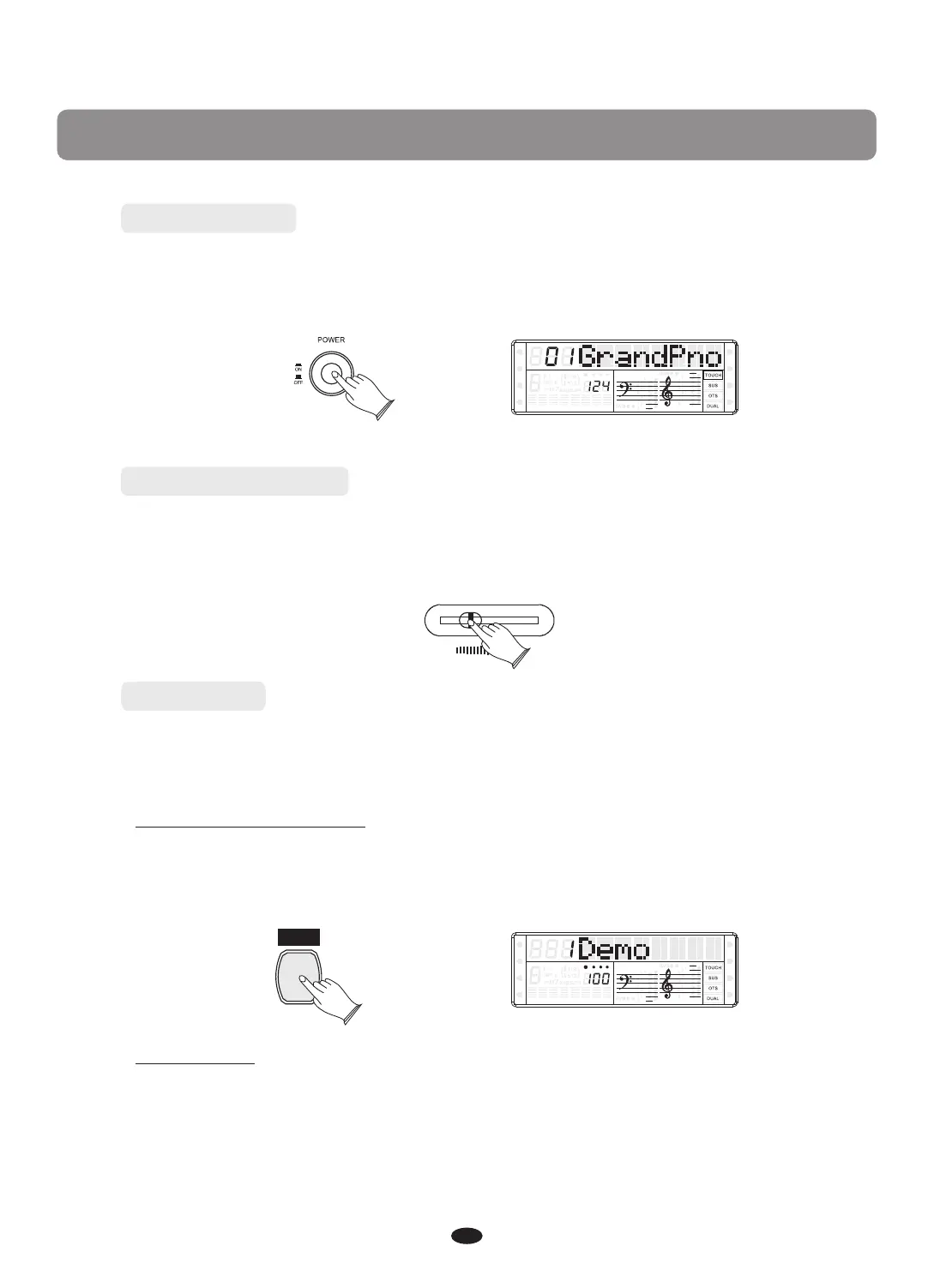
Power Switch
Adjust the Volume
Turn on the power by pressing the POWER switch before playing, the panel LCD
display will light.
Initially set the [MASTER VOLUME] at the middle between the"MIN" and
"MAX" . You can adjust the volume to accommodate your playing.
Demo Play
There are 10 demo songs that you can play individually. Here's how you can
select and play the demo songs.
Listen to the Demo Song
Press [DEMO] button to Play the demo songs in sequence. Use [+] and [-] buttons
or [DATA CONTROL] knob to select the number of the song you want to play.
7
MASTER VOLUME
MIN MAX
SPLIT
HARMONY
FULL KEYB.
TWIN
RHY1
RHY2
BASS CRD1 CRD2
PAD
PHR1 PHR2
DEMO
Stop Playing
Press [DEMO] button again to stop playing.
SPLIT
HARMONY
FULL KEYB.
TWIN
RHY1
RHY2
BASS CRD1 CRD2
PAD
PHR1 PHR2
Basic Operation


 To Next Page