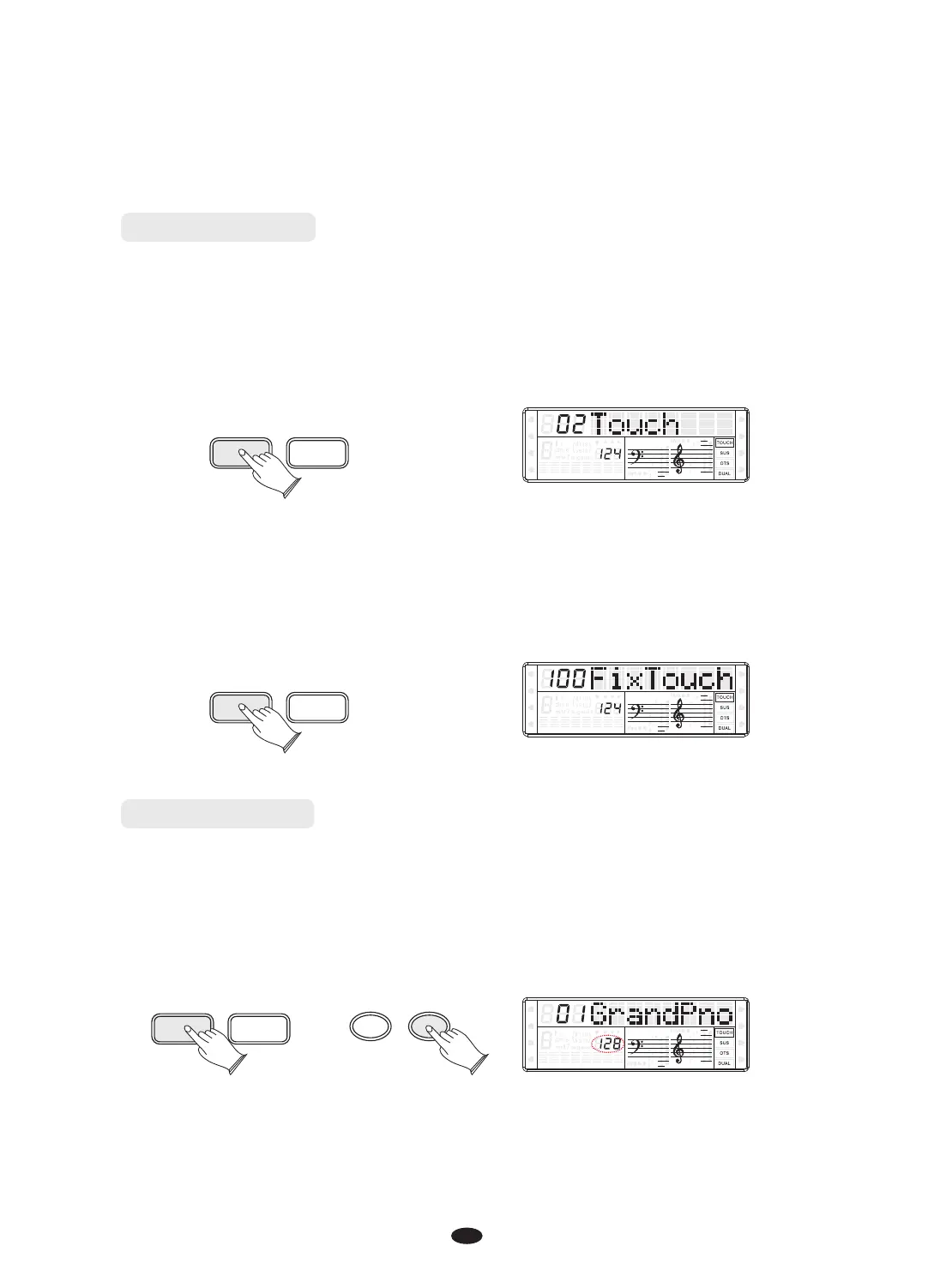
When touch is set to off, the same volume is produced no matter how strongly or
softly you play the keyboard. You can press [TOUCH] for few seconds. LCD will
show this volume value and you can adjust it by [+] or [-] button.
SPLIT
HARMONY
FULL KEYB.
TWIN
RHY1
RHY2
BASS
CRD1 CRD2
PAD
PHR1 PHR2
TOUCH K.MODE
Touch Button
The touch function provides 3 different types of keyboard touch sensitivity that
can be selected to match different playing styles.
Press the [TOUCH] button, when the cursor is lighting , use [+]and[-] button or turn
the [DATA CONTROL] knob to select the touch sensitivity type in the range of
00 to 03. Default:02 Touch.
SPLIT
HARMONY
FULL KEYB.
TWIN
RHY1
RHY2
BASS CRD1 CRD2
PAD
PHR1 PHR2
TOUCH K.MODE
Tempo Button
The tempo of style can be adjust over a range of 20~280 bmp (beats per minute).
Press the [TEMPO] button, then use the [DATA CONTROL] knob or [+] and[-] button to
increase or decrease the value.
TEMPO TOUCH
SPLIT
HARMONY
FULL KEYB.
TWIN
RHY1
RHY2
BASS
CRD1 CRD2
PAD
PHR1 PHR2
-
+
11


 To Next Page