12
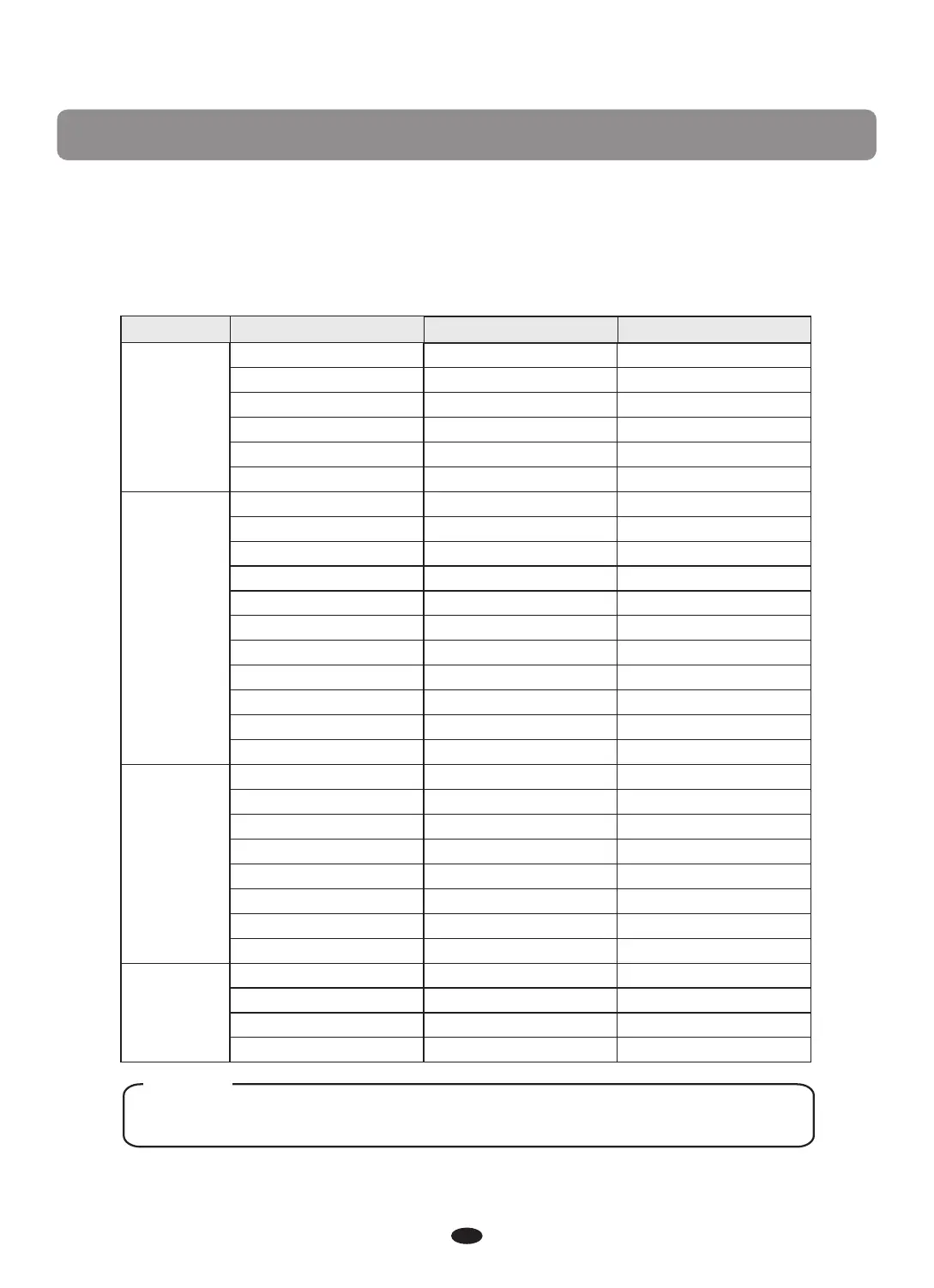
Press [FUNCTION] button to enter the menu of function.
press [FUNCTION] button repeatedly and turn the [DATA CONTROL] knob or
use [+] and [-] button select the option to be set. Press [ENTER] to set the parameter.
The option and the parameters are as the follows:
If you don't press any button for 5 seconds after entering the function menu,
it will quit this menu automatically.
Option LCD Display Range Default
Func.?
Perf.?
Effect?
Midi?
Dual?
D.Voice?
OTS?
S.Point?
C.Point?
Local?
Trans?
Tune?
M.Pan?
S.Pan?
D.Pan?
M.Oct?
S.Oct?
D.Oct?
M.Vol?
S.Vol?
D.Vol?
Reverb?
Chorus?
M.RVol?
S.RVol?
D.RVol?
M.CVol?
S.CVol?
D.CVol?
MidIn(01?~16?)
MidMain?
MidLeft?
MidDual?
on~off
01~137
on~off
00~87
00~87
on~off
-12~12
-64~63
-64~63
-64~63
-64~63
-2~2
-2~2
-2~2
00~127
00~127
00~127
00~08
00~08
00~63
00~63
00~63
00~63
00~63
00~63
on~off
01~16,off
01~16,off
01~16,off
off
49
off
34
34
on
00
00
00
00
00
0
0
0
127
127
75
05
00
18
18
18
18
18
18
on
01
02
03
NOTE
Function


 To Next Page