26
CHORD
SYNCHRO
Synchro Button
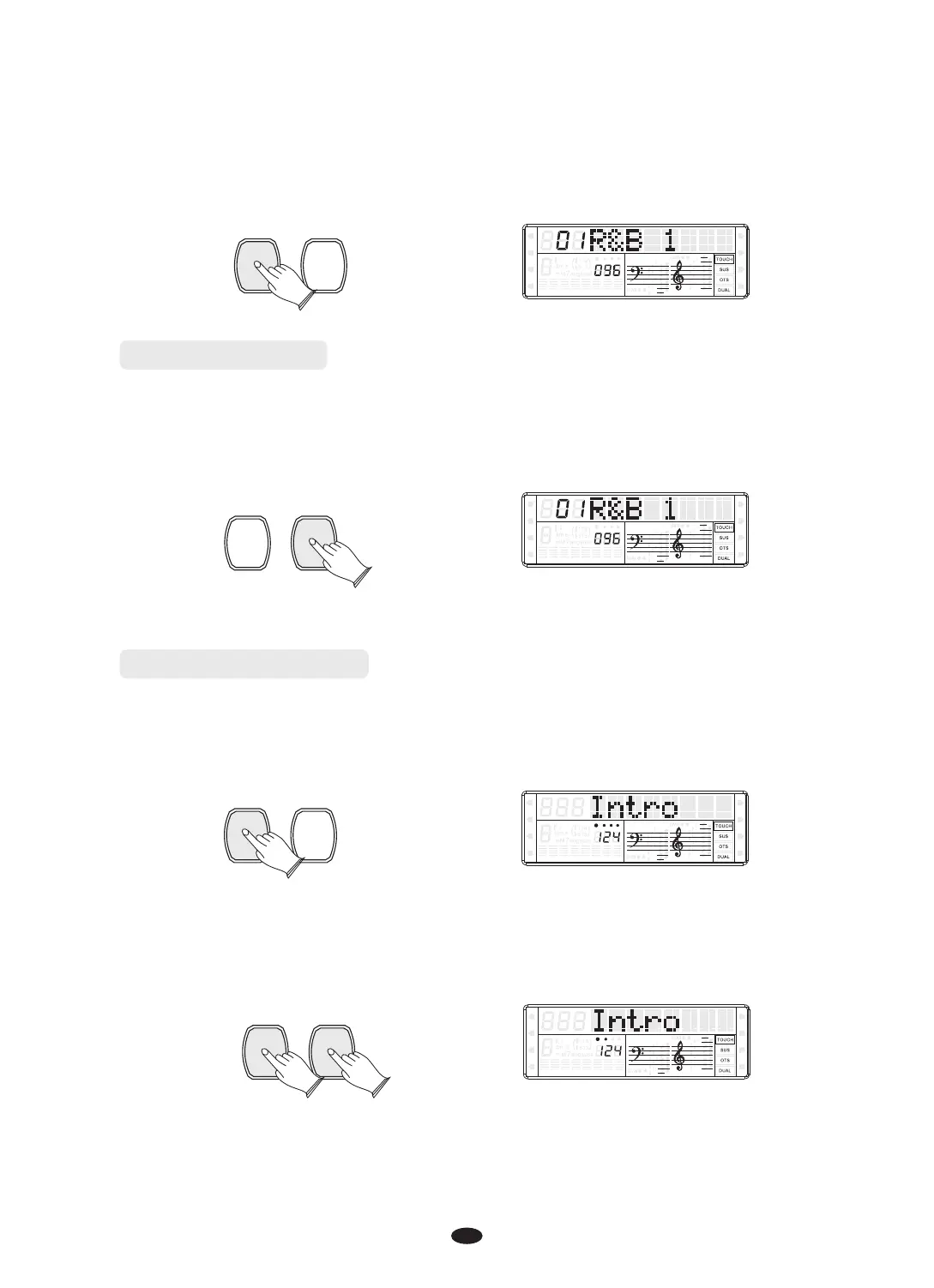
Press the [SYNCHRO] button to enter the sync start waiting mode, then the
accompaniment will start when you play the first chord on the Auto Accompaniment
section of the keyboard.
CHORD
SYNCHRO
Intro/Ending Button
Any of your instrument accompaniment patterns can be started with an appropriate
introduction by pressing the [INTRO/ENDING] button directly.
SPLIT
HARMONY
FULL KEYB.
TWIN
RHY1
RHY2
BASS CRD1 CRD2
PAD
PHR1 PHR2
INTRO/
ENDING
START/
STOP
SPLIT
HARMONY
FULL KEYB.
TWIN
RHY1
RHY2
BASS
CRD1 CRD2
PAD
PHR1 PHR2
If you press the [SYNCHRO] button and then press the [INTRO/ENDING] button, the
accompaniment will start from the introduction as soon as a chord is detected in
the Auto Accompaniment section of the keyboard.
SYNCHRO
INTRO/
ENDING
Press the [INTRO/ENDING] button again, the style stops after the ending section
is finished.
SPLIT
HARMONY
FULL KEYB.
TWIN
RHY1
RHY2
BASS
CRD1 CRD2
PAD
PHR1 PHR2
SPLIT
HARMONY
FULL KEYB.
TWIN
RHY1
RHY2
BASS
CRD1 CRD2
PAD
PHR1 PHR2


 To Next Page