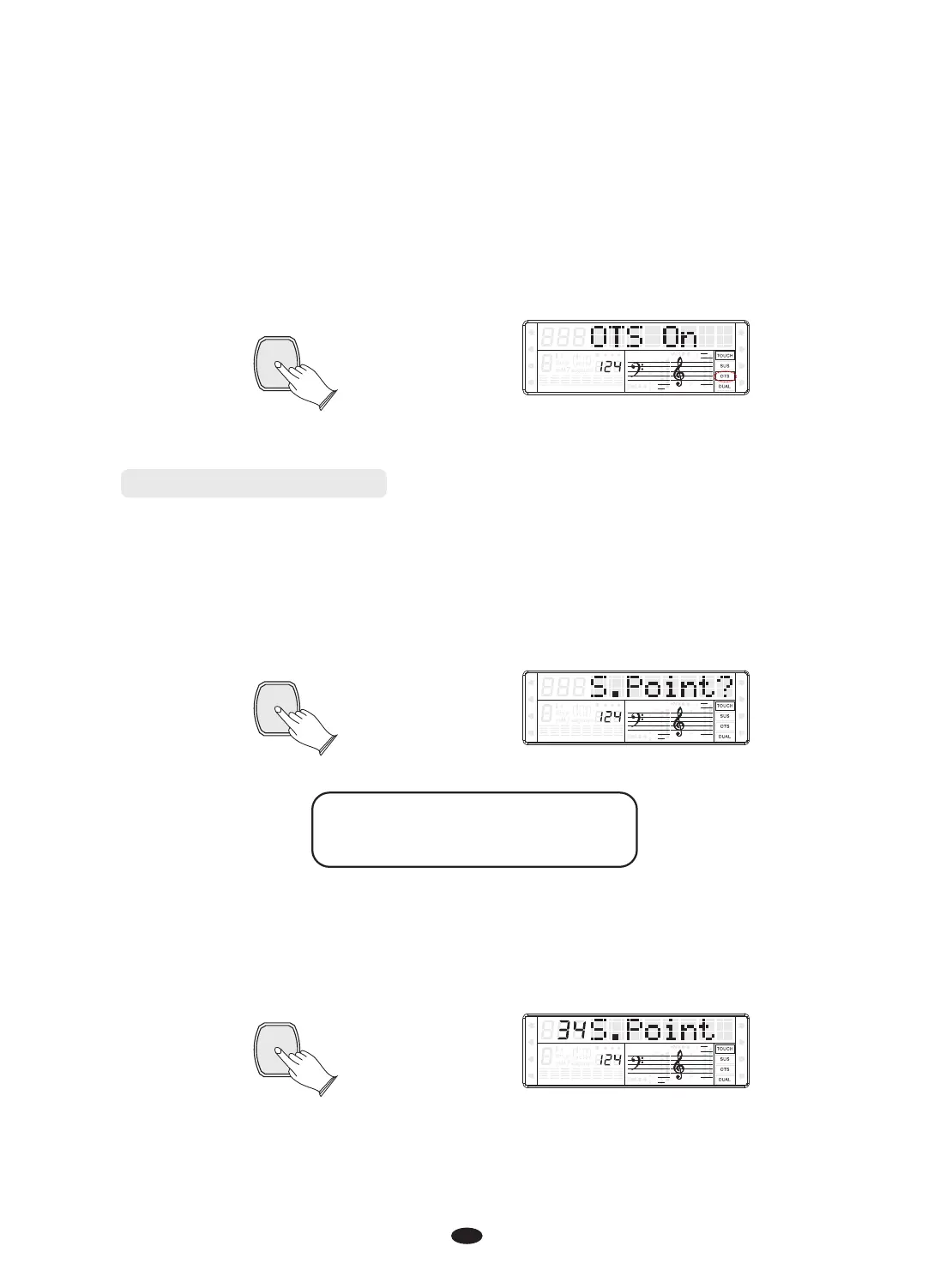
Press [ENTER] button to again, use [+] and [-] buttons or [DATA CONTROL] knob
to select“OTS On”or“OTS Off”. When set“OTS On”, the“OTS” signal
lightened simultaneously
SPLIT
HARMONY
FULL KEYB.
TWIN
RHY1
RHY2
BASS
CRD1 CRD2
PAD
PHR1 PHR2
ENTER
Split and Chord Point
In this section, you can set the split or chord point when your keyboard is in Split
or Chord mode.
In“Func.?”function function, press [ENTER] button to confirm, use [+] and [-]
buttons or [DATA CONTROL] knob to select“S. Point?”or“C. Point?”.
SPLIT
HARMONY
FULL KEYB.
TWIN
RHY1
RHY2
BASS CRD1 CRD2
PAD
PHR1 PHR2
S. Point?------Split Point
C. Point?------Chord Point
ENTER
ENTER
Press [ENTER] button to confirm, and use [+] and [-] buttons or [DATA CONTROL]
knob to set the Point. Range:00~87.
SPLIT
HARMONY
FULL KEYB.
TWIN
RHY1
RHY2
BASS CRD1 CRD2
PAD
PHR1 PHR2
15


 To Next Page