9
Sustain Mode
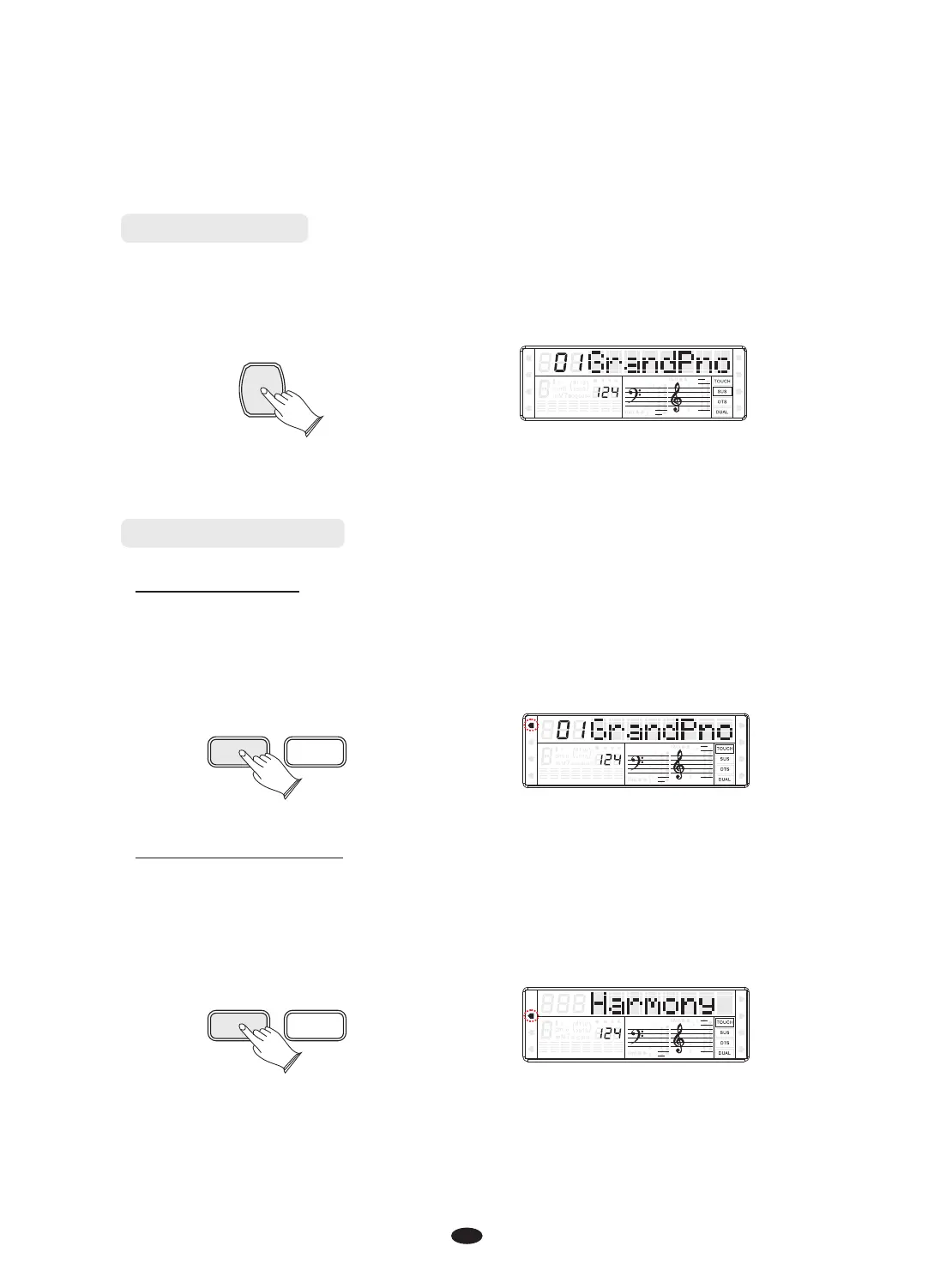
Press [SUSTAIN] button, the button will light. It can be used as a damper pedal.
Turning sustain on to sustain notes after the keys are released.
Press [SUSTAIN] button again to turn sustain off.
SUSTAIN
SPLIT
HARMONY
FULL KEYB.
TWIN
RHY1
RHY2
BASS CRD1 CRD2
PAD
PHR1 PHR2
[K.MODE] Mode
Press [K.MODE] button repeatedly to select split mode, the Split cursor is flashing.
Your keyboard will be split into two sections which means different voices can be
played with the left and right hands at the same time.
K.MODE METRONOME
SPLIT
HARMONY
FULL KEYB.
TWIN
RHY1
RHY2
BASS
CRD1 CRD2
PAD
PHR1 PHR2
Select Harmony Mode
Press [K.MODE] button repeatedly again to select Harmony mode, the Harmony
cursor on the display.
The Harmony is derived from the chords you have played if you use Automatic
Accompaniment or turn on the Chord function.
K.MODE METRONOME
SPLIT
HARMONY
FULL KEYB.
TWIN
RHY1
RHY2
BASS
CRD1 CRD2
PAD
PHR1 PHR2
Select Split Mode



 To Next Page