28
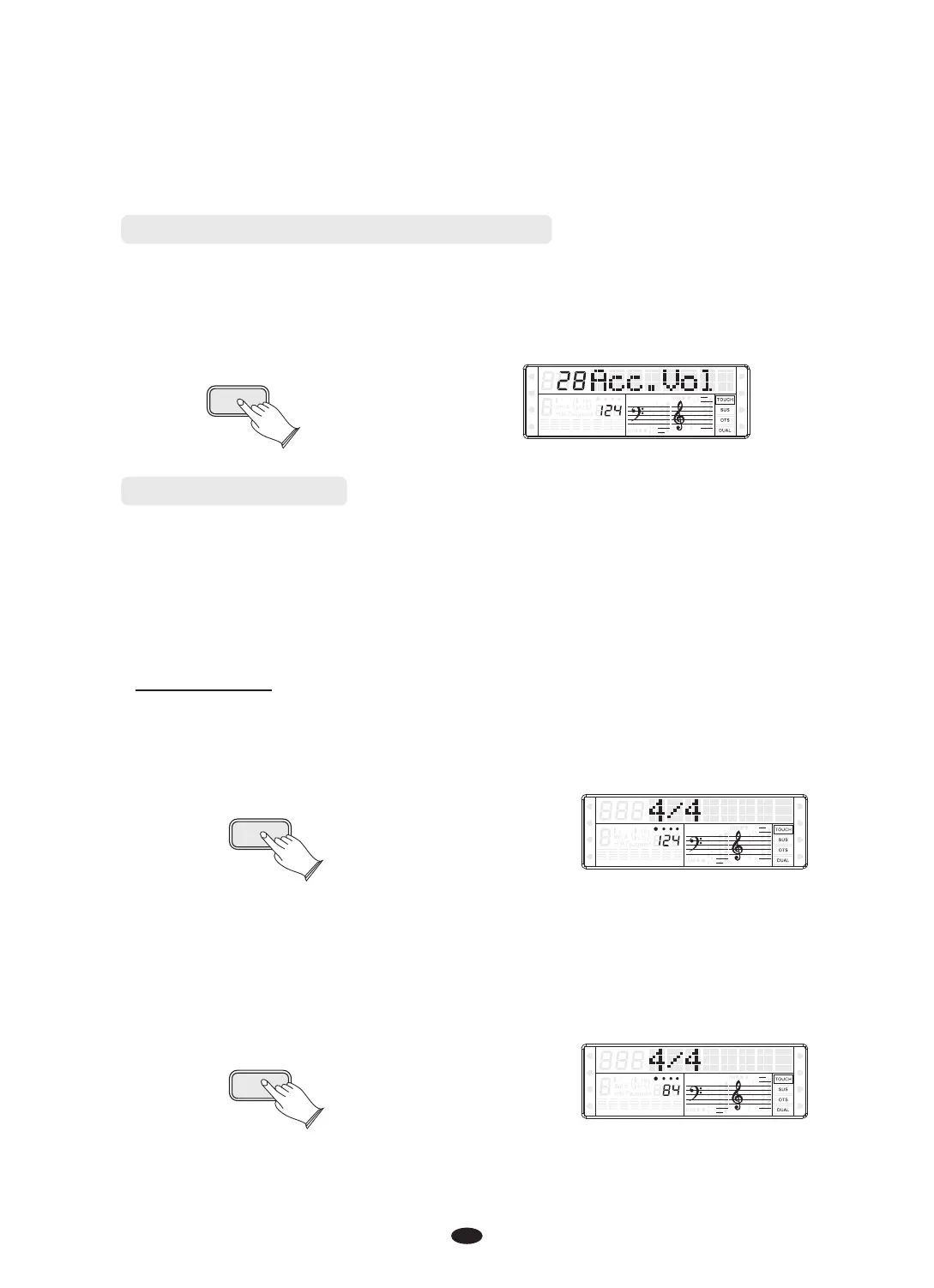
Adjusting the Accompaniment Volume
The volume of the auto accompaniment can be adjusted in the range of 00~31.
Press [ACC.VOL] button, then use the [DATA CONTROL] knob or use [+]and[-] button
to increase or decrease the value.
ACC.VOL
SPLIT
HARMONY
FULL KEYB.
TWIN
RHY1
RHY2
BASS
CRD1 CRD2
PAD
PHR1 PHR2
Metronome Button
Metronome is a convenient feature for practice, and it can also provide a solid
rhythmic guide when recording.
The metronome sound is alternately turned on and turned off by pressing
[METRONOME] button.
Time signature
Time signature: 2/2, 1/4, 2/4, 3/4, 4/4,5/4, 6/4, 3/8, 6/8, 7/8, 9/8, 12/8. Default: 4/4 .
Press [METRONOME] button, the time signature appears in the display, then use the
[DATA CONTROL] knob or [+]and[-] button to select it.
METRONOME
SPLIT
HARMONY
FULL KEYB.
TWIN
RHY1
RHY2
BASS
CRD1 CRD2
PAD
PHR1 PHR2
Adjusting Metronome Tempo
Press the [TEMPO] button, then use dial or [+]\and[-] button to increase or
decrease the value.
TEMPO
SPLIT
HARMONY
FULL KEYB.
TWIN
RHY1
RHY2
BASS CRD1 CRD2
PAD
PHR1 PHR2


 To Next Page