21
Chorus
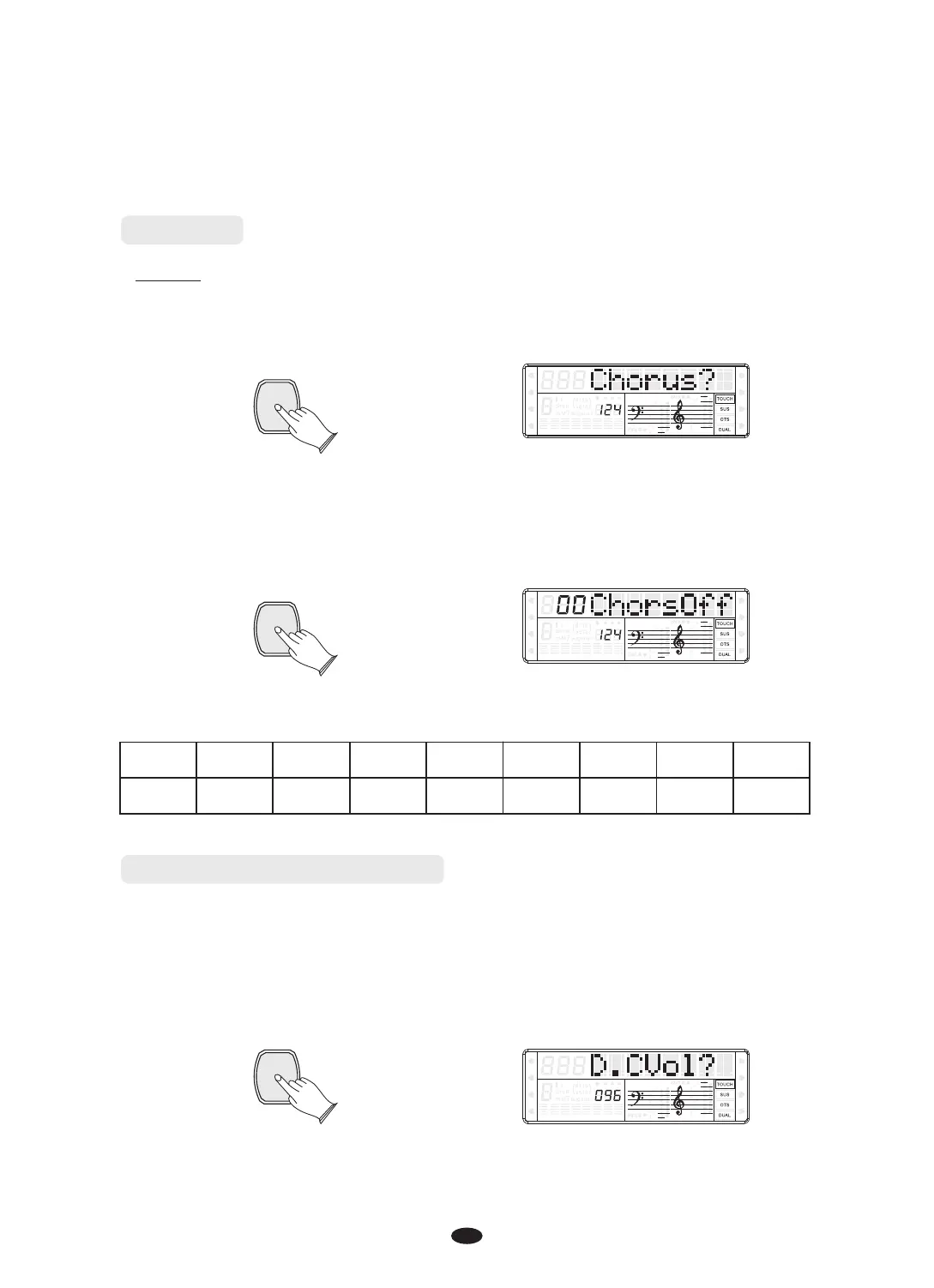
In“Effects?”function, press [ENTER] button, use [+] and [-] buttons or
[DATA CONTROL] knob to select “Chorus?”.
ENTER
SPLIT
HARMONY
FULL KEYB.
TWIN
RHY1
RHY2
BASS CRD1 CRD2
PAD
PHR1 PHR2
Press [ENTER] button to confirm, and use [+] and [-] buttons or [DATA CONTROL]
knob to select Chorus type.
“ ”No Chorus is produced when you select 00 ChorsOff . Default type: Off
SPLIT
HARMONY
FULL KEYB.
TWIN
RHY1
RHY2
BASS
CRD1 CRD2
PAD
PHR1 PHR2
Reverb and Chorus Depth
In this function you can adjust the Reverb and Chorus depth for the selected voice.
In“Effects?”function, press [ENTER] button, use [+] and [-] buttons or
[DATA CONTROL] knob to select “ M.RVol?”, “S.RVol?”, “D. Rvol?”,
“ M. CVol?”,“ S. CVol?”,“ D. CVol?”。
SPLIT
HARMONY
FULL KEYB.
TWIN
RHY1
RHY2
BASS CRD1 CRD2
PAD
PHR1 PHR2
Chorus
ENTER
The chorus types in the list below can be selected from the chorus display.
ENTER
Chorus1 Chorus2 Chorus3 Chorus4 Feedback Flanger ShtDelay ShrtDlfb
1 2 3 4 5 6 7 8
0
OFF


 To Next Page