24
Your instrument has 100 accompaniment styles which can be used to provide
Fully-orchestrated Auto Accompaniment. When the Auto Accompaniment
function is turned ON, this instrument creates fully-orchestrated rhythm, bass
and chord accompaniment based on chords you play with the left hand in the
Auto Accompaniment section of the keyboard(i.e. all keys to the left of the Auto
Accompaniment split point). The right-hand section of the keyboard is available
for normal playing.
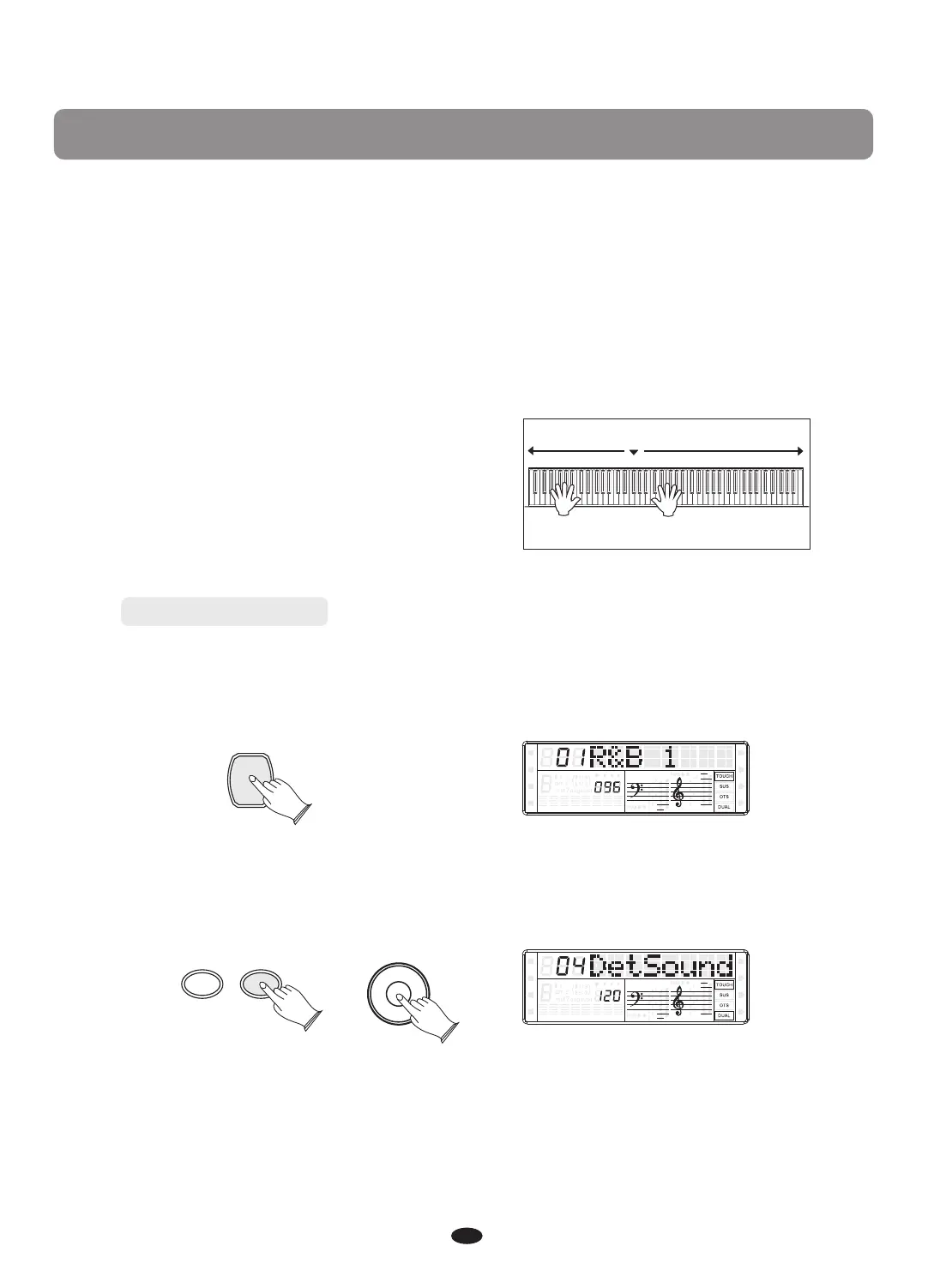
The default Auto Accompaniment split
#
point is the F2 key. The Auto
Accompaniment section of the keyboard
Consists of all keys to its left .
Auto Accompaniment
Normal
Left hand fingering
specifies the auto
accompaniment chords.
The right hand plays normally
Auto Accompaniment
Selecting a Style
Press [VOICE/STYLE] button, the button is light, the Style mode is selected and
the current Style number and the name will display on the LCD Display section.
VOICE/STYLE
Use [+] and [-] button or [DATA CONTROL] knob to select the desired Style.
-
+
DATA CONTROL
SPLIT
HARMONY
FULL KEYB.
TWIN
RHY1
RHY2
BASS
CRD1 CRD2
PAD
PHR1 PHR2
SPLIT
HARMONY
FULL KEYB.
TWIN
RHY1
RHY2
BASS
CRD1 CRD2
PAD
PHR1 PHR2
Auto Accompaniment


 To Next Page