30
Your instrument allows you to record and playback song including chord sequences
created using the Auto Accompaniment feature and melody like you play on the
keyboard.
Record
Accompaniment Track Record
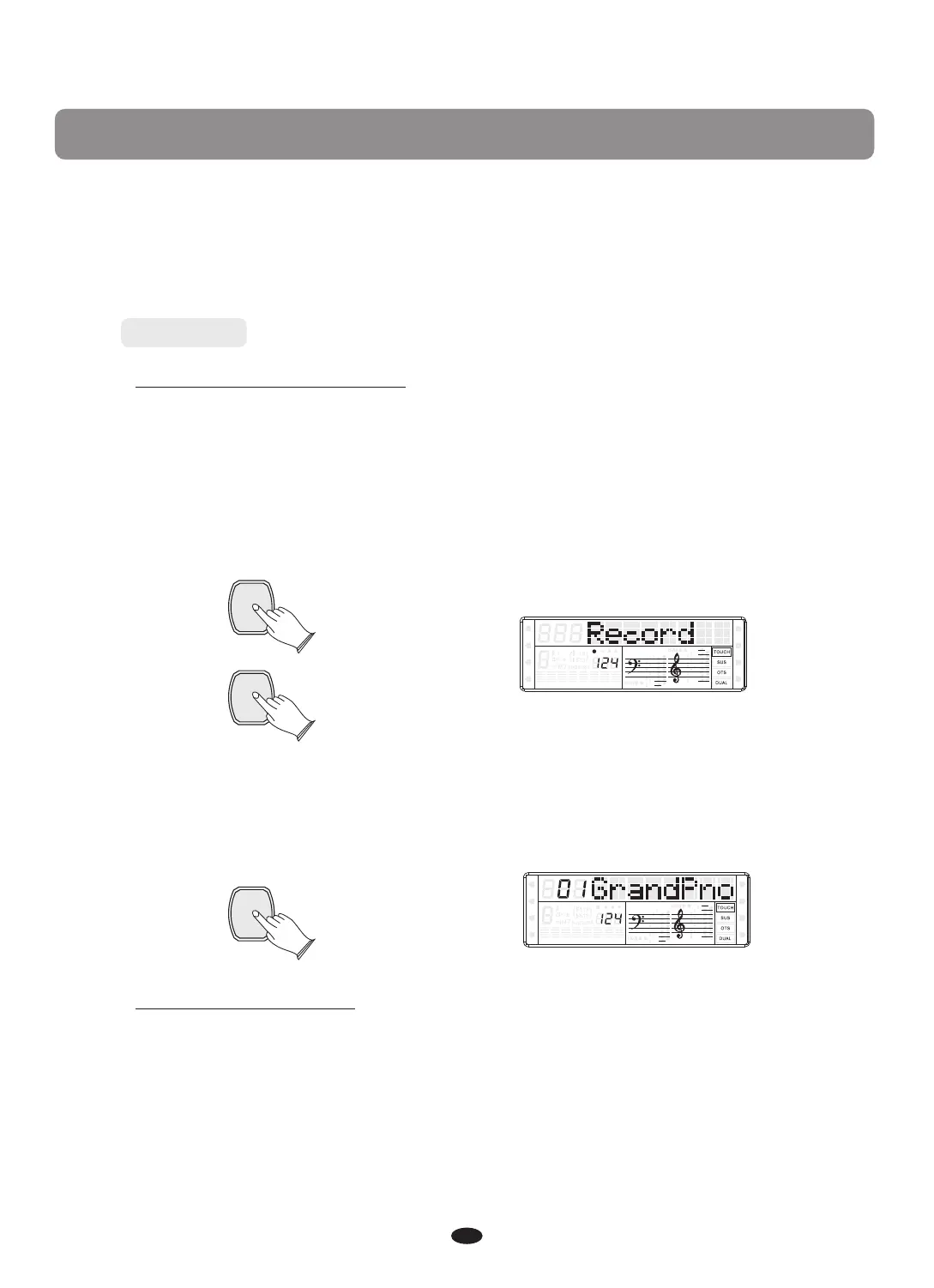
Hold down the [RECORD] button, and then press [ACCOMP.] button to enter
accompaniment track record mode, the [CHORD] function is turned on automatically,
the [RECORD] button is light, and [ACCOMP.] Button is flash. Then select a style
you want, and adjust it's tempo.
Press a key or a chord on the left hand section on the keyboard to start the recording.
RECORD
ACCOMP.
SPLIT
HARMONY
FULL KEYB.
TWIN
RHY1
RHY2
BASS
CRD1 CRD2
PAD
PHR1 PHR2
Press [RECORD] button again to stop recording, you also can press [INTR/ENDING]
button to end the recording too.
RECORD
SPLIT
HARMONY
FULL KEYB.
TWIN
RHY1
RHY2
BASS
CRD1 CRD2
PAD
PHR1 PHR2
Melody Track Recording
Hold down the [RECORD] button, and then press [MELODY 1] or [MELODY 2]
button, the correspond track button flashes to indicate ready to record. You can start
recording simply by playing the keyboard (or by pressing the [PLAY] button).
Recording


 To Next Page