10
Select Twin Mode
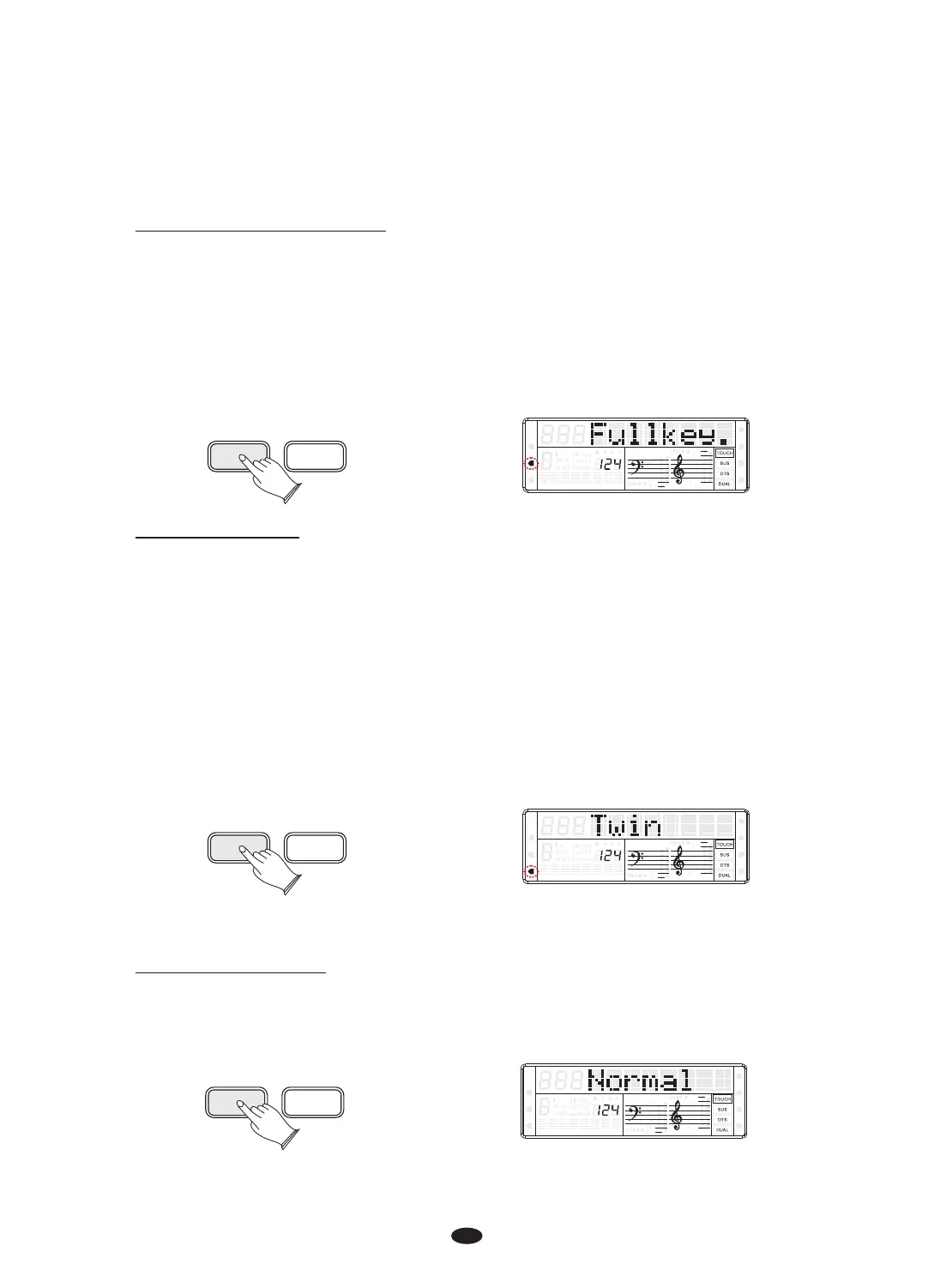
Press [K.MODE] button repeatedly again to select TWIN mode. In this mode, the
keyboard will be separated into two playing areas.
Right: from C#3 to C7 Left: from A-1 to C3
This will be very helpful when the instrument is used by two players at the same
time (example: Teacher and Student) and they will be able to play the same piano
sound in the same octave.
While the TWIN feature is selected using the optional 3 lever pedal, the pedals
automatically switch in a different configuration where there are 2 Sustain pedals,
one for the left and one for the right part of the keyboard.
K.MODE METRONOME
SPLIT
HARMONY
FULL KEYB.
TWIN
RHY1
RHY2
BASS CRD1 CRD2
PAD
PHR1 PHR2
Select Normal Mode
Press [K.MODE] button repeatedly again to select Normal mode, the LCD display
“Normal” means your keyboard is in Normal playing mode.
K.MODE METRONOME
SPLIT
HARMONY
FULL KEYB.
TWIN
RHY1
RHY2
BASS CRD1 CRD2
PAD
PHR1 PHR2
Select Full Keyboard Mode
Press [K.MODE] button again to select Full Keyboard mode, the Full Keyboard
cursor on the display.
This feature allows you to play automatic chords in the full length of the keyboard.
Press the button and dedicated arrow will indicate it on the display.
When in full keyboard the chords played by the Auto Accompaniment System will
not be displayed on the screen.
K.MODE METRONOME
SPLIT
HARMONY
FULL KEYB.
TWIN
RHY1
RHY2
BASS
CRD1 CRD2
PAD
PHR1 PHR2


 To Next Page