33
64
65
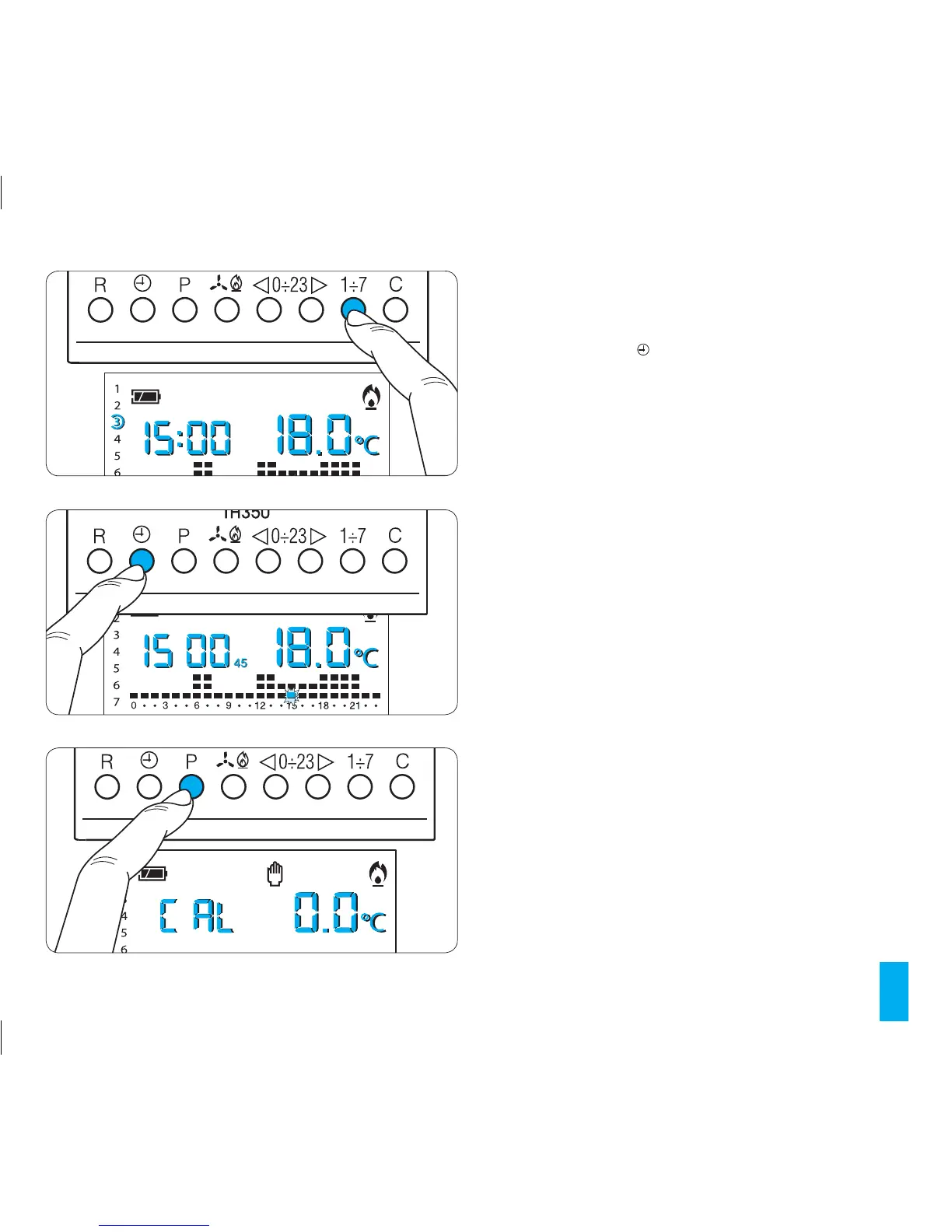
14.3- Press buttons 1÷7 (fig. 64).
The display will show the value of the temperature set for the
indicated time on the various days of the week.
14.4- Press button (fig. 65) once, twice or three times
within 10 seconds to set a delay time of 15, 30 or 45 min-
utes and press it again to cancel the setting.
For example, if a comfortable temperature is required for
7:00, the system can be set to start at 6:30.
In this case, set the comfortable temperature for 6:00
with a delay of 30 minutes.
The TH350 will activate at 6:30, maintaining until that
time the temperature set at 5:00.
The indication for the inserted delay is shown in auto-
matic mode during the hour in which the delay has been
programmed.
The delay can be programmed for several different hours
during the same day.
The delay can also be applied to the remaining days of
the week by means of the 1÷7 buttons.
These settings are saved to permanent memory (see
chapter 21, Reset).
66



 To Next Page