36
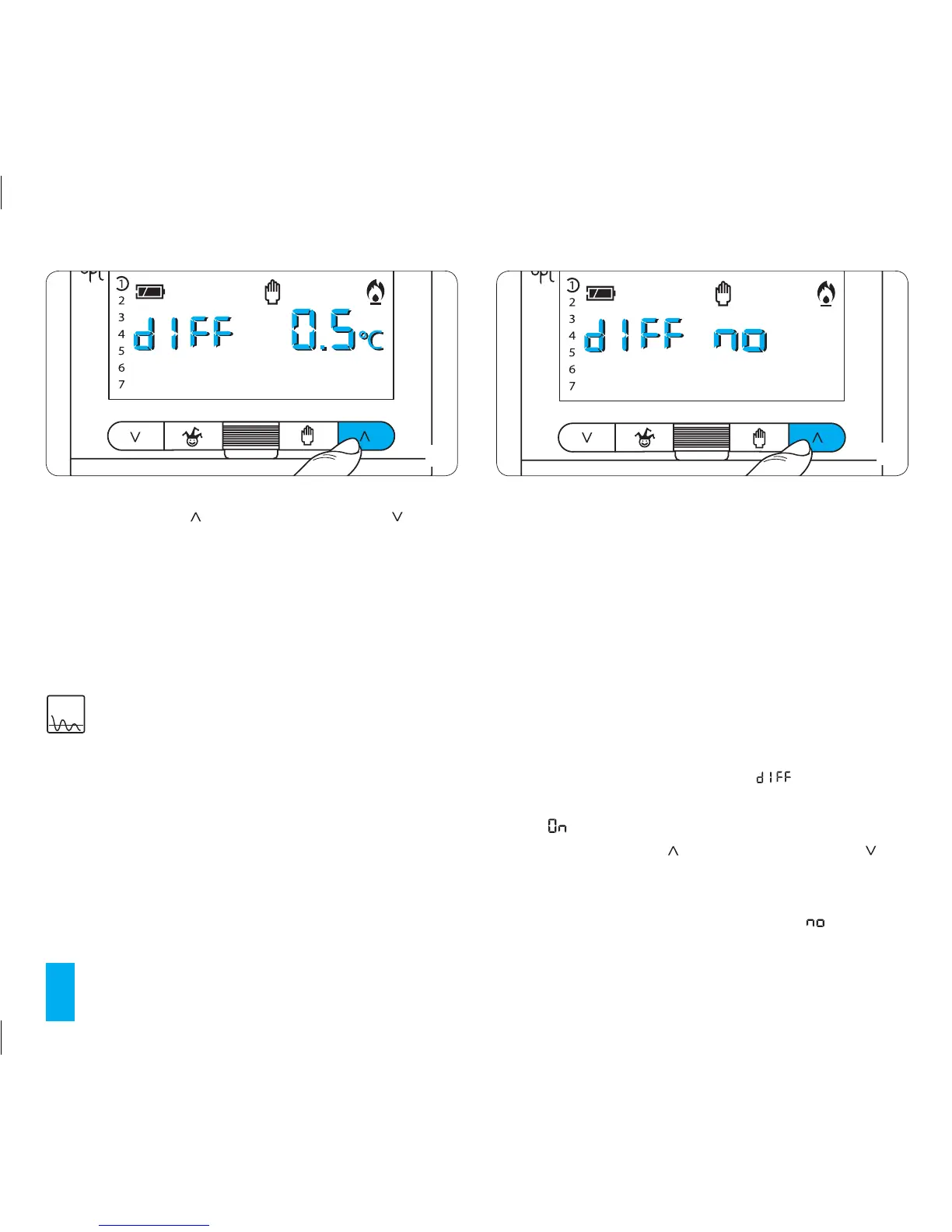
17.4- Press button (forward) or (backwards) (fig. 72)
to modify this value as desired.
During operation, setting the differential to 0°C provides
compliance with a minimum start-up/shutdown time of
one minute, regardless of the measured room tempera-
ture.
17.5- Press button P to exit programming.
18 PROPORTIONALINTEGRAL
PROGRAMMING
This type of adjustment allows the programmable ther-
mostat to reduce system running times as the room tem-
perature approaches the set temperature, thus substan-
tially reducing consumption while maintaining excellent
comfort. It is possible to select from among three preset
programmes depending on the type of system to control
(P1, P2 e P3). Alternatively programme P4, which is com-
pletely manual, can also be selected (Table 1 on page 39).
Integral proportional adjustment has the advantage of
permitting the management of a wider variety of systems
with respect to the setting of the thermal differential. It
is especially suitable for underfloor and radiant systems.
The difference between the set temperature and the
ambient temperature is just a few tenths of a degree. This
allows for more precise adjustment.
Proportional/integral programme selection (refer to table 1)
18.1- Make sure that the unit is in MANUAL operating mode.
18.2- Press button P three times (fig. 70).
On the display, in place of the hour, will be displayed
and, in place of the indication for the temperature, there will
appear .
18.3 - Pressing buttons (forward) or (backwards) (fig.
72) causes the integrated proportional control system to
be selected.
On the display, in place of the temperature, will appear
(fig.73).
72
73



 To Next Page