42
92
93
ed remotely press button .
This setting cannot be verified by telephone.
21 RESET
Operating anomalies, repairs and other technical reasons
may make it necessary to reset the unit.
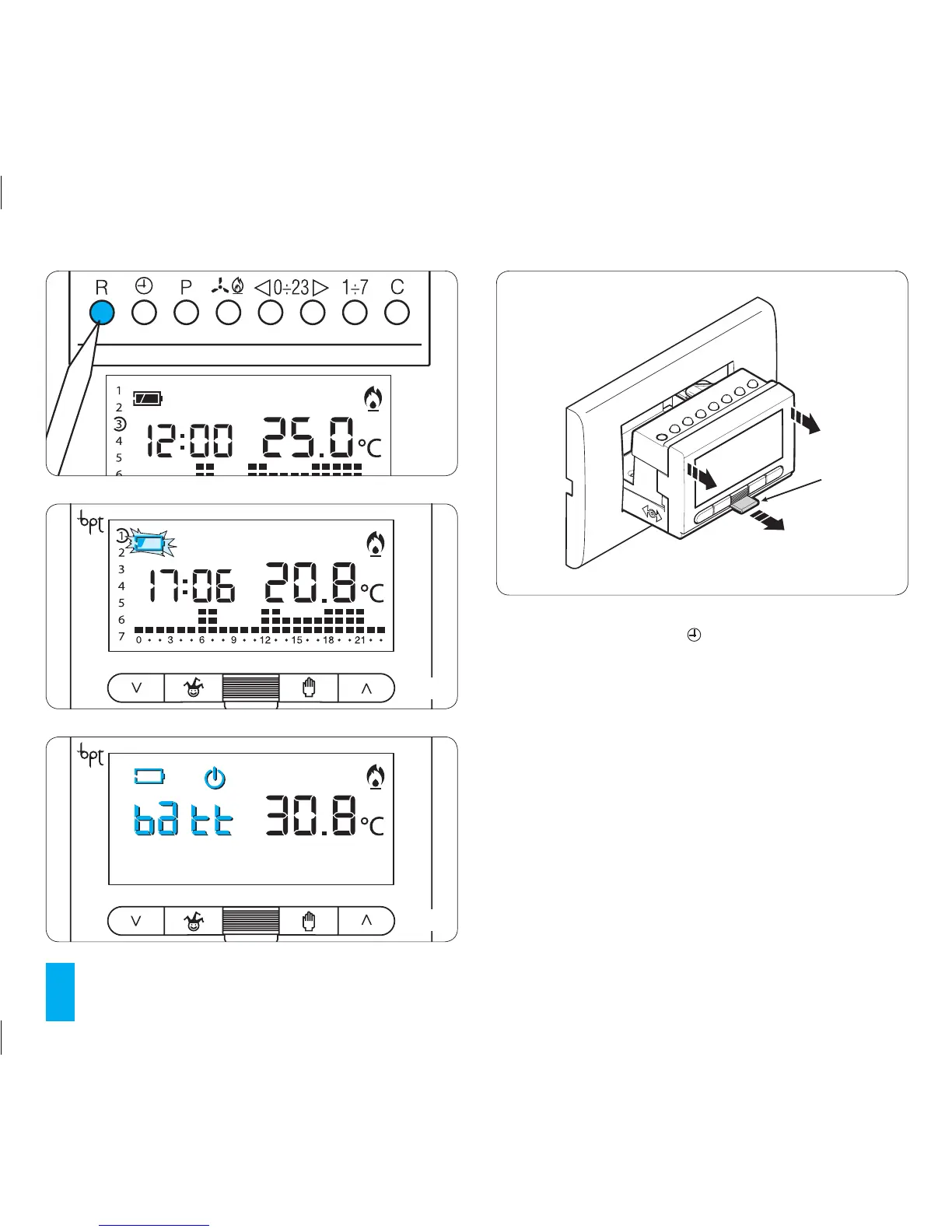
To reset the unit proceed as follows:
21.1- Remove the main unit of the unit.
21.2- Press button R (fig. 91).
21.3- Reinsert the main unit of the thermostat.
This operation does NOT delete any customised pro-
grammes, which will be restored, along with other data,
as soon as the unit is restarted (see table 2 on page 45).
To reset all default settings, proceed as follows:
91
L
1
94



 To Next Page