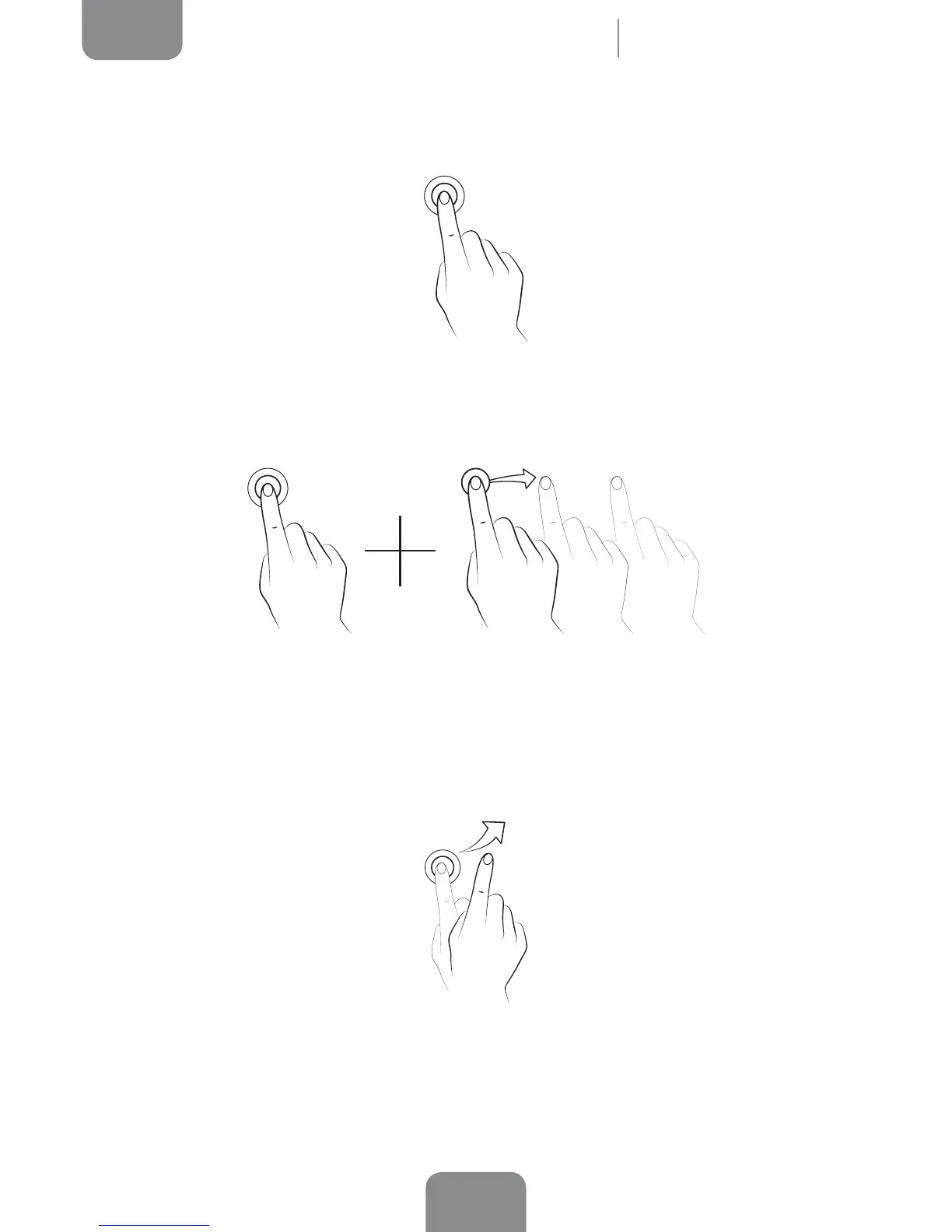
Touch and hold. Touch the screen (on either a clear area or on an icon) with your
nger and hold for approximately 2 seconds to bring up a menu of available options.
Drag. To move an icon, press and hold down, drag it to the desired position and then
release.
Swipe or slide. On the Home screen, slide your nger left or right across the screen
to access the extended screens, or slide your nger up and down the screen to scroll
through a webpage, list or menu.
Home Screen



 To Next Page