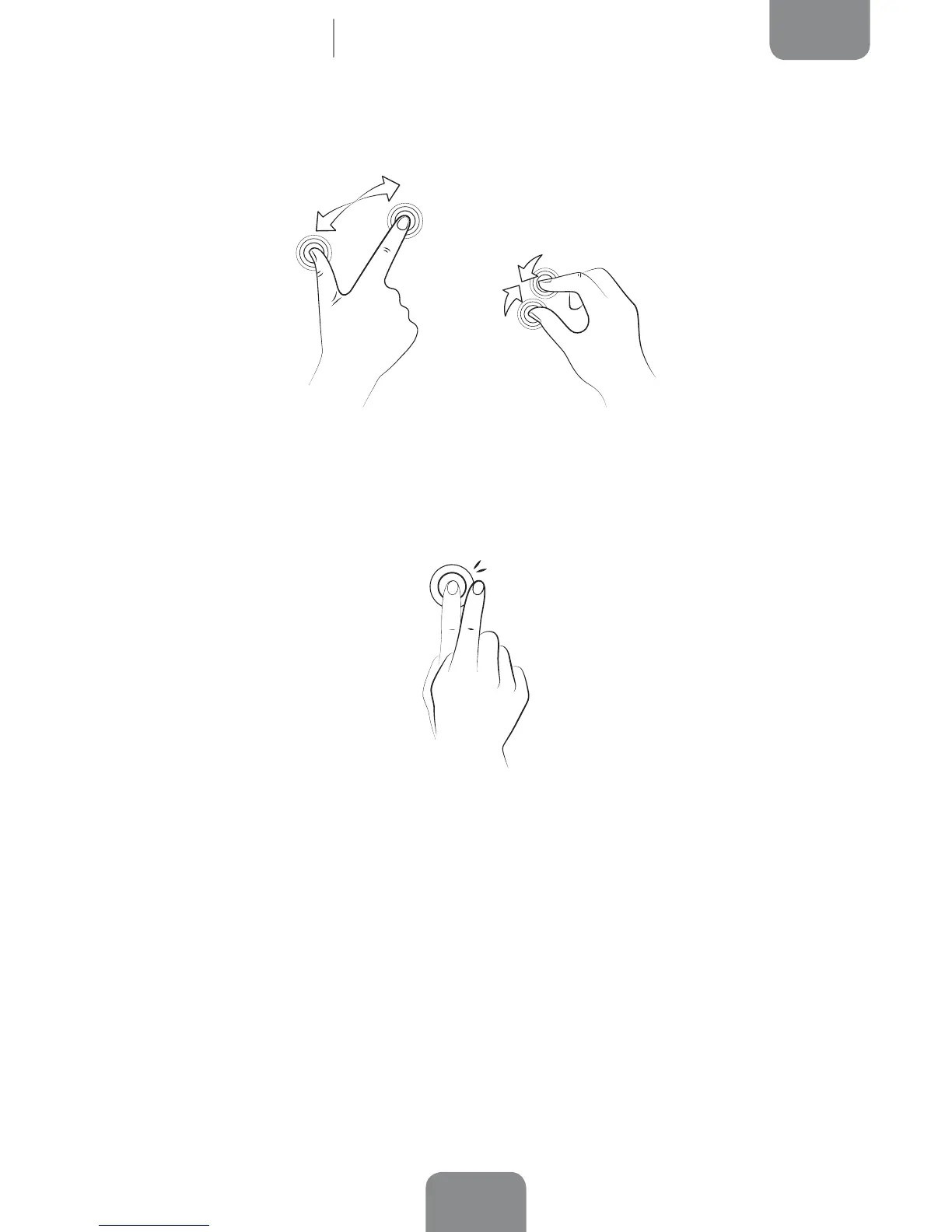
Pinch. Place two ngers on the screen at the same time and move them towards one
another or spread them apart to reduce or enlarge an image.
Double-tap. Tap the screen twice in quick succession to zoom in on an image, and
tap twice again in order to zoom back out. You can also double-tap the screen to
activate it when switched off.
Home Screen



 To Next Page