Create Labels
4BMP21 User Guide
Create Labels
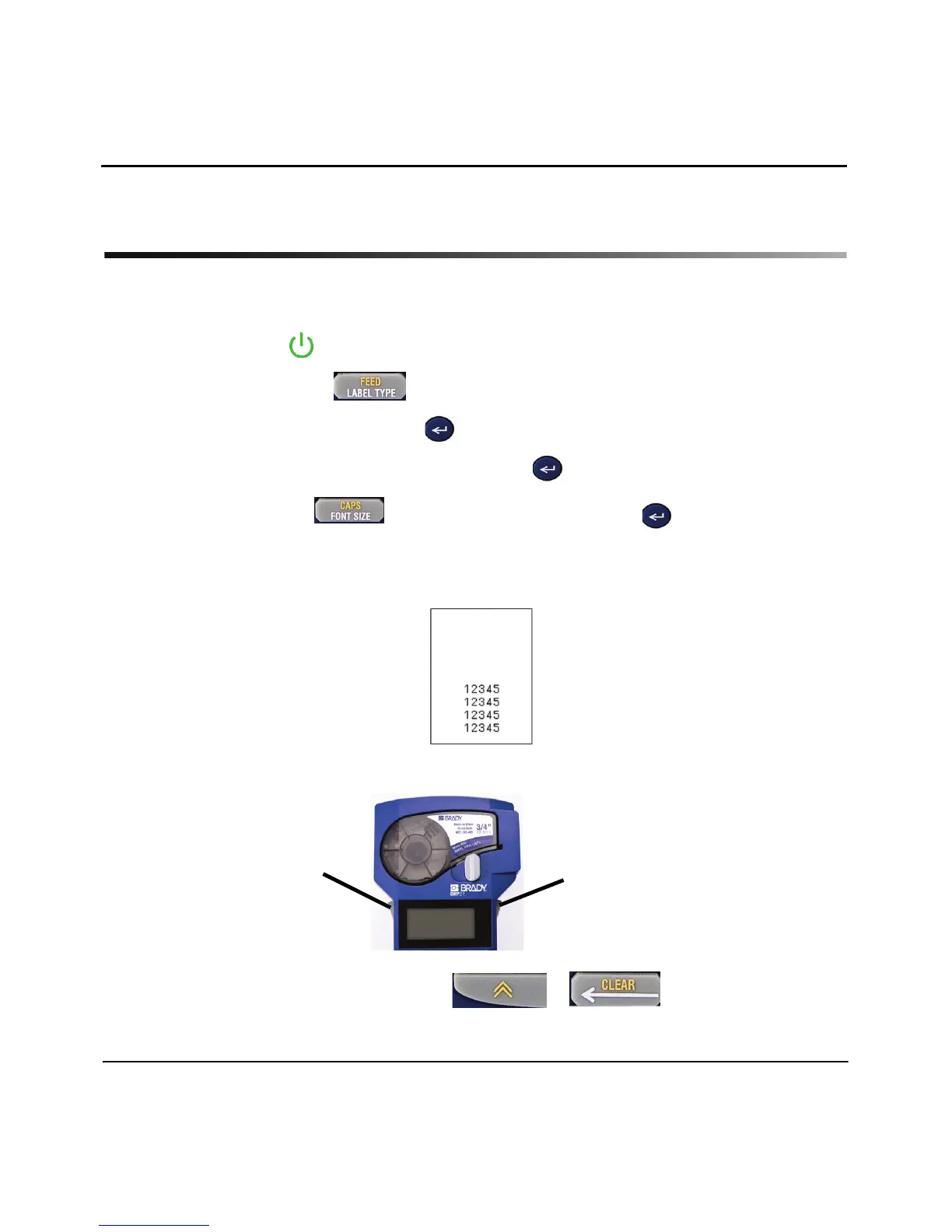
Creating Wire Labels
1. Press Power .
2. Press Label Type.
3. Select Wire, then press Enter .
4. Select .75” (16-10AWG), then press Enter .
5. Press Font Size , select 6pt., then press Enter .
6. Type: 12345.
7. Press Print.
8. Press the two side buttons together, or individually, to cut the label.
9. Clear text from the screen: Press + .
8
8



 To Next Page