Creating Fixed-Length label with Autosize
BMP21 User Guide 11
Creating Symbols Labels
1. Press Label Type. .
2. Select Banner Landscape, then press Enter .
3. Press , then select Symbols.
4. Press Enter .
- or -
Press +1
5. Select the symbol , then press Enter .
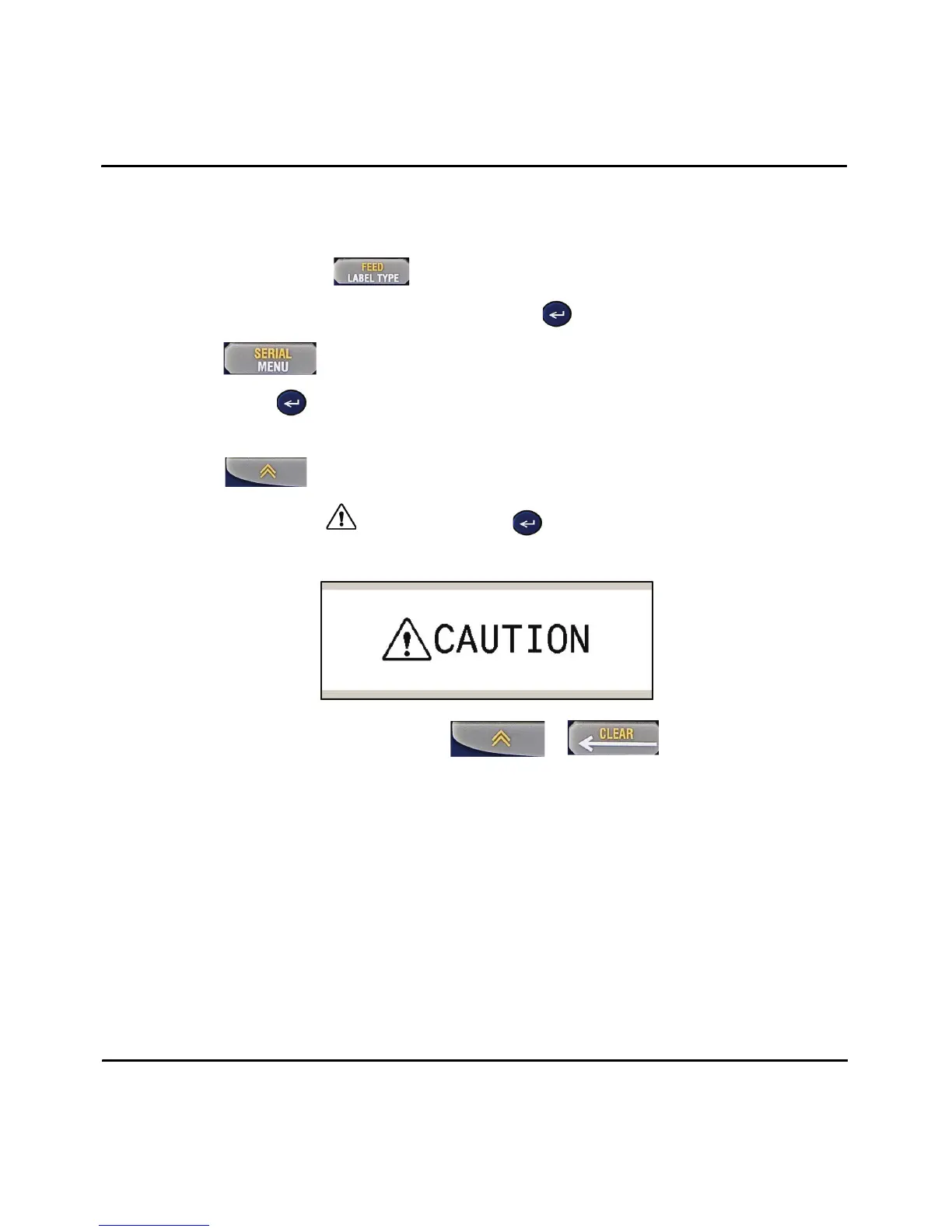
6. Type: CAUTION, then press Print.
7. Clear text from the screen: Press + .



 To Next Page