Keypad Descriptions
BMP21 User Guide 19
Keypad Descriptions
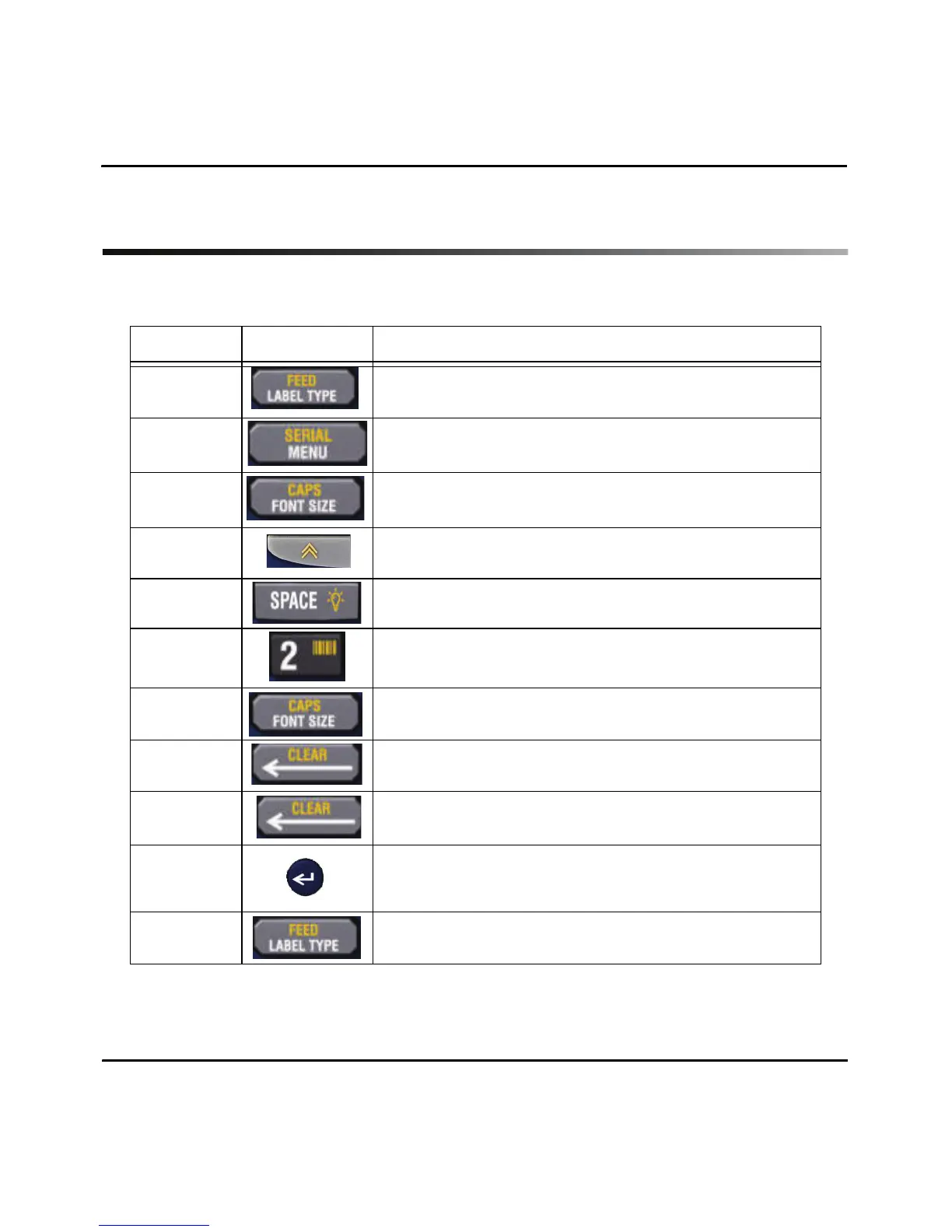
The following table describes the keypad key, option and a description of each.
Option Key Description
Label Type Includes: Banner Landscape, Wire, Terminal Block,
Patch Panel, Fixed Length, Banner Portrait.
Menu Includes: Symbols, International Characters,
Barcode, File, Language and Units.
Font Size Includes: Auto, 6, 9, 14, 20, 28, 40
(Bold available in each size.)
Function FUNCTION provides access to the yellow
designated menu options on the keyboard.
Backlight FUNCTION + SPACE key.
Barcode In Menu or FUNCTION + 2.
CAPS Lock FUNCTION + FONT SIZE.
Clear FUNCTION + CLEAR key.
(Clears whole legend.)
Delete Deletes text and exits menu screens.
Enter The Enter key works to accept choices with menus
and to add additional lines to text.
Feed FUNCTION + LABEL TYPE.



 To Next Page