File Management
14 BMP21 User Guide
Deleting a Label File
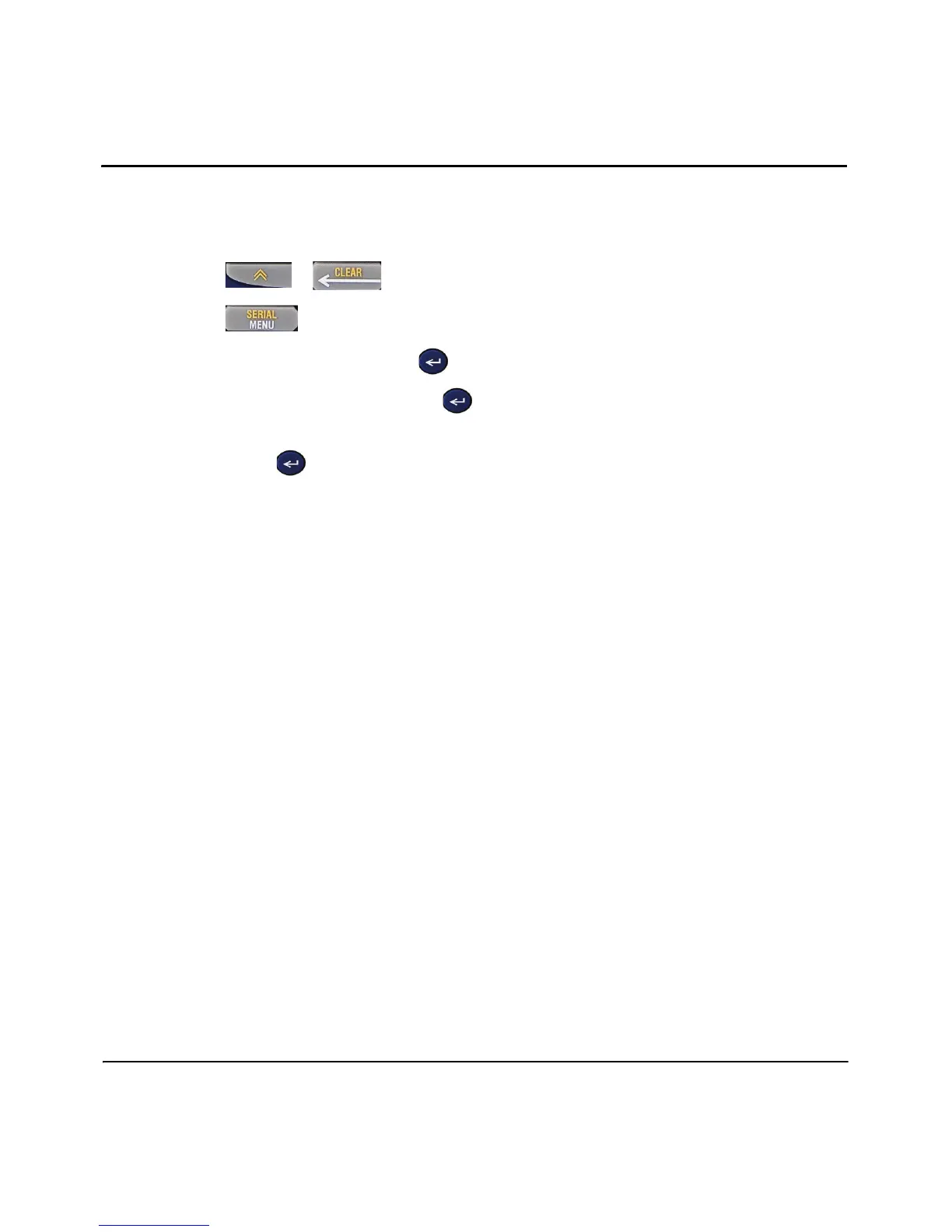
1. Press + to clear your editor.
2. Press .
3. Select File, then press Enter .
4. Select Delete, then press Enter
5. Move the cursor to the number and name of the saved label and
press Enter .
6. When prompted to delete the file, select Yes. Your file is deleted and will not
longer display in the list.



 To Next Page