Create Labels
6BMP21 User Guide
Creating Terminal Block Labels*
*Use part numbers M21-375-499 or M21-500-499 when performing this procedure.
1. Press Label Type.
2. Select Terminal Block and press Enter .
3. Press
X until screen reads: Spacing = .2”.
Note: Press X to the flashing cursor and enter the desired spacing.
4. Press T to Serial, then X until the screen reads: On.
5. Press
T to # of Terminations, then X until the screen reads: 3
- or - Type: 3.
6. Press
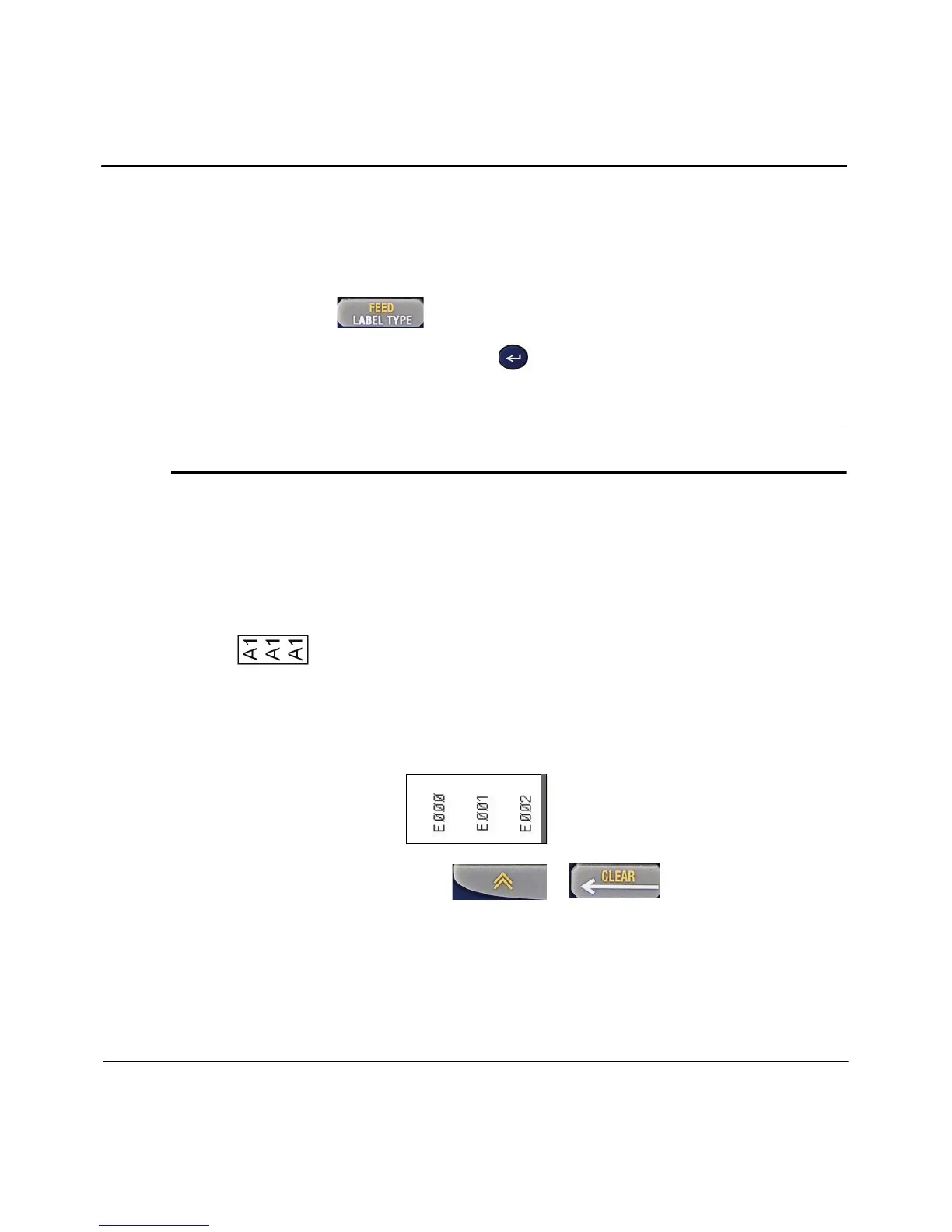
T to Rotation then X until the picture displays a vertical
legend .
7. Press Enter.
8. Type: E000.
9. Press Print.
10. Clear text from the screen: Press + .



 To Next Page