Product Registration
BMP21 User Guide 1
Product Registration
Register on-line at www.bradyid.com.
Power
You can use the BMP21 with batteries or an optional AC power supply.
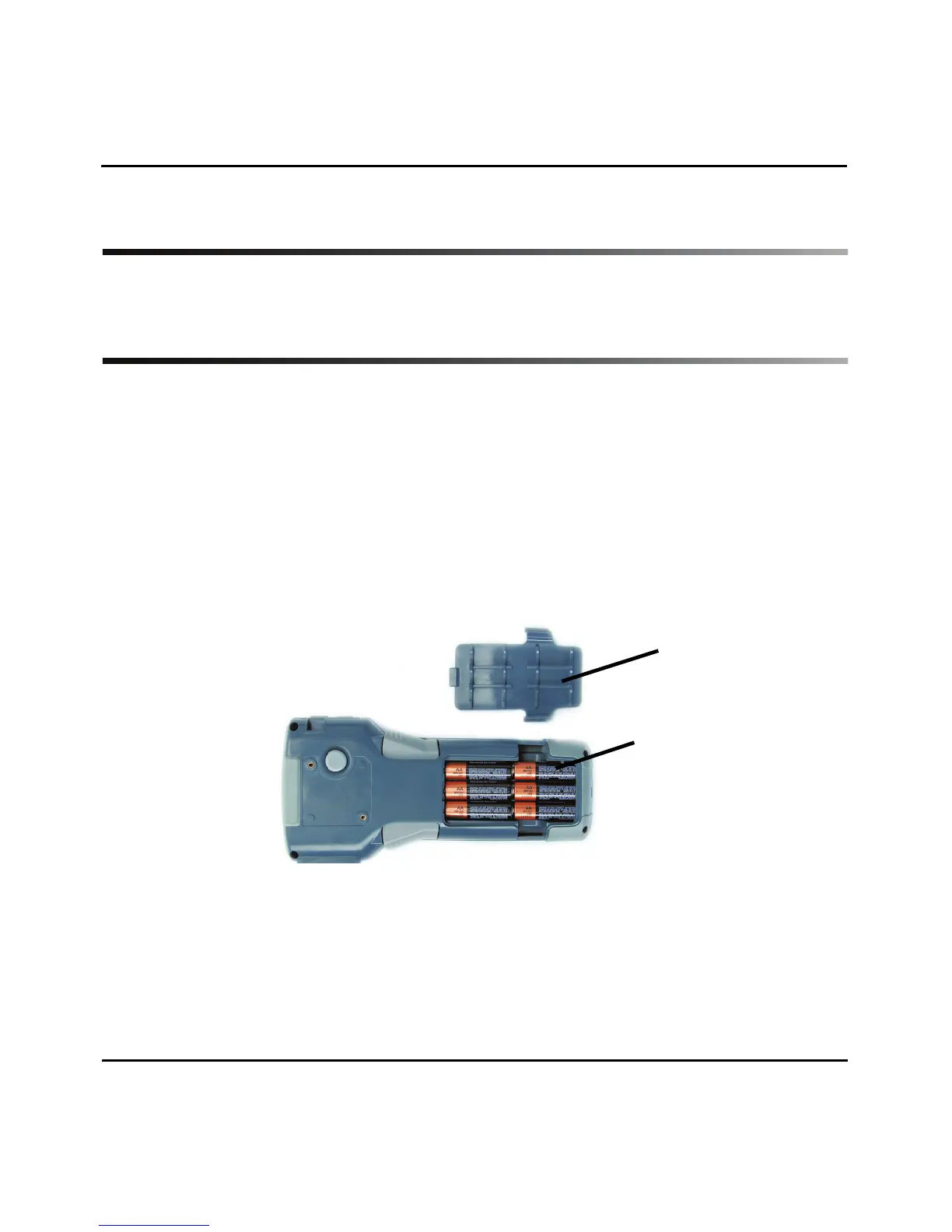
Batteries
1. Remove the battery cover from the battery compartment, located on the back of
the unit.
2. Insert six AA alkaline batteries. See inside the battery compartment for the
battery-positioning grid.
3. Close battery compartment.
A/C Power
1. Plug in optional A/C Power Supply into the power connection located on the upper
left side of the printer.
2. Plug the opposite end into the wall outlet.
1
2



 To Next Page