3.15 Paper Sensor, Replacing
The paper out sensor can be replaced like this: Take the paper guide with the sensor out of the Printer.
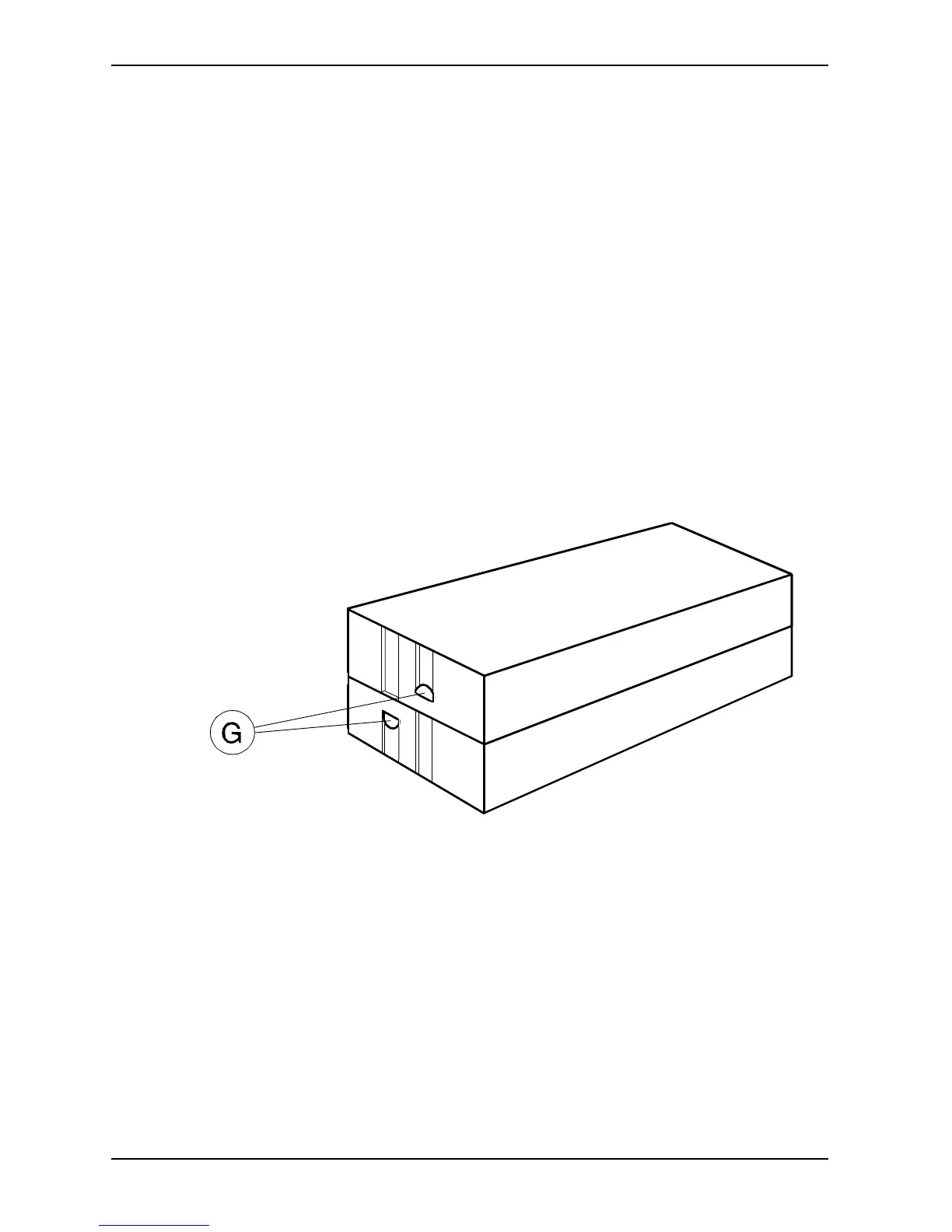
To open the box, press the two fastening clips (G) simultaneously, and pull the box a little bit open at this
end. Do the same at the other end, and pull the box open.
Replace the sensor.


 To Next Page