Printer
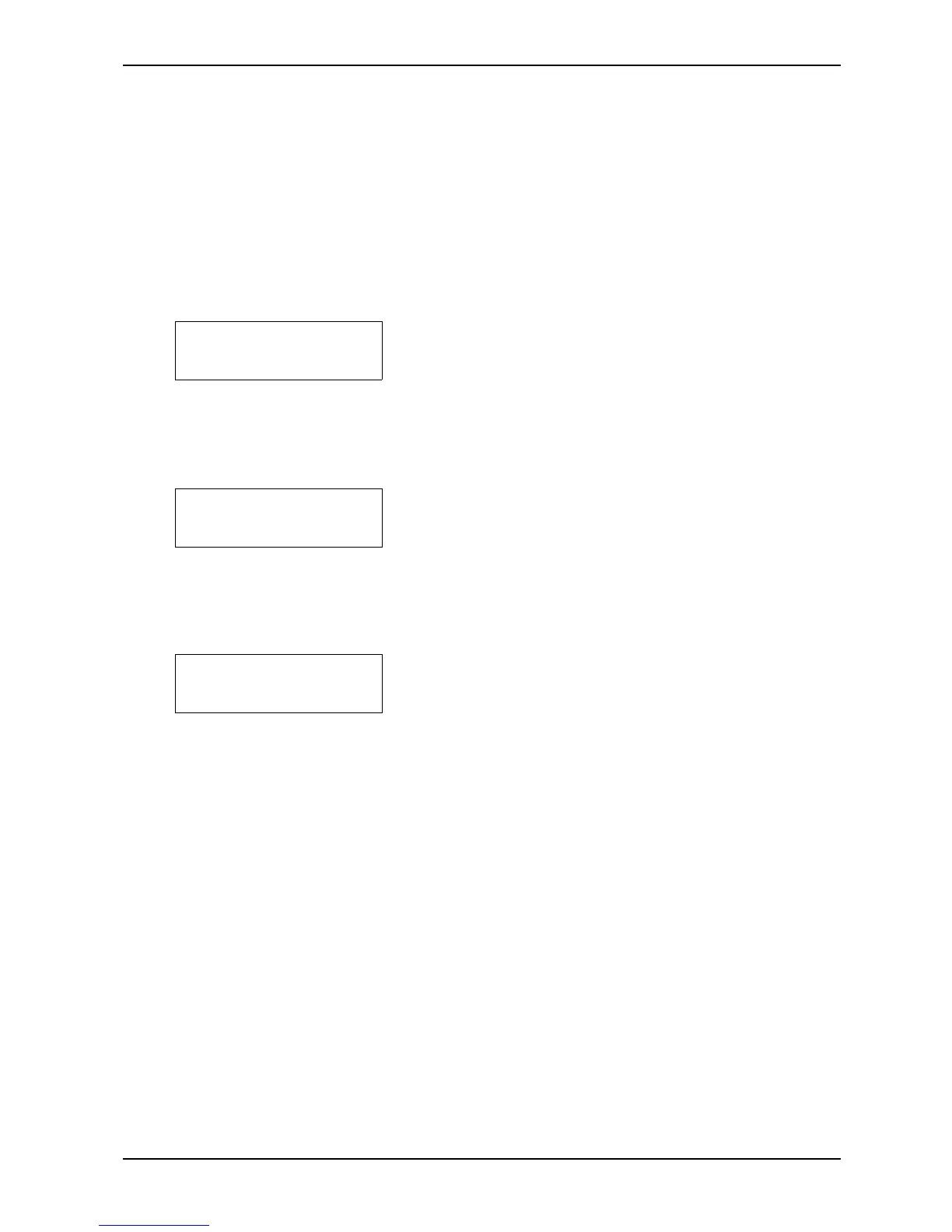
BUFFER empty
NB! Line Length
Minimum 36 Char.
Printer
Out of Paper
2.4 Messages/Error Messages
The text in the display can be divided into three groups; Messages, Alarms and Error Messages. With
Messages, the Printer operates normally. With some Alarms, the Printer can be operated to a certain
degree, while other Alarms are like Error Messages, in that the Printer cannot be operated, and RESET
PRINTER must be used.
The audio alarm (BEEP) is sounded for both alarms and error messages.
Messages:
1 When DUMP BUFFER is used, and the input buffer is
empty, the message "BUFFER empty" is shown on the
display. The Printer is then ready to begin a new print
job. Note: If there is text remaining in the buffer and
"Dump Buffer" is not used, the text will appear at the
beginning of the next print job.
2 When PRINT VALUES is used, and the line length is set
to less than 36 characters, this message will appear on
the display. To print the current values, first set the line
length to 36 characters or more.
Alarms
1 When the Printer runs out of paper, the audio alarm is
sounded, and the Printer stops at the end of the next
page.To continue printing, press RESET ALARM and
then TEST PRINT after the paper has been replaced. For
information, see TEST PRINT - Ready/Continue, in
chapter 2.1 "Operating Panel".
If the alarm is sounded when there still is paper in the machine, this may have been caused by
one of the following:
A. Paper dust in the paper out sensor.
B. The paper guide which the paper out sensor is attached to might be bent or damaged,
so the distance from the sensor to the paper is too big to detect the paper.
C. The sensor is not connected.
If one of these problems occurs, clean the sensor, make sure that it’s connected to the
motherboard, and check that the sensor is not more that 2 mm from the paper surface.


 To Next Page