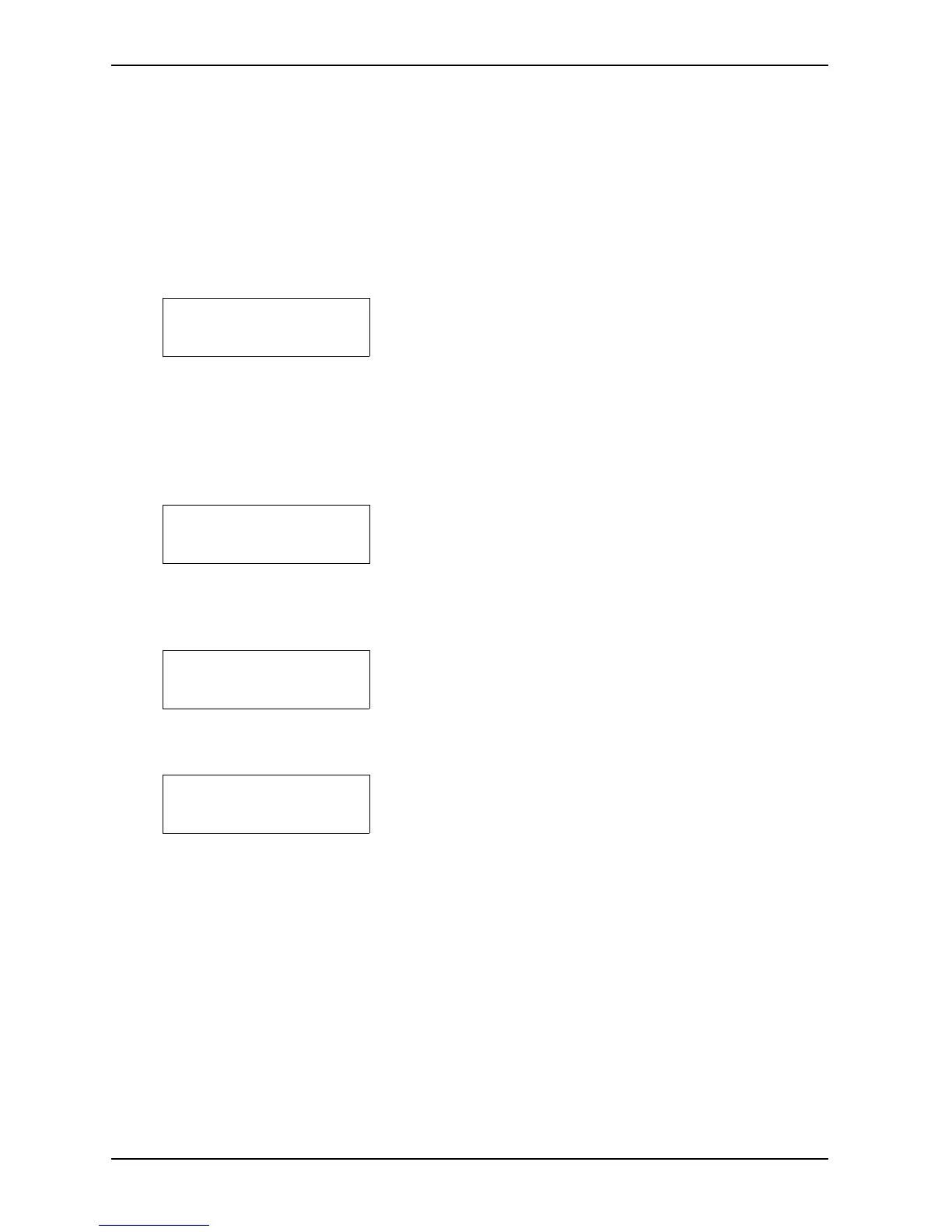
Printer
Buffer Overflow
Printer Alarm
Overrun/Framing
Printer Alarm
Parity
Printer Alarm
ESC-Sequences
The following alarms are usually caused by a problem with the handshake in the data communication
between the computer and the Printer, and it will be necessary to press RESET printer.
The text which remains in the buffer during these alarms can be printed by using DUMP BUFFER.
However, during these alarms one must check the transmission parameters for both the Printer and the
computer, and also possibly the software in use. If any changes are made on the Printer, one will have
to RESET PRINTER to register these changes.
4 This alarm indicates that the computer has not registered
that the input buffer in the Printer is full, and continues to
send data which causes the buffer to overflow.
The text which remains in the buffer can be printed by
using DUMP BUFFER.
If this alarm occurs, check the transmission parameters
for both the Printer and the computer, and also possibly
the software in use.
5 Error in at least one of the following transmission
parameters: Baud rate, no. of data bits and / or no. of
stop bits. If this alarm occurs, check the transmission
parameters for both the Printer and the computer, and
also possibly the software in use.
6 Error in the parity check in serial communication. If this
alarm occurs, check the transmission parameters for both
the Printer and the computer, and also possibly the
software in use.
7 Some irregularities have been detected when receiving
escape-sequences. If this alarm occurs, check the
transmission parameters for both the Printer and the
computer, and also possibly the software in use. If the
escape-sequences are sent by a batch-file or are
integrated in the text-file, be sure that the correct ASCII-
value combinations are used.


 To Next Page