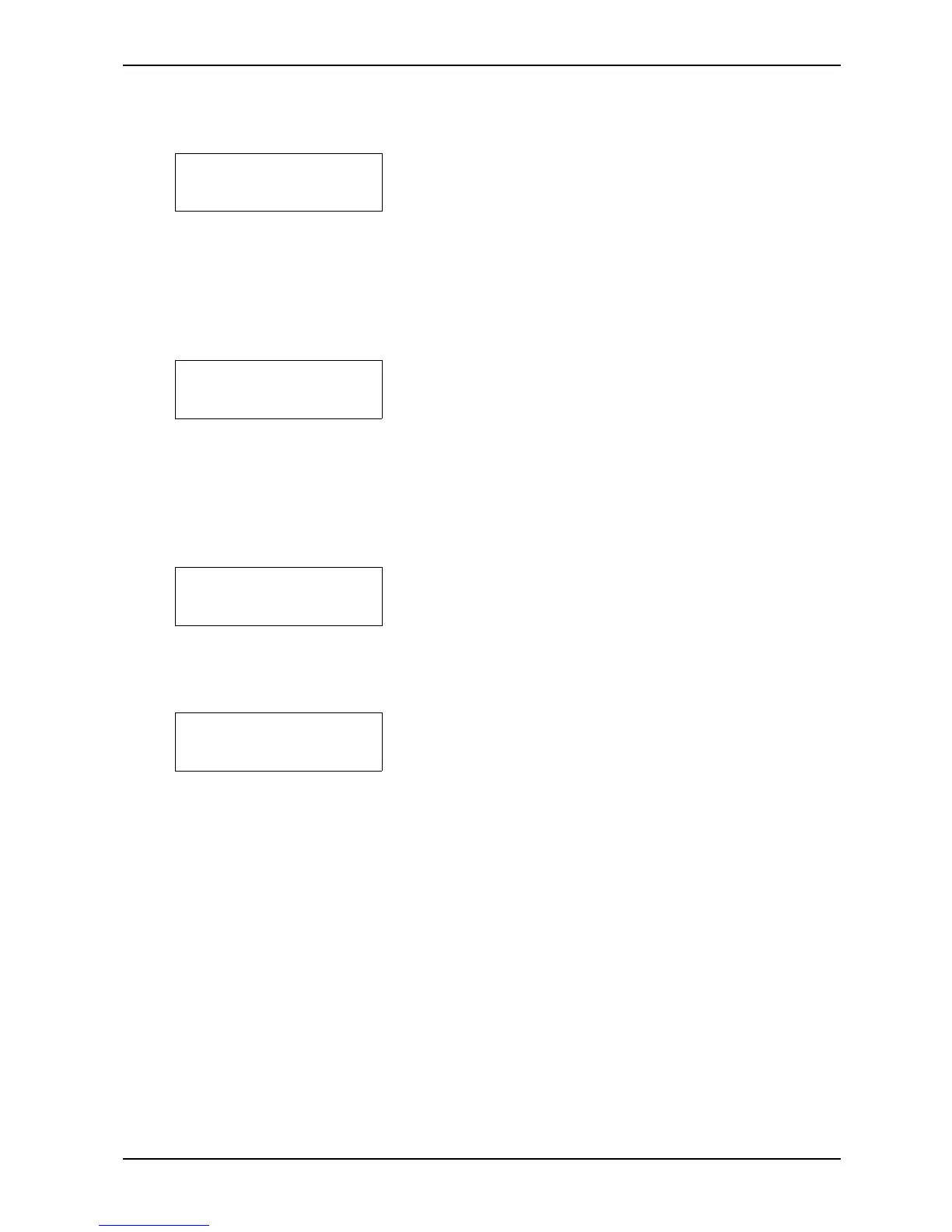
Printer Error
General Failure
Printer Error
Start Motor
Printer Error
Stop Motor
Printer Error
Paper Feed
On error messages, the Printer cannot be operated, and RESET PRINTER must be used.
1 The reason might be:
A. If the main motor starts, but for some reason
stops because of, for example, a blown (released)
motor fuse, this message appears in the display,
together with the audio alarm. Reset the motor
fuse.
B. The belt on the Printer breaks during printing.
Check the belt, and replace if needed.
2 If the main motor does not start, this error message is
shown in the display. The reason might be:
A. The motor is not connected.
Check that the cable to the motor is connected.
B. The motor fuse may have been released.
Reset motor fuse. See figure in chapter 5.2,
"Electric Unit".
C. System error.
3 The main motor does not stop. The reason might be:
A. The motor relay contacts have burned.
The relay must be exchanged by service
personnel.
B. System error.
4 Disagreement between the paper feed assembly (the
paper) and the program system.
The reason might be:
A. The paper is stuck, and the paper feed motor has
slipped. Free the paper jam, push RESET
PRINTER.
B. System error.


 To Next Page