3 25 Heater Current Monitoring3 25 Heater Current Monitoring
3 26 Reload Default Values3 26 Reload Default Values
A current transformer, CT94-1, should be equipped to measure the heater
current. Select CT for IN2. The input 2 signal conditioner measures the heater
current during the heater is powered and the current value will remain
unchanged during the heater is unpowered. The PV2 will indicate the heater
current. About how to read PV2 value, please refer to section 3-24.
A current transformer, CT94-1, should be equipped to measure the heater
current.
Select CT for IN2. The input 2 signal conditioner measures the heater
current
during the heater is powered and the current value will remain
unchanged
during the heater is unpowered. The PV2 will indicate the heater
current.
About how to read PV2 value, please refer to section 3-24.
NOTES
If the heater to be measured is controlled by output 1, then CYC1 should
select 1 second or longer and O1TY should use RELY, SSRD or SSR . Similarly,
if the heater to be measured is controlled by output 2, then CYC2 should
select 1 second or longer and O2TY should use RELY, SSRD or SSR to
provide an adequate time for A to D converter to measure the signal.
Since CT94-1 can detect a full-wave AC current only, a DC or half-wave AC
can't be measured.
If the heater to be measured is controlled by output 1, then CYC1 should
select
1 second or longer and O1TY should use RELY, SSRD or SSR . Similarly,
if
the heater to be measured is controlled by output 2, then CYC2 should
select
1 second or longer and O2TY should use RELY, SSRD or SSR to
provide
an adequate time for A to D converter to measure the signal.
Since
CT94-1 can detect a full-wave AC current only, a DC or half-wave AC
can't
be measured.
Accessory Installed:
CT94-1
Accessory Installed:
CT94-1
Setup
IN2=CT
O1TY or O2TY=RELY, SSRD or SSR
CYC1 or CYC2 >1 sec
Setup
IN2=CT
O1TY
or O2TY=RELY, SSRD or SSR
CYC1
or CYC2 >1 sec
Limitations
1. Linear output type can't be used.
2. CYC1 ( or CYC2 ) should select 1
second or longer to detect heater
current reliably.
3. Only full-wave AC current can be
detected.
Limitations
1.
Linear output type can't be used.
2.
CYC1 ( or CYC2 ) should select 1
second
or longer to detect heater
current
reliably.
3.
Only full-wave AC current can be
detected.
The default values listed in Table 1.4 are stored in the memory as the product
leaves the factory. In certain occasions it is desirable to retain these values
after the parameter values have been changed. Here is a convenient tool to
reload the default values.
The default values listed in Table 1.4 are stored in the memory as the product
leaves
the factory. In certain occasions it is desirable to retain these values
after
the parameter values have been changed. Here is a convenient tool to
reload
the default values.
Operation
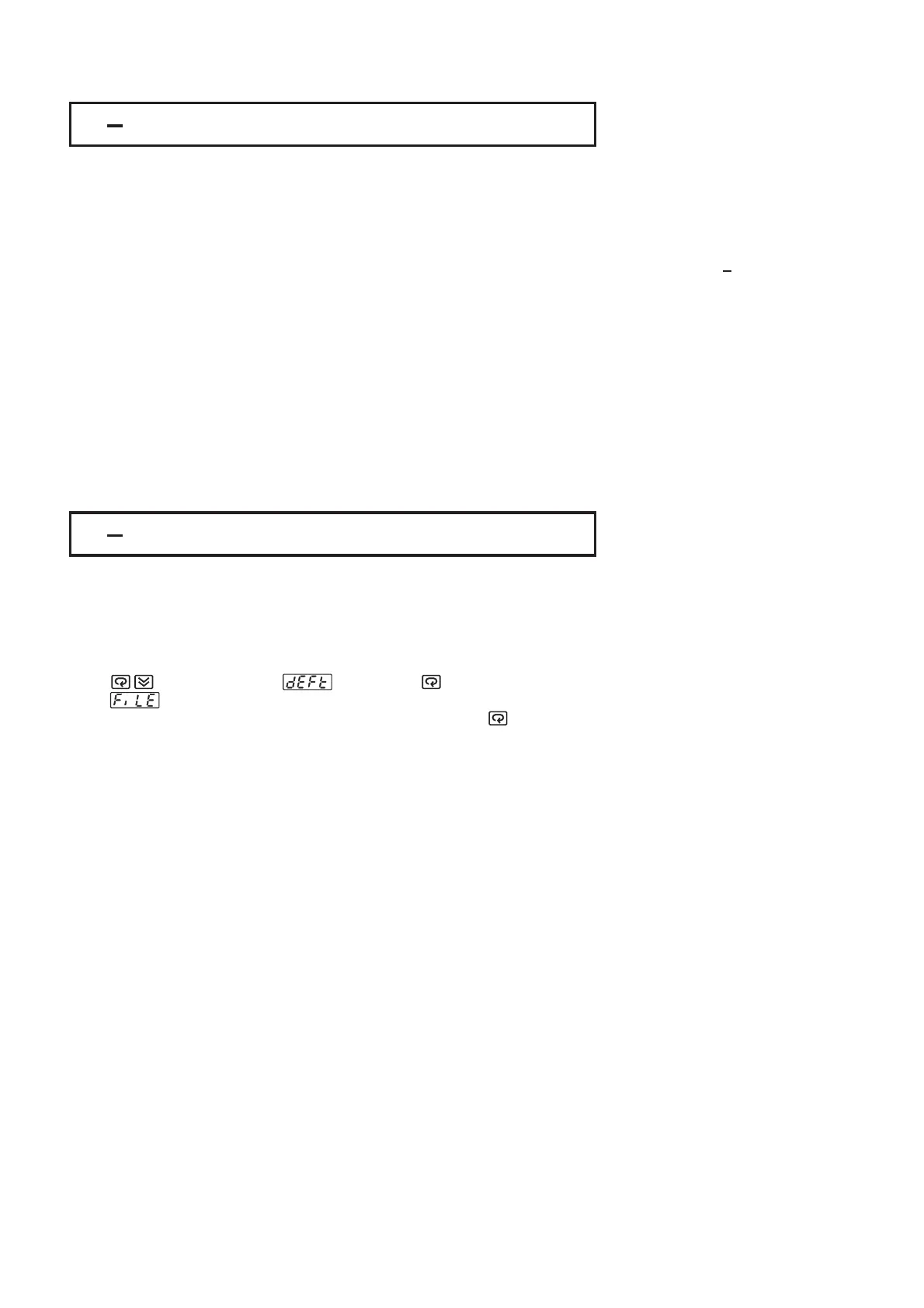
Press several times until . Then press . The upper display will
show .Use up-down key to select 0 to 1. If C unit is required, select 0
for FILE and if F unit is required, select 1 for FILE. Then Press for at least 3
seconds. The display will flash a moment and the default values are reloaded.
B
B
Press several times until . Then press . The upper display will
show
.Use up-down key to select 0 to 1. If C unit is required, select 0
for
FILE and if F unit is required, select 1 for FILE. Then Press for at least 3
seconds.
The display will flash a moment and the default values are reloaded.
B
B
CAUTION
The procedures mentioned above will change the previous setup data. Before
doing so, make sure that if it is really required.
The procedures mentioned above will change the previous setup data. Before
doing
so, make sure that if it is really required.
FILE 0
C Default FileB
FILE 0
C
Default FileB
FILE 1
F Default FileB
FILE 1
F
Default FileB
UM25001C
67


 To Next Page