- 28 -
Troubleshooting
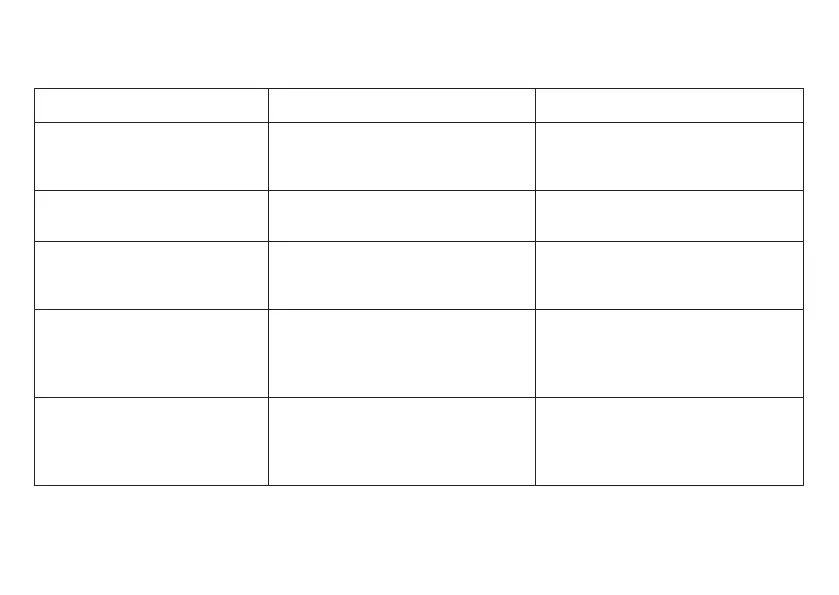
Trouble Possible Cause Corrective action
Broken pipette in the adapter Pipette was damaged/
forced into the adapter
Remove the glass splinters by
means of forceps; if necessary,
replace adapter ( p. 10)
The instrument does not draw
in liquid/pipette drips
Suction system damaged Replace the suction system
( p. 20-24)
Liquid in suction system Thumb wheel was turned too
quickly
Clean or disinfect the suction
system or, if necessary, replace it
( p. 18, 19)
Ejector key does not work Ejector key not properly positioned Remove the clip. Hold the instru-
ment loosely, and quickly press
down the ejector key. Slide on the
clip ( p. 22, 23, 24)
Pipette is ejected from the
adapter
Adapter is wet or greasy Clean or disinfect suction system
and allow to dry completely.
If necessary, replace suction
system ( p. 18-19, 20-24)


 To Next Page