Model 621 User’s Manual USING THE LASER WAVELENGTH METER
Bristol Instruments, Inc. 17
Wavelength Screen
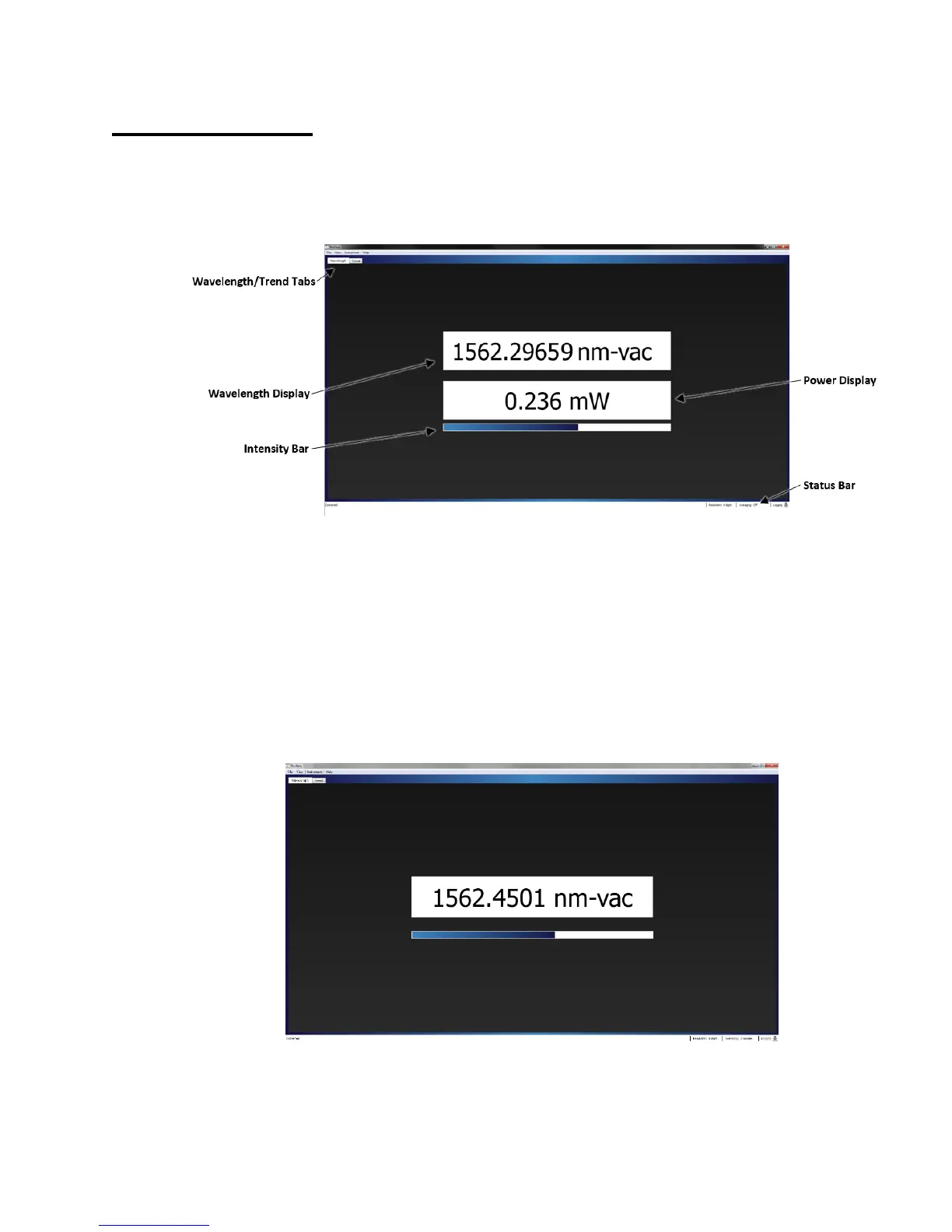
The Wavelength Screen of the NuView Software displays the absolute wavelength,
wavenumber, or frequency of the laser under test. Once the application is connected to
the instrument, the Wavelength display will update continuously until the connection is
terminated.
Figure 5.2: Wavelength Screen of VIS and NIR Versions
Wavelength/Trend Tabs
Allows the user to toggle between the Wavelength Screen and the Trend Screen.
Wavelength Display
Displays the absolute wavelength, wavenumber, or frequency of the laser under
test. The value given is an intensity weighted average of the laser’s spectrum.
Power Display
Displays the absolute power of the laser under test (VIS and NIR models only).
Figure 5.3: Wavelength Screen of IR and MIR Versions



 To Next Page