Model 621 User’s Manual USING THE LASER WAVELENGTH METER
Bristol Instruments, Inc. 16
5 USING THE LASER WAVELENGTH METER
Operation Instructions
1 Turn on the power switch of the 621 Laser Wavelength Meter located on the back
panel of the instrument.
2 Make sure the supplied USB cable is connected to the USB connector on the back
panel of the 621 system and to a USB port on the PC.
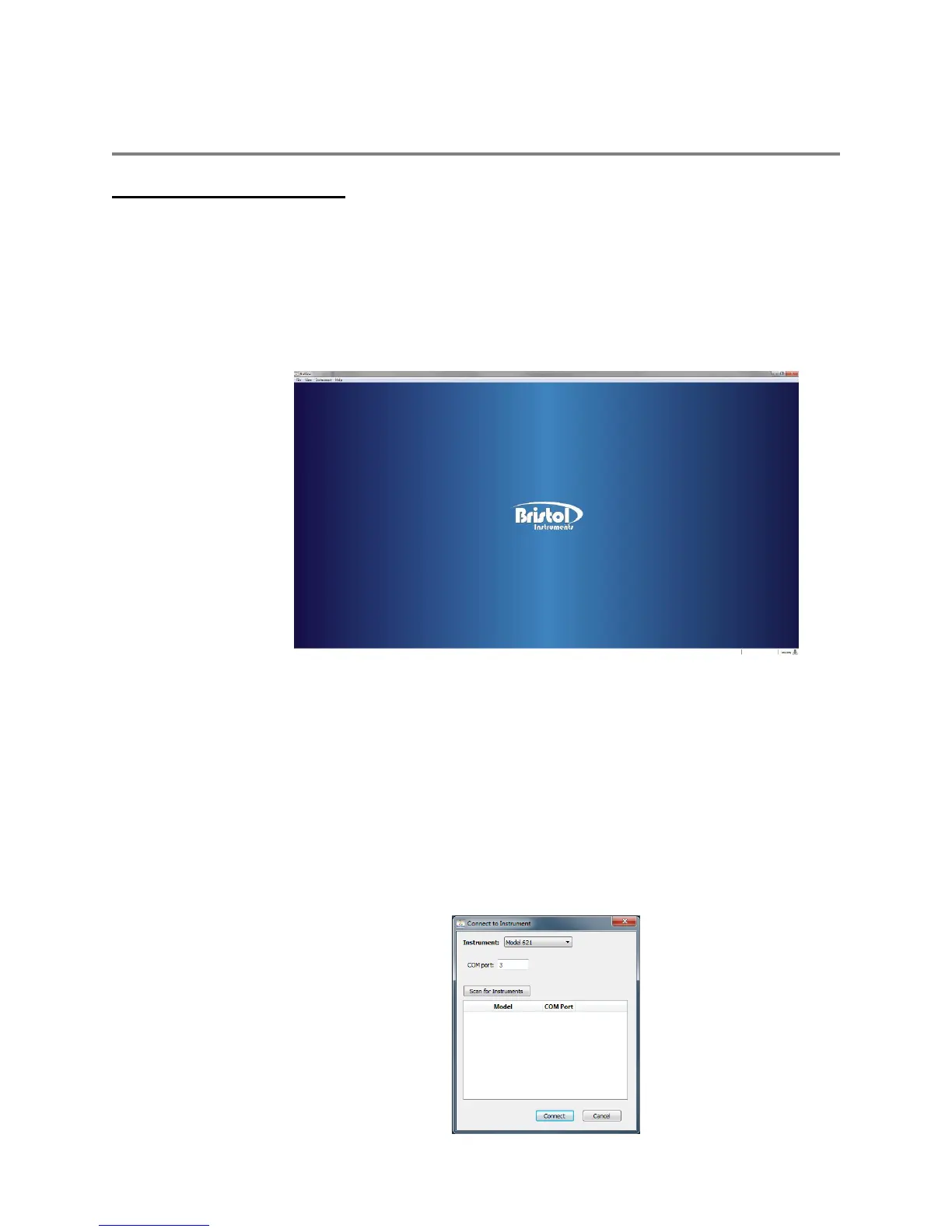
3 Start the NuView Software by clicking on its icon. The NuView Software will display
the Bristol Instruments logo before any instrument is connected (Figure 5.1)
Figure 5.1: Start-Up Screen
4 Open the Instrument Menu and select Connect.
5 Select “Model 621” from the drop down list.
6 Manually enter the COM port for the instrument and click “Connect.” If the COM port is
unknown, click “Scan for Instruments” to locate the instruments that are connected to
the PC. Double click on the desired instrument from the list to populate the COM port
field, and click “Connect.” The status text at the bottom-left corner of the screen should
change to “Connected.” If an error message is displayed, check that the instrument is
running and connected as described in Steps 1-3.



 To Next Page