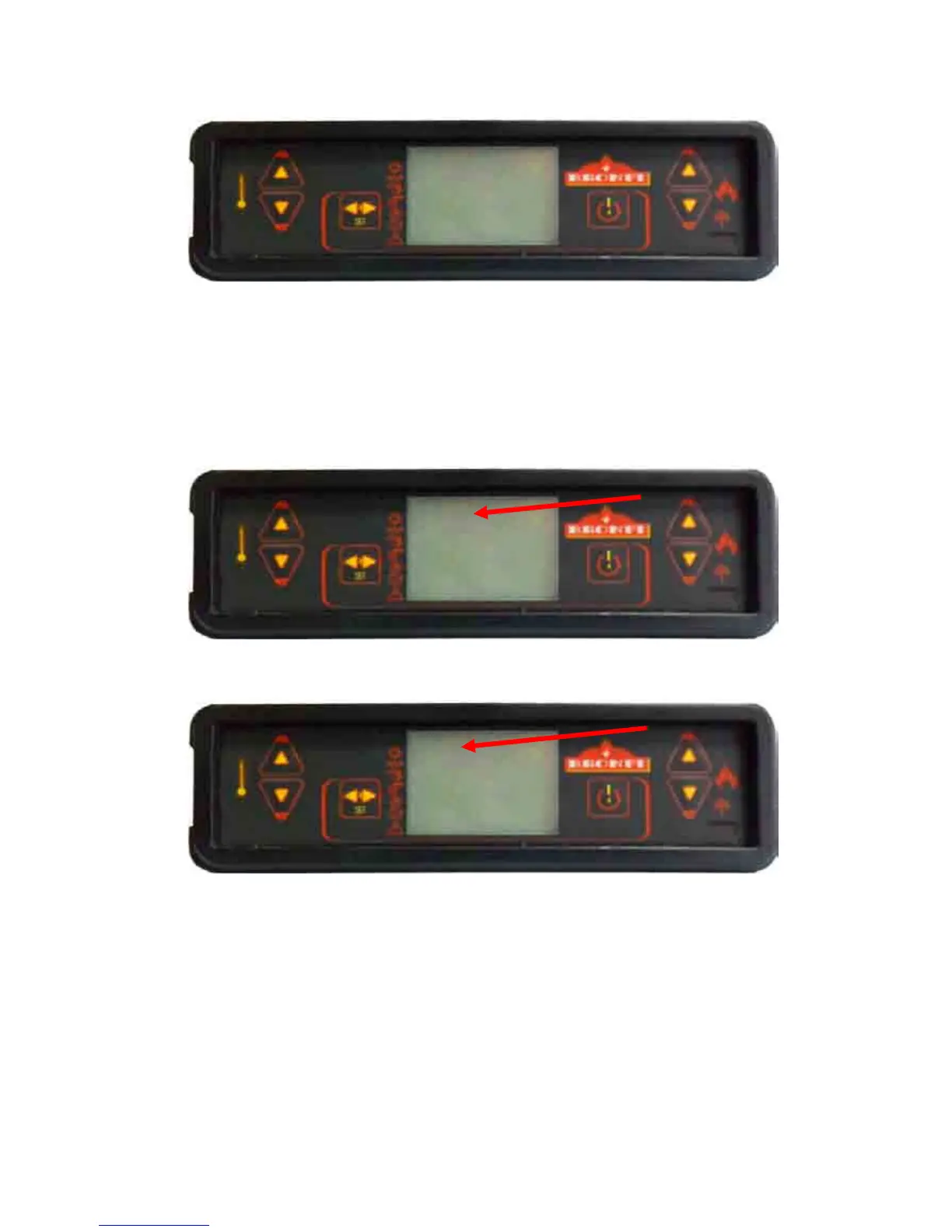
You will confirm this option by pressing again the nº 3 key, “SET”, then you will indicate to the machine that
you want to access to the programme menu.
To visualize differents submenu you have to press the nº 5 and nº 6 keys.
Sub
SubSub
Submenu
menumenu
menu
03
0303
03-
--
-01
0101
01-
--
-
Enable
EnableEnable
Enable
crono
cronocrono
crono
On this submenu 03-01- Enable crono you indicate the stove you are going to program it. Pressing the nº 3
key, “SET” the following screen will appear:
As shown, on the left upper part will appear the word “OFF”, it will change to “ON” pressing the number 1
and 2. With this action you indicate the stove the intention to introduce some of the three programs:
Now you will choose the programme you want to introduce: daily, weekly or week-end. From the previous
screen you select the program pressing repeatedly the keys number 5 and 6 until you arrive to the chosen
option.
Submenu
SubmenuSubmenu
Submenu
03
0303
03-
--
-02
0202
02-
--
-
Daily programme
Daily programmeDaily programme
Daily programme
Now you will consider i.e. you want to introduce a daily program on the stove. The you will have to place the
following screen:
MEnu 03


 To Next Page