Fig. 19
9.5.3
Consigned ambiance temperature changing
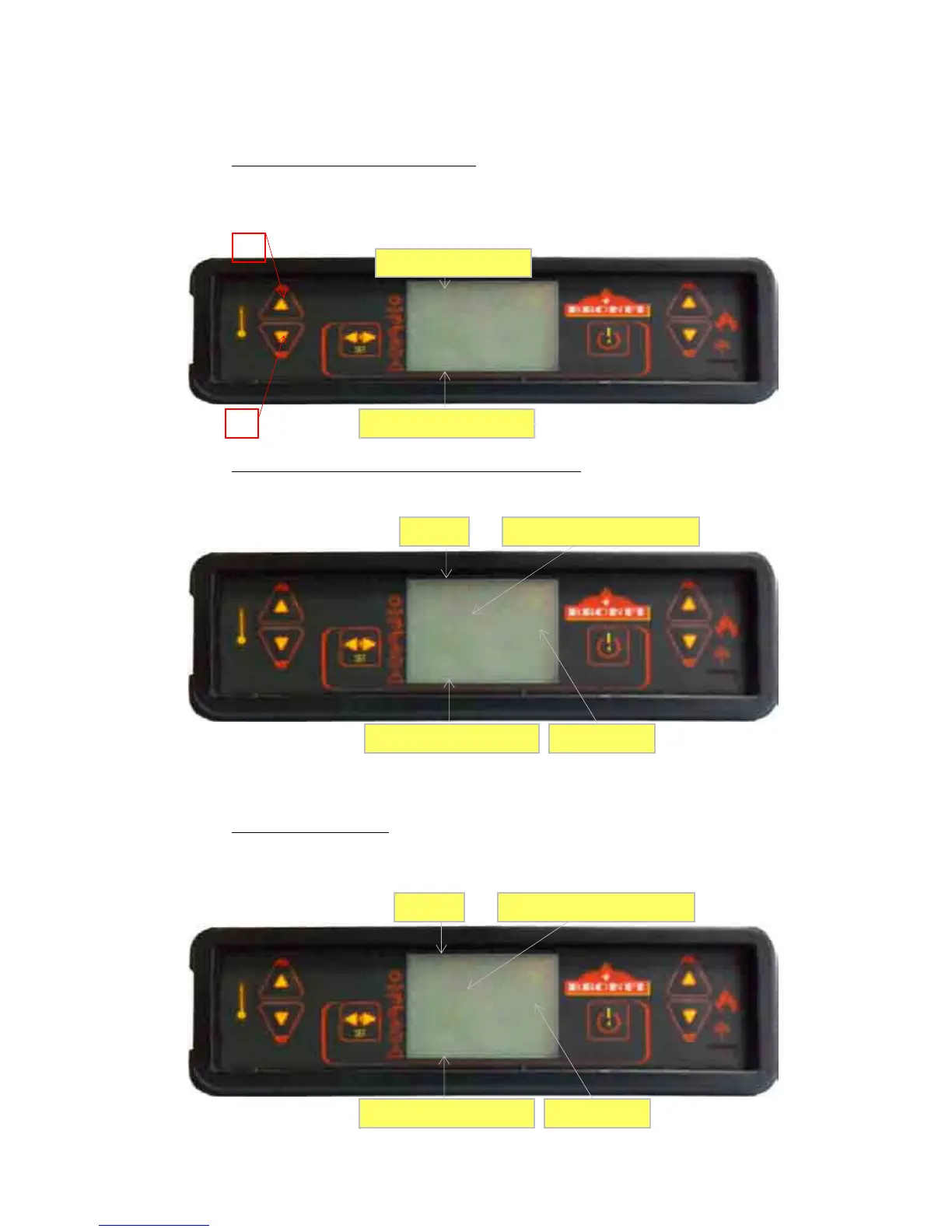
For modifying the consigned ambiance temperature, please press the nº 2 key to accede to the ambience
temperature set and then keys 1 and 2 for rising or decreasing respectively the temperature. The display
shows the current ambiance temperature.
Fig. 20
Fig. 20
9.5.4
User fixed temperature reached by the ambiance temperature…
When the ambience temperature reaches the value fixed by the user, or the smoke temperature reaches a too
high level, the stove will come into operating in the minimal power. See picture 21.
Figura 21
If the “
Stand-by mode”
is activated, when the ambience temperature reaches the temperature fixed by the
user, the stove shuts down automatically and come into the stand-by mode until the ambience temperature
decreases below the fixed temperature. Then the stove will start up again automatically.
9.5.5
Burn pot automatic cleaning
During the usual operation of the stove, automatic cleanings take place on the burn pot every 90 minutes.
This cleaning takes 2 minutes and cleans the pellet remains which are deposited on the burn pot to keep the
stove in working order.


 To Next Page