Submenu
SubmenuSubmenu
Submenu
03
0303
03-
--
-04
0404
04-
--
-
Program
ProgramProgram
Programme Week
me Weekme Week
me Week-
--
-end
endend
end
As on the daily program, this programming has two independent starting and stopping available hours, but
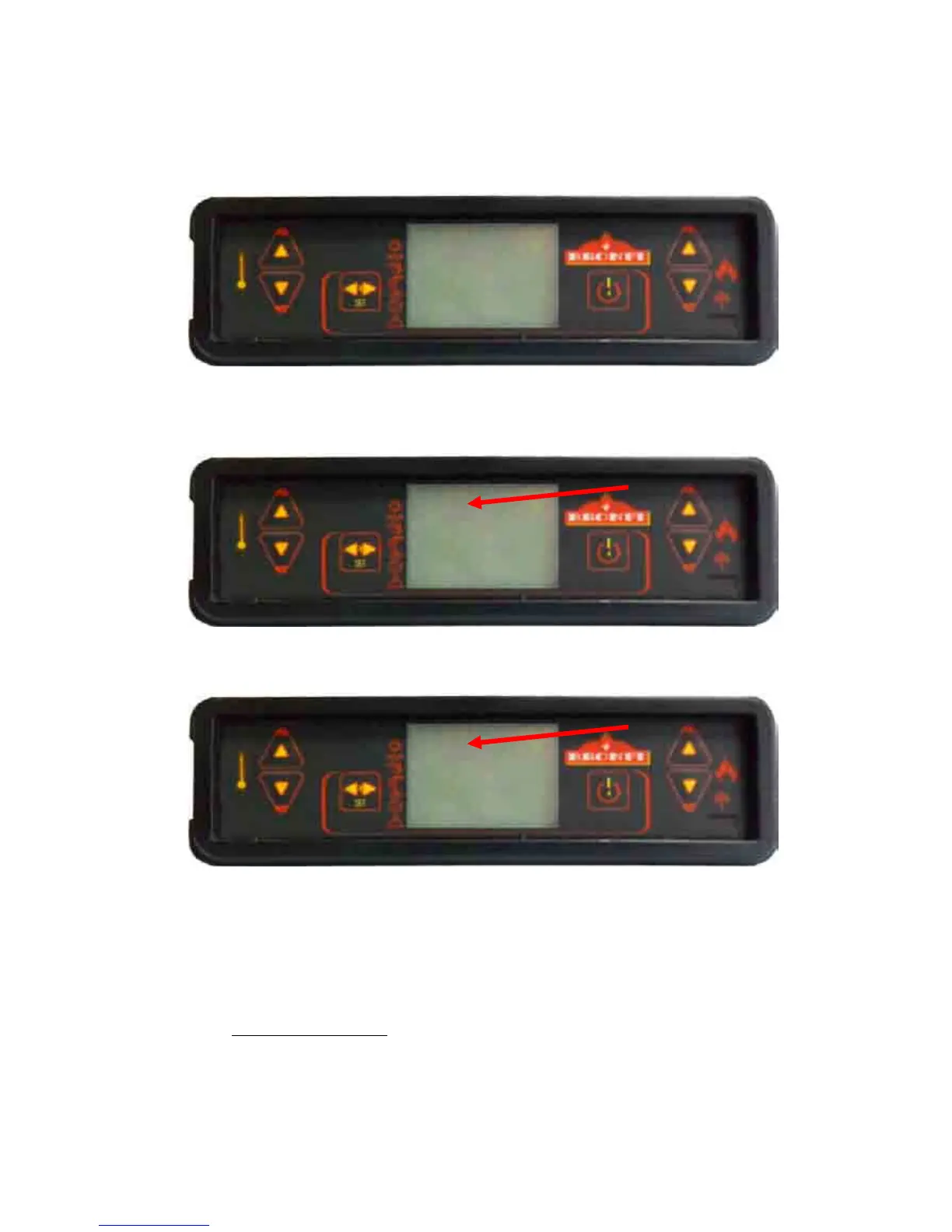
this time is only for Saturday and Sunday. To configure it you will start from the following screen:
To confirm the access to this programme, press the nº 3 key “SET”; the following screen will appear:
Modify the value “oFF” and select “on”:
Finally to complete the programming you have to introduce the starting and stopping hours as desired.
As mentioned, in case you need to program just one starting and stopping hour, the option STAR 2 has to
indicate “oFF” and the option STOP 2, “oFF” too.
It is also possible to program one starting hour START 1: 08:00 hours and a manual shutting down STOP 2:
“oFF”. Or a manual starting START 1: “oFF” and a stopping hour STOP 1: 22:00 hour.
9.4.5
Menu 4. Language selection
This option allows selecting the dialogue language between those available.



 To Next Page