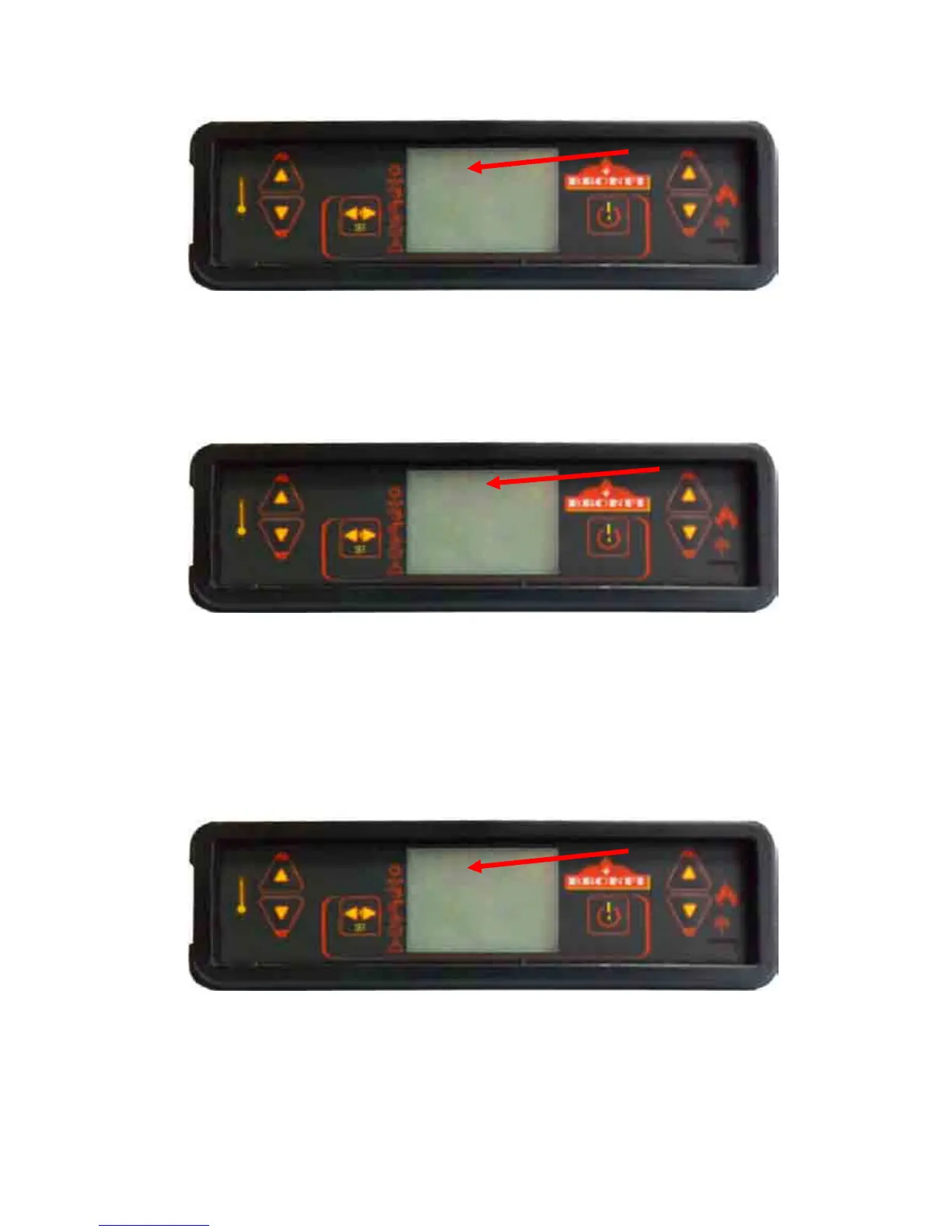
Finally we will choose the horary; four different hours of starting and stopping are available:
- PROGRAM 1: STAR 1 and STOP 1
- PROGRAM 2: STAR 2 and STOP 2
- PROGRAM 3: STAR 3 and STOP 3
- PROGRAM 4: STAR 4 and STOP 4.
After that, select the activation or deactivation of every program according to the day of the week, i.e.:
Program 1: Monday (on), Tuesday (on), Wednesday (oFF), Thursday (oFF), Friday (on), Saturday (on) and
Sunday (oFF).
Program 2: Monday (oFF), Tuesday (oFF), Wednesday (on), Thursday (oFF), Friday (oFF), Saturday (on) and
Sunday (on).
Program 3: Monday (oFF), Tuesday (on), Wednesday (on), Thursday (on), Friday (on), Saturday (on) and
Sunday (oFF).
Program 4: Monday (on), Tuesday (on), Wednesday (oFF), Thursday (oFF), Friday (oF), Saturday (oFF) and
Sunday (on).
Thanks to this kind of programming you will be able to combine 4 different horary along the days of the week
as your desire; be always care not to superimpose the horary.
on



 To Next Page