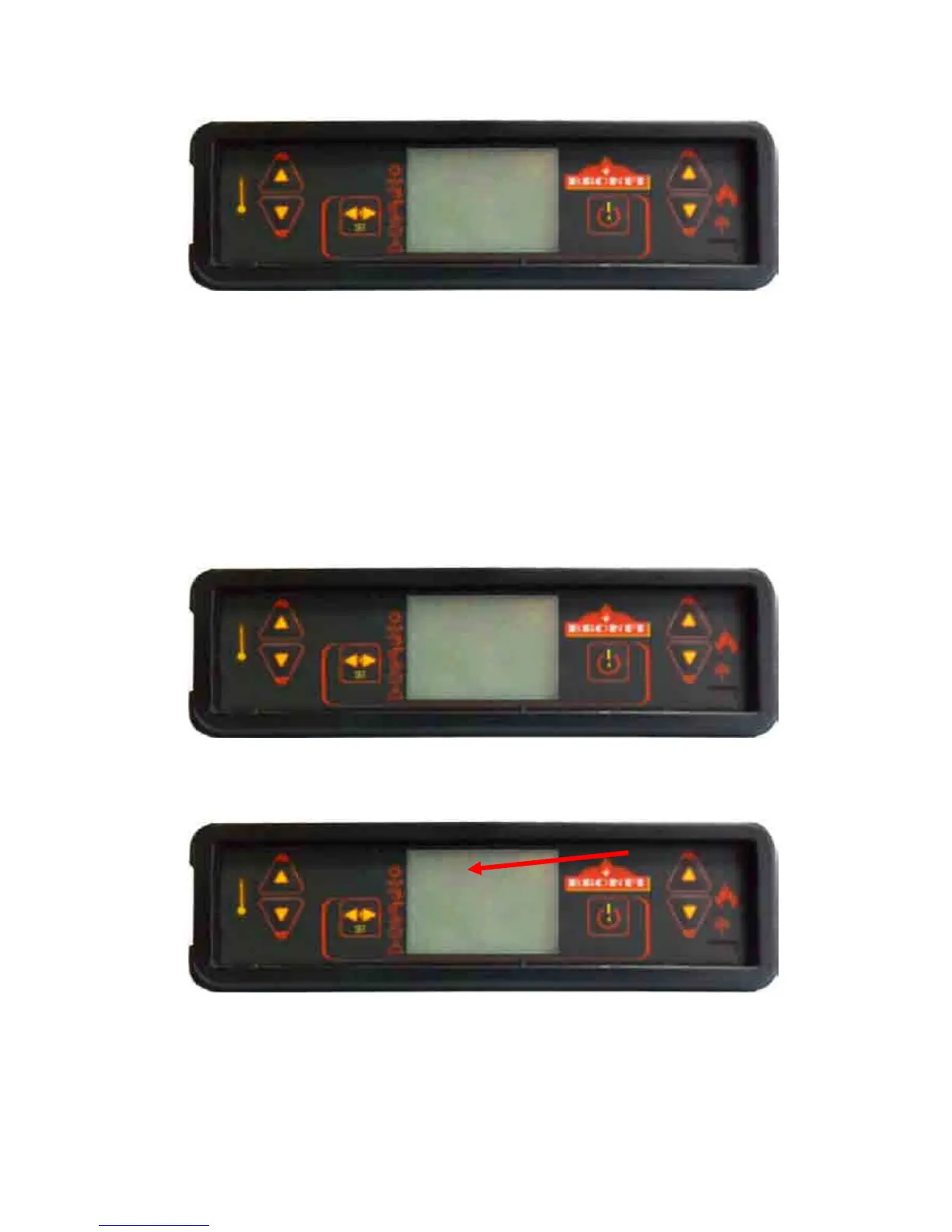
Now the daily programme of the stove is carried out with two starting hours and two stopping hours. In case
you need to program just one starting hour and one stopping hour, the option STAR 2 must indicate “oFF” as
well as the STOP 2 option must indicate “oFF”.
It is also possible to programme one starting hour START 1: 08:00 hours and a manual shutting down STOP 2 :
“oFF”. Or a manual starting START 1: “oFF”, and a stopping hour STOP 1: 22:00 hours.
Submenu
SubmenuSubmenu
Submenu
03
0303
03-
--
-03
0303
03-
--
-
Weekly
Weekly Weekly
Weekly Program
ProgramProgram
Programme
meme
me
NOTE
NOTENOTE
NOTE:
: :
: Carrying out a carefully programme should avoid the operating hours superposition and/or inactivate
Carrying out a carefully programme should avoid the operating hours superposition and/or inactivateCarrying out a carefully programme should avoid the operating hours superposition and/or inactivate
Carrying out a carefully programme should avoid the operating hours superposition and/or inactivate
the same day on
the same day on the same day on
the same day on different
differentdifferent
different
programs
programsprograms
programs.
..
.
For a weekly programming of the stove, you have to consider that 4 different starting hours and 4 different
stopping hours are available, then you will have to assign for each day of the week the activating or not of the
stove and to determinate a time interval. You will start from the following screen:
You will accede to the weekly programme submenu pressing the nº 3 key. The following screen will be
shown:
Change the option “oFF” to “on” pressing the keys nº 1 or nº 2, you will confirm the stove that daily
programme has been chosen:
23:00


 To Next Page