9.5
9.59.5
9.5
User mode
User modeUser mode
User mode
Now it is described the usual operation of the display installed into an air stove with reference to the available
options.
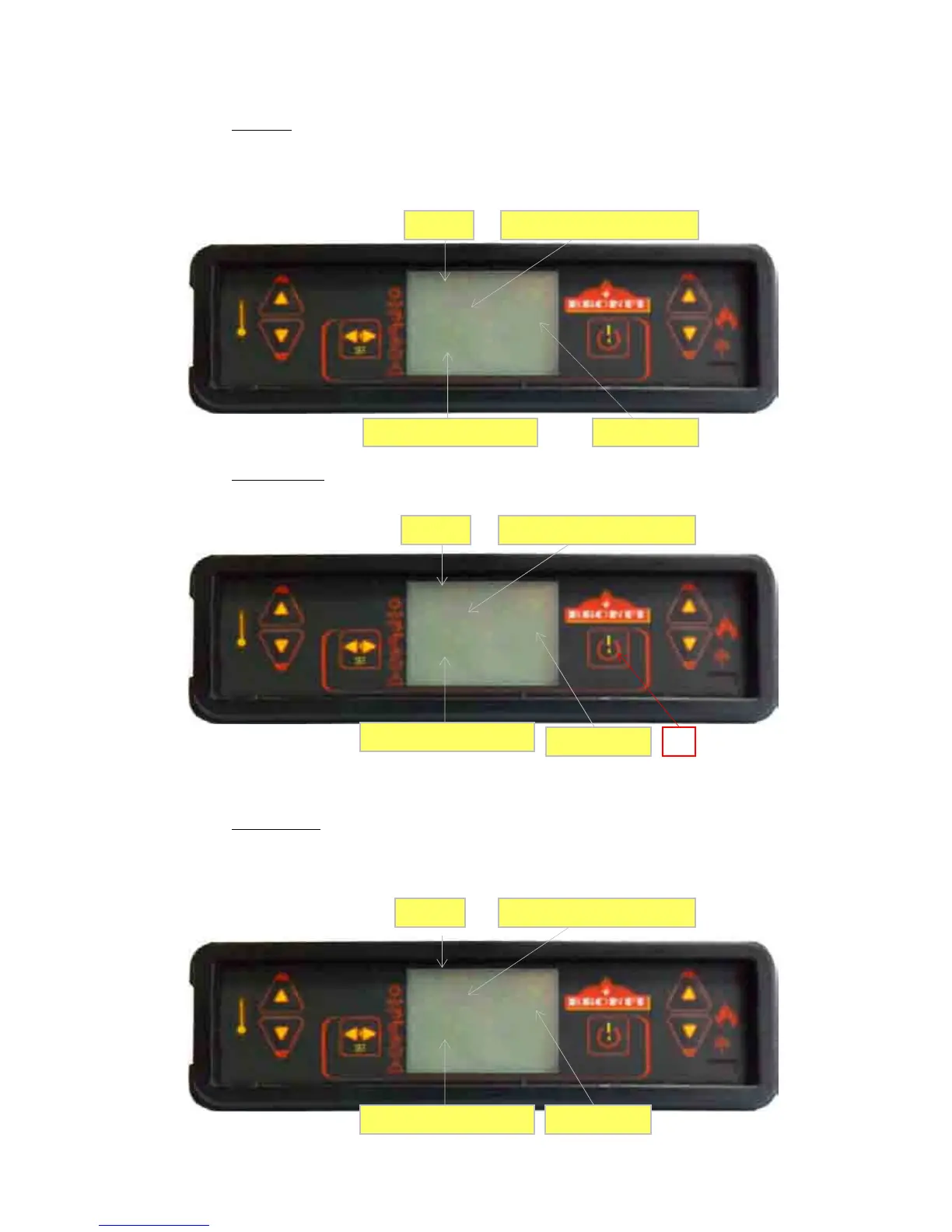
Before the ignition, the stove display remains as per it is shown on the following picture. Fig. 17
Fig. 17
9.5.1
Starting up stove
To start up the stove, please press the nº 4 key for a few seconds. The starting up message will appear on the
display screen as shown in picture nº 18.de
estufa puls
18
Fig. 18
This starting phase has 20 minutes as maximum duration, if passed this time a visible flame has not appeared,
automatically the stove will come into the alarm stage. The screen will show the message “
Starting Failure”.
9.5.2
Operation stove
Once the smoke consigned temperature is reached, the warm air fan starts operating. The auxiliary fans (in
case the stove has it) will start operating only if they are enable.
When the starting phase is finished, the stove come into the
“Working”
mode, which represents the usual
operation mode.


 To Next Page