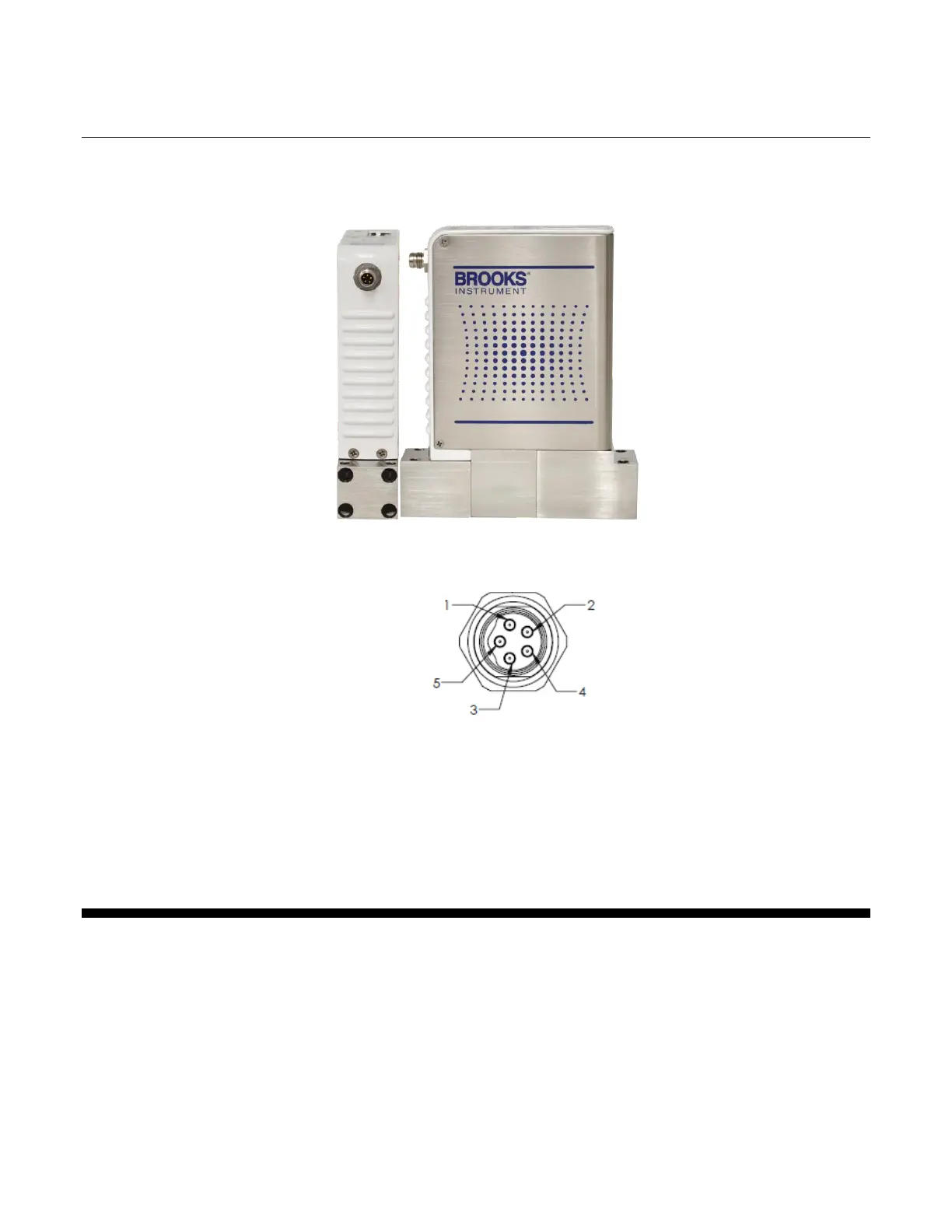
Figure 2-2 – M8 Power Connector Location
Figure 2-3 – M8 Power Connector Drawing
Pin 1: +24V
Pin 3: Power Common
2.2.2. LEDs
The POWER LED indicates that the device is supplied sufficiently with
power.
The IN and OUT port LEDs indicate whether the respective removable port is
connected.
The RUN indicator shows the status of the EtherCAT State Machine. Refer to
Table 2-1 below for indicator states and descriptions.



 To Next Page