17
ENGLISH
5
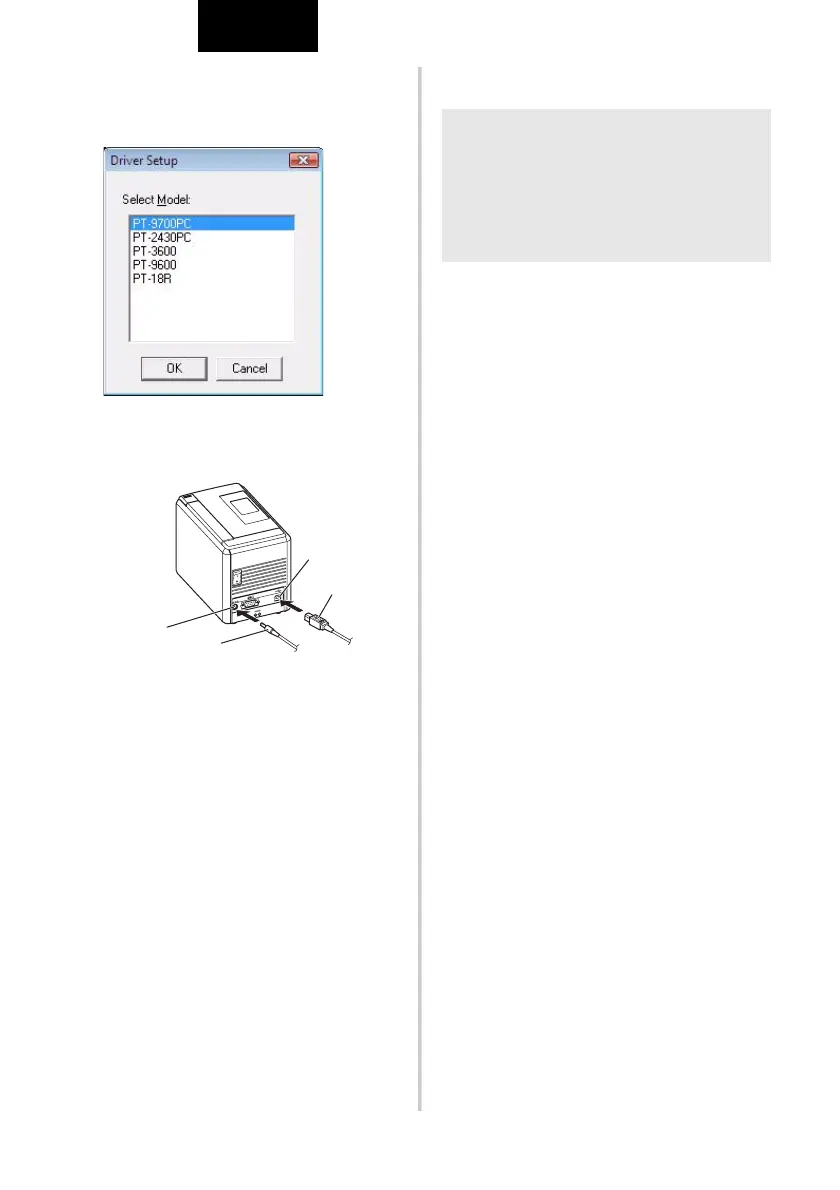
Select the desired model, and then click
[OK].
Follow the on-screen instructions of the
driver installation.
6
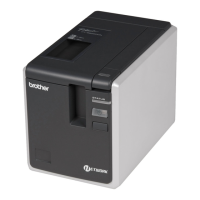
When instructed, connect your printer to
the computer by using the USB cable,
and then turn on the printer.
7
Once the printer is detected, the driver
will automatically be installed.
8
When instructed to register your printer
online, select a registration method and
click [Next].
If you have selected to register the
product online, your default internet
browser will be launched in a new
window. Follow the instructions to
register your printer.
9
When instructed to download the
optional tools, select your choice and
click [Next].
• If you choose “Yes, display the page”,
you will go to the Brother Solutions
Center web site before finishing the
installation (recommended).
Choose your region (eg. Asia/Oceania),
your country, your model and
Downloads for your model.
• If you choose “No, do not display the
page”, you will continue the installation.
0
Click [Finish].
The software installation is now complete.
Restart your computer if you are
instructed to do so.
a
Start the software.
Click “Start” - “All Programs (Programs)” -
“Brother P-touch” - “P-touch Editor 5.0”
to start P-touch Editor 5.0.
DC IN 24V
USB port
USB cable
AC adapter socket
AC adapter
Note
O To download the optional tools later, you
can find them on this Web site:
http://solutions.brother.com/
Choose your region (eg. Asia/Oceania),
your country, your model and
Downloads for your model.








 To Next Page