11 - 5 TROUBLESHOOTING AND ROUTINE MAINTENANCE
Document jams
If the document is jammed, follow the steps below.
Document is jammed in the top of the ADF unit.
1
Take out any paper from the ADF that is not jammed.
2
Open the ADF cover.
3
Pull the jammed document out as shown in the illustration
below.
4
Close the ADF cover.
Press
Stop/Exit
.
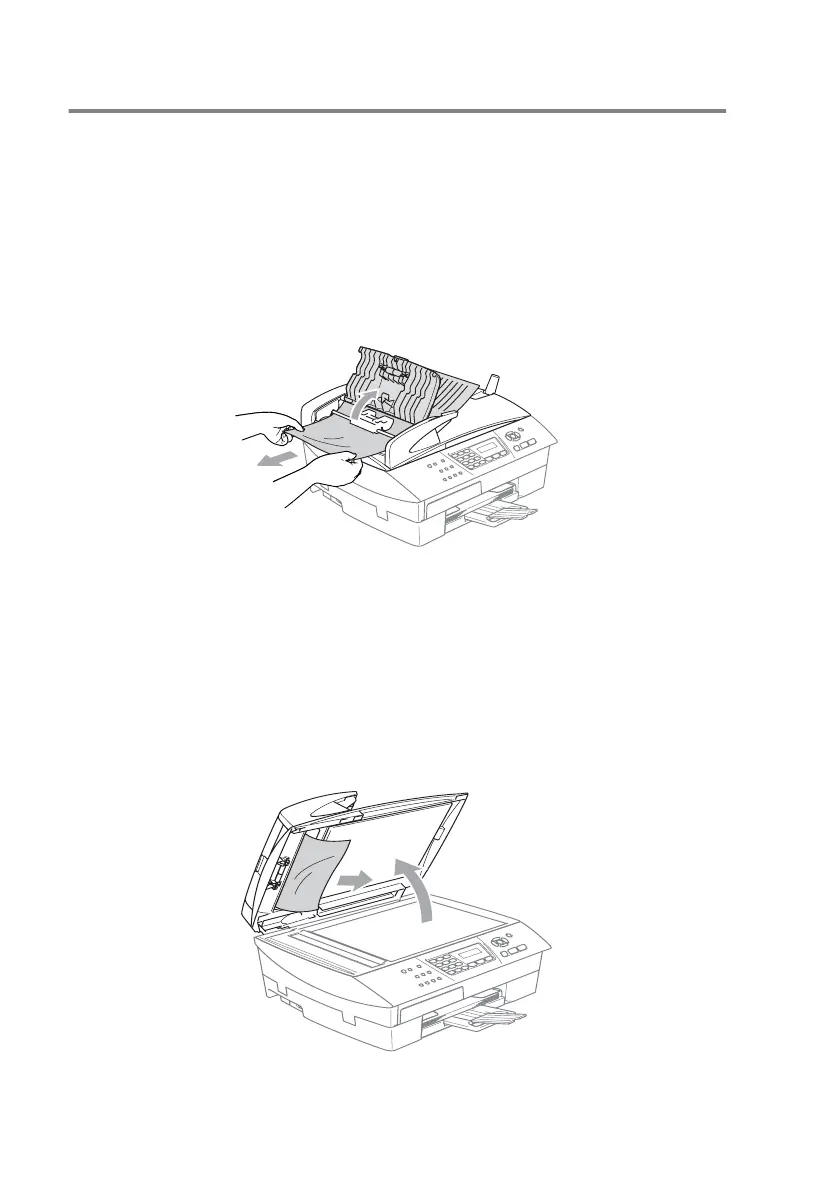
Document is jammed inside the ADF unit.
1
Take out any paper from the ADF that is not jammed.
2
Lift the document cover.
3
Pull the jammed document out to the right.
4
Close the document cover.
Press
Stop/Exit
.



 To Next Page
 Loading...