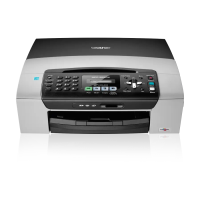
INTRODUCTION 1 - 3
1
Fax and Telephone keys:
Tel/R
This key is used to have a telephone
conversation after picking up the
external handset in F/T
pseudo-ringing.
You can also use this key to transfer
a call to another extension when it is
connected to a PABX.
Redial/Pause
Redials the last number you called.
It also inserts a pause in quick dial
numbers.
Fax Resolution
Sets the resolution when you send a
fax.
2
Copy keys
(Temporary settings):
Options
You can quickly and easily select
temporary settings for copying.
Quality
Use this key to temporarily change
the quality for copying.
Enlarge/Reduce
Lets you enlarge or reduce copies
depending on the ratio you select.
Paper Type (MFC-5440CN only)
You can select which type of paper
you want to use for the next copy.
Tray Select (MFC-5840CN only)
You can select which tray you want
to use for the next copy.
3
Dial Pad
Use these keys to dial telephone or
fax numbers and as a keyboard for
entering information into the MFC.
The # key lets you temporarily
switch the dialling mode during a
telephone call from Pulse to Tone.
4
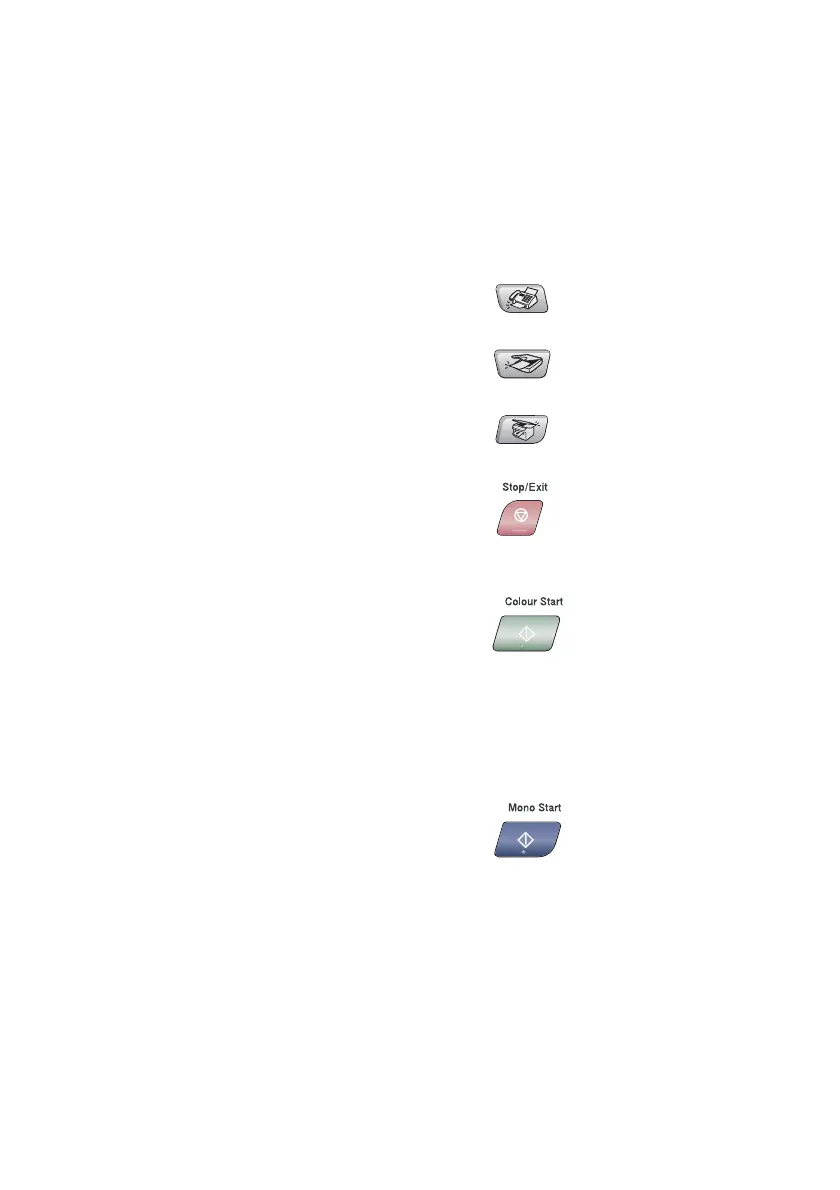
Mode keys:
Fax
Lets you access Fax mode.
Scan
Lets you access Scan mode.
Copy
Lets you access Copy mode.
5
Stop/Exit
Stops an operation or exits from the
menu.
6
Colour Start
Lets you start sending faxes or
make copies in full colour.
Also lets you start a scanning
operation (in colour or black,
depending on the scanning setting
on your PC).
7
Mono Start
Lets you start sending faxes or
make copies in black and white.
Also lets you start a scanning
operation (in colour or black,
depending on the scanning setting
on your PC).



 To Next Page
 Loading...