10
Unpacking the printer
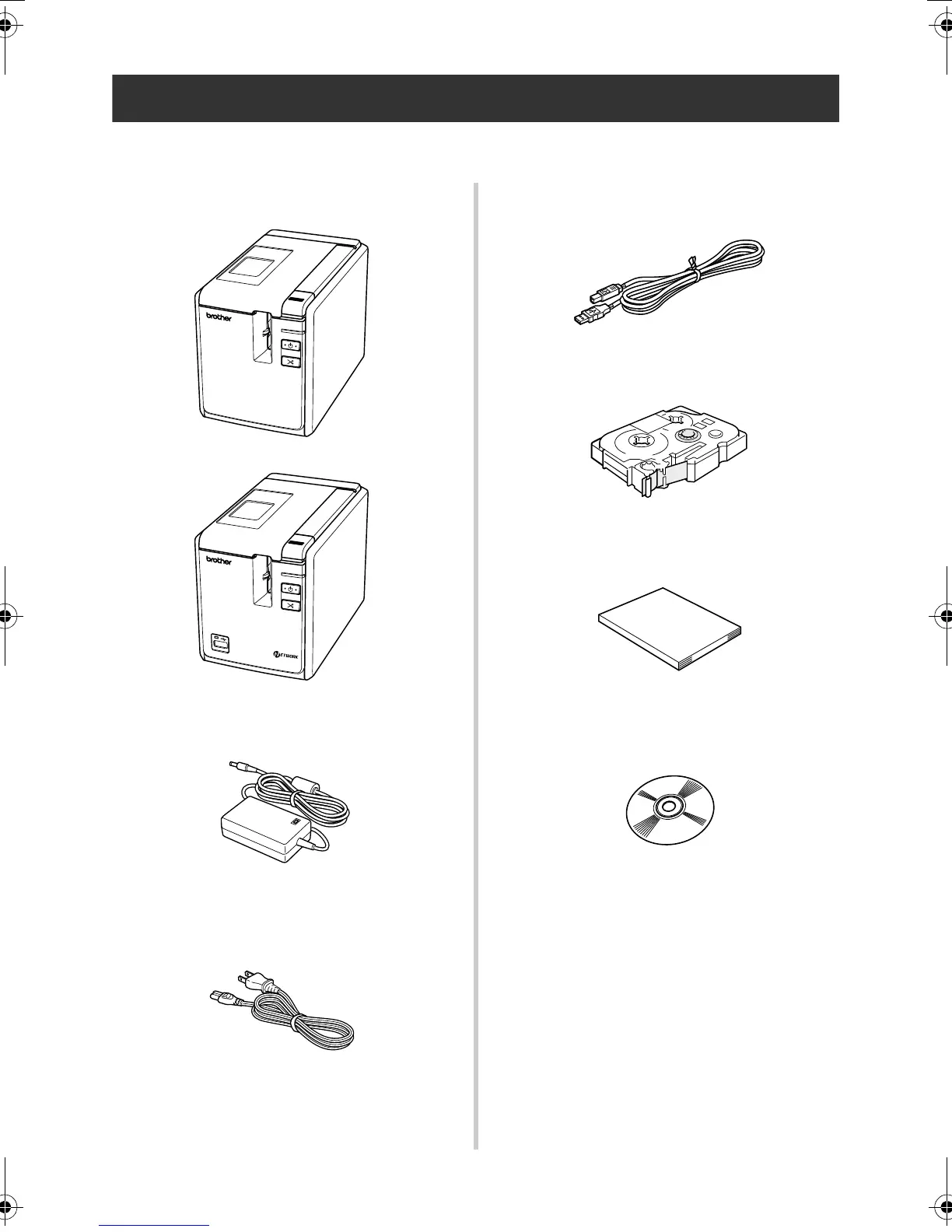
Open the box and confirm that the following items are included. If any item is missing or damaged,
please contact the retail outlet where the printer was purchased.
■ PT-9700PC/PT-9800PCN
Printer (PT-9700PC)
Printer (PT-9800PCN)
■ AC adapter
Connect to the power supply cord.
■ Power supply cord
Connect to an electrical outlet (AC 120 V).
■ USB cable
■ Tape cassette
■ User’s Guide
■ CD-ROM
■ Tape catalog
■ Supplies and Accessories Guide
STATUS
PT9700PC9800PCN_US.book Page 10 Wednesday, October 7, 2009 11:58 AM



 To Next Page
 Loading...








