26
3
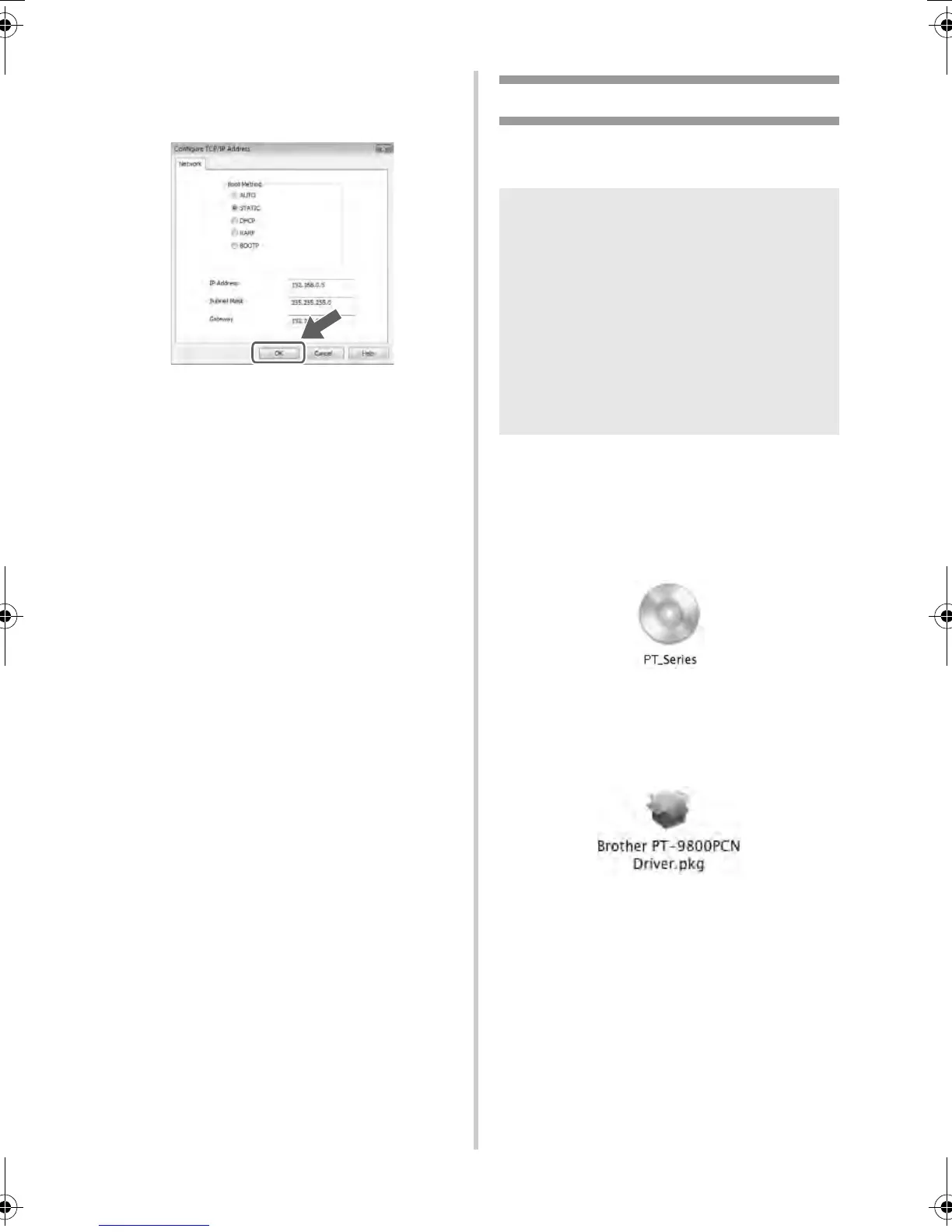
Choose STATIC for the Boot Method.
Enter the IP Address, Subnet Mask and
Gateway, and then click [OK].
4
The address information will be saved to
the printer.
When using Mac OS
®
This section explains how to install P-touch
Editor 5.0 and printer driver.
Below is the example for Mac OS
®
X 10.5.7.
1
Start up Macintosh
®
, and insert the CD-
ROM into the CD-ROM drive.
Double click the “PT_Series” (CD-ROM)
icon.
2
Double click “Brother PT-9800PCN
Driver.pkg” in “Mac OS X” folder.
The Driver Installer starts up. Follow the
on-screen instructions.
Note
● Until P-touch Editor 5.0 installation is
completed, do not connect the printer to
Macintosh
®
. Make sure the USB cable is
not connected until you are instructed to
connect it.
● You must be logged on as a user with
administrator privileges to install this
software.
● Turn off the printer with the power button
and then with the main power switch.
PT9700PC9800PCN_US.book Page 26 Wednesday, October 7, 2009 11:58 AM



 To Next Page
 Loading...








